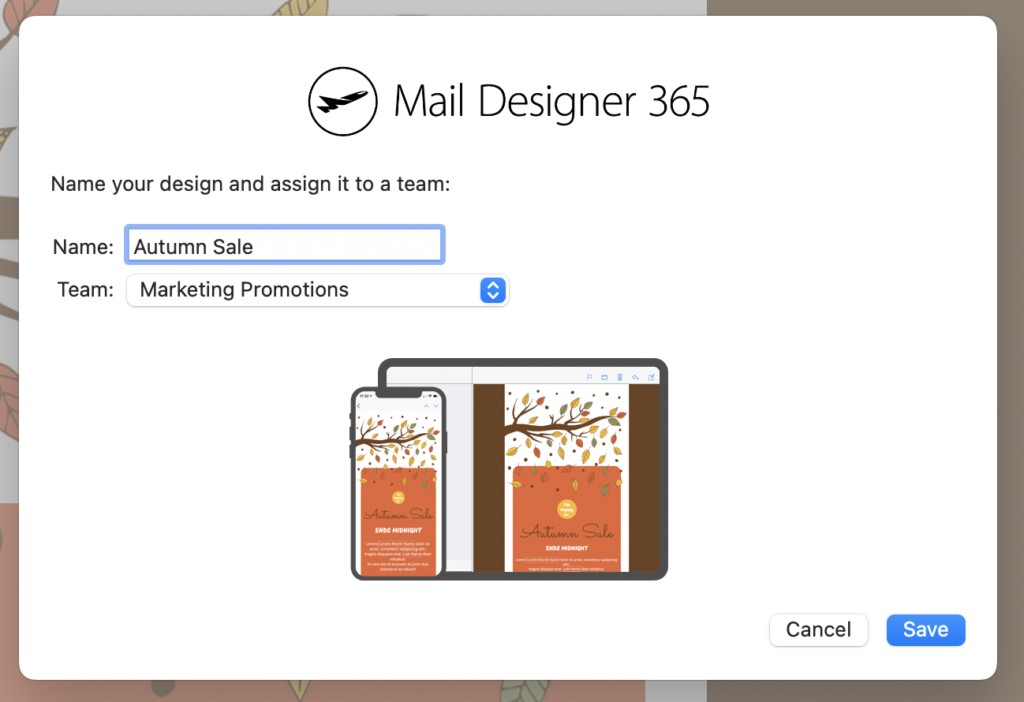
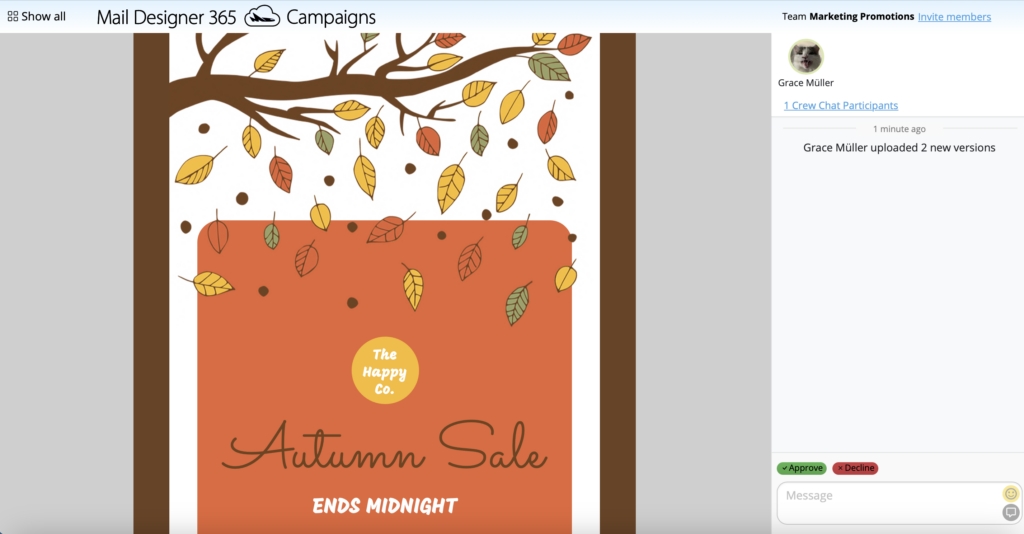
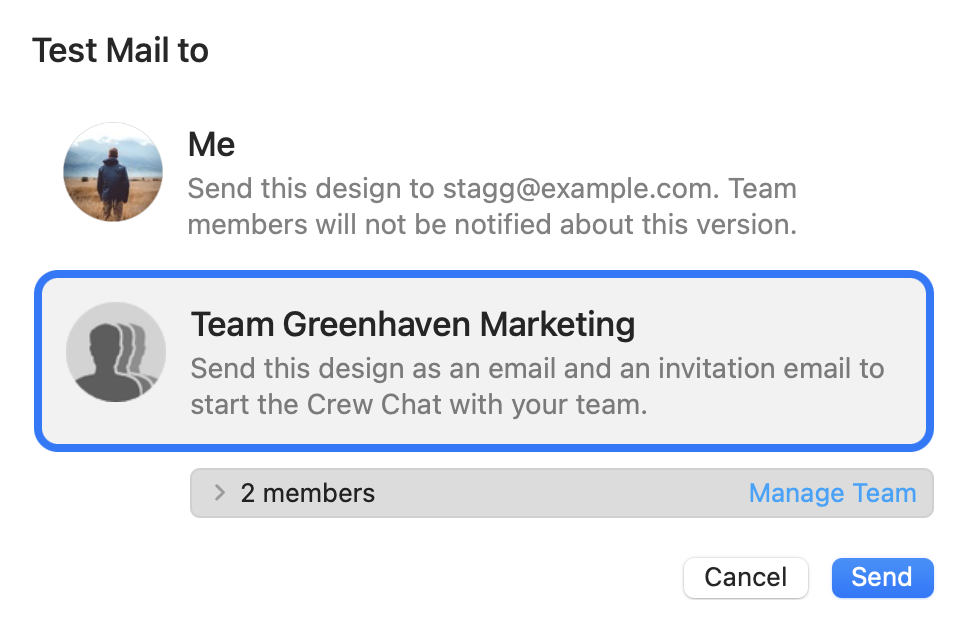
Once you have uploaded a design to Crew Chat, all your team can comment and give you feedback.
To notify a team member about a new design, click on Crew Chat Participants in the top right corner of the window:
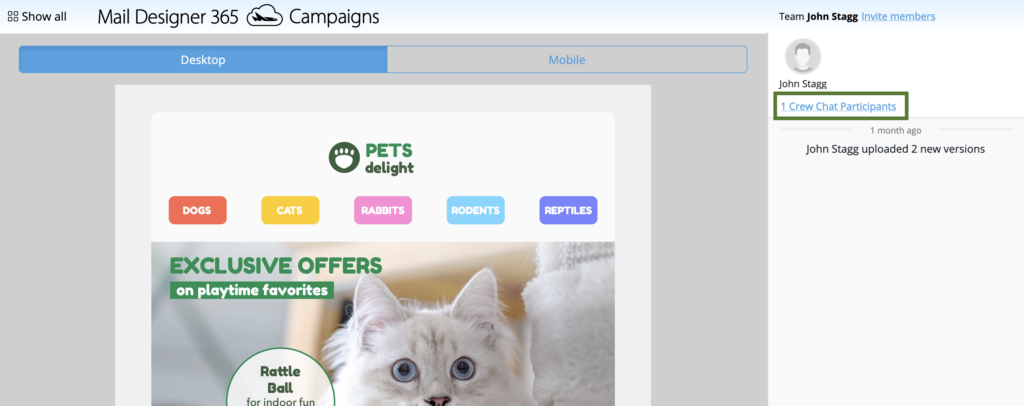
This will open up a list of your current team members. Simply check the box next to their name and click Save:
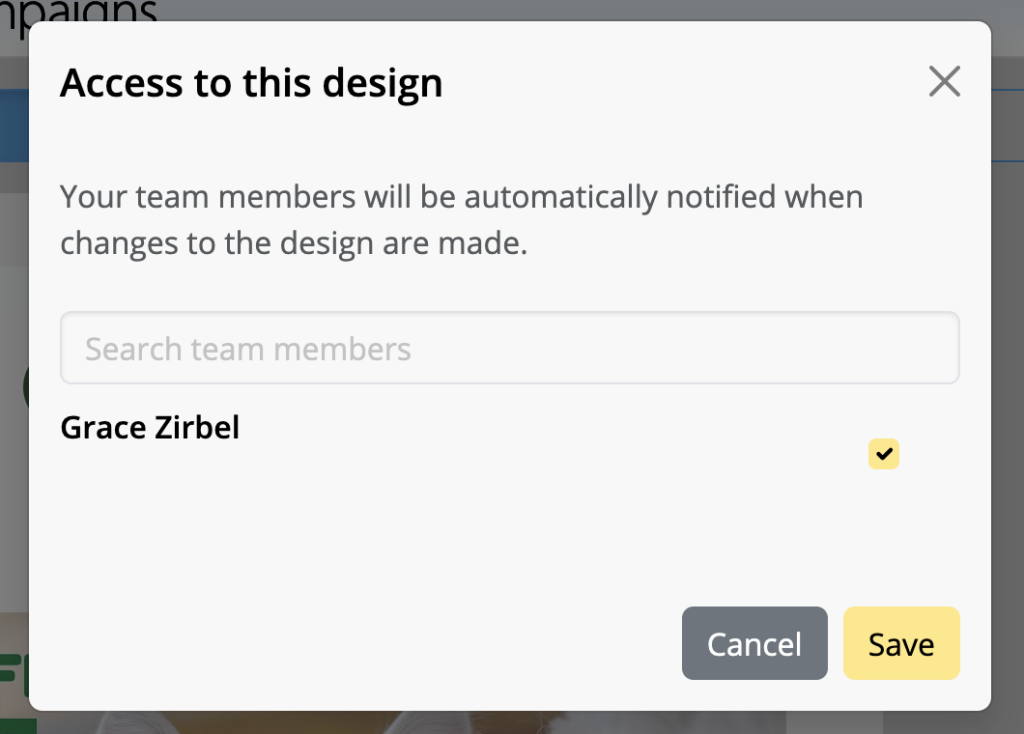
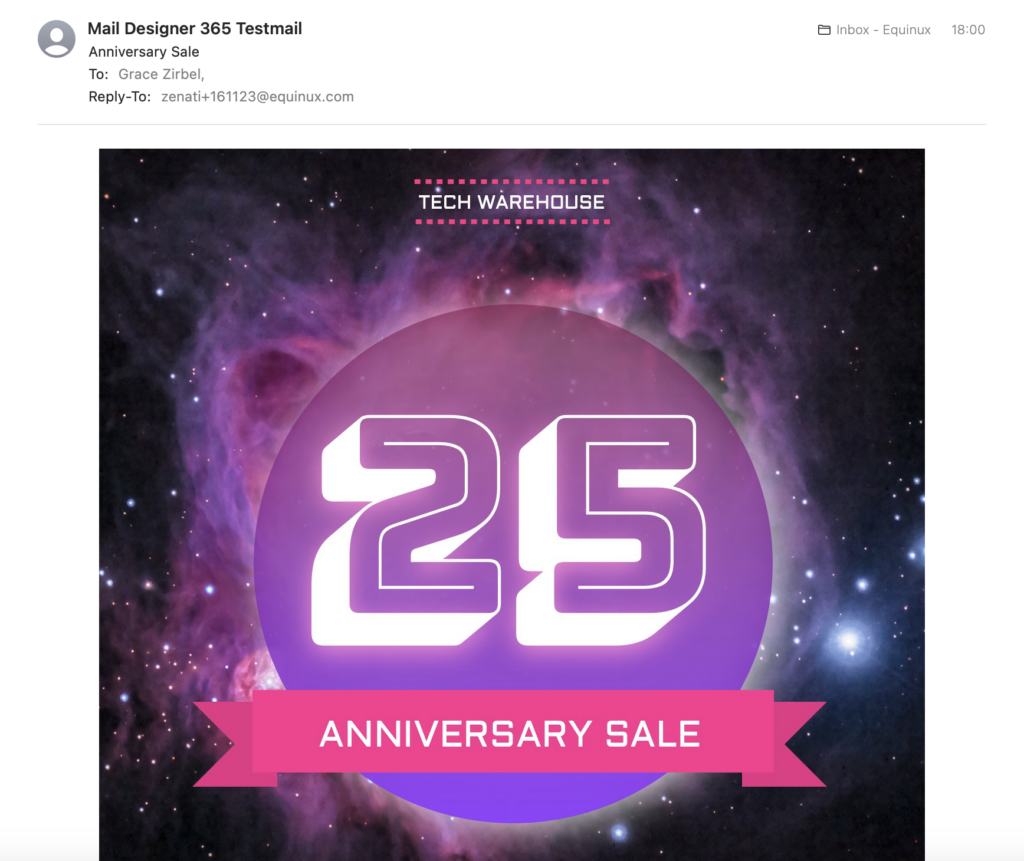
They will then be notified about your newly uploaded design by email:
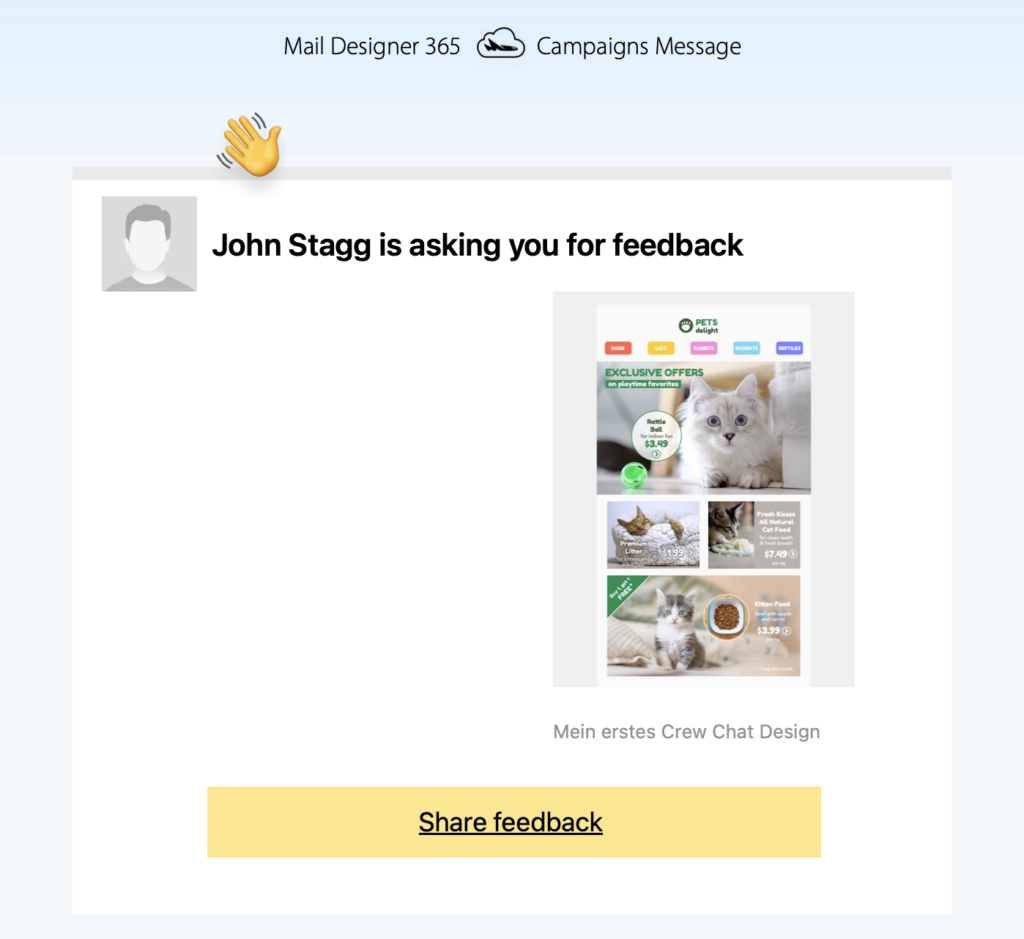
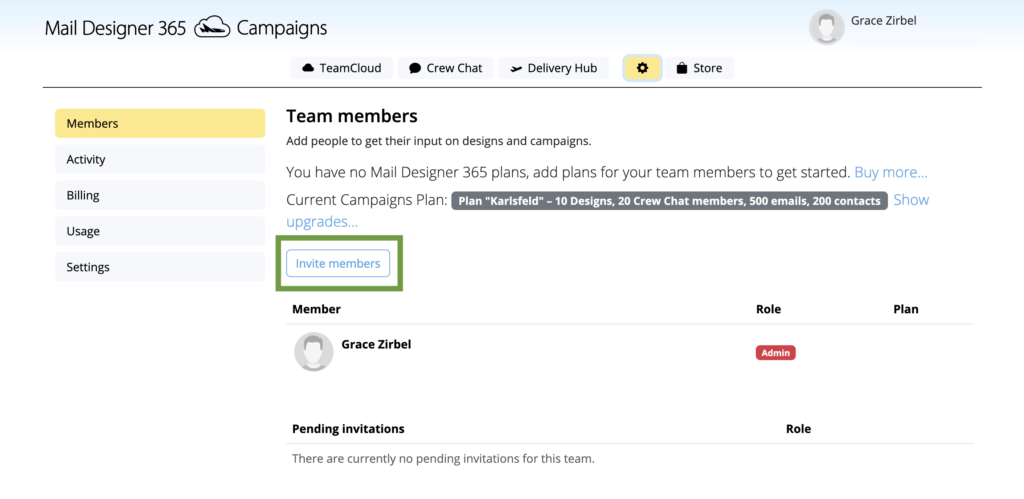
If you need to invite a new member to your team, click on Invite members:
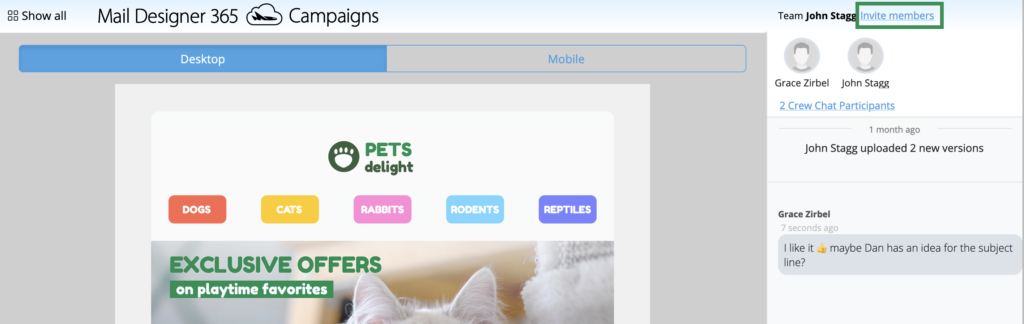
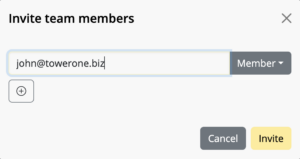
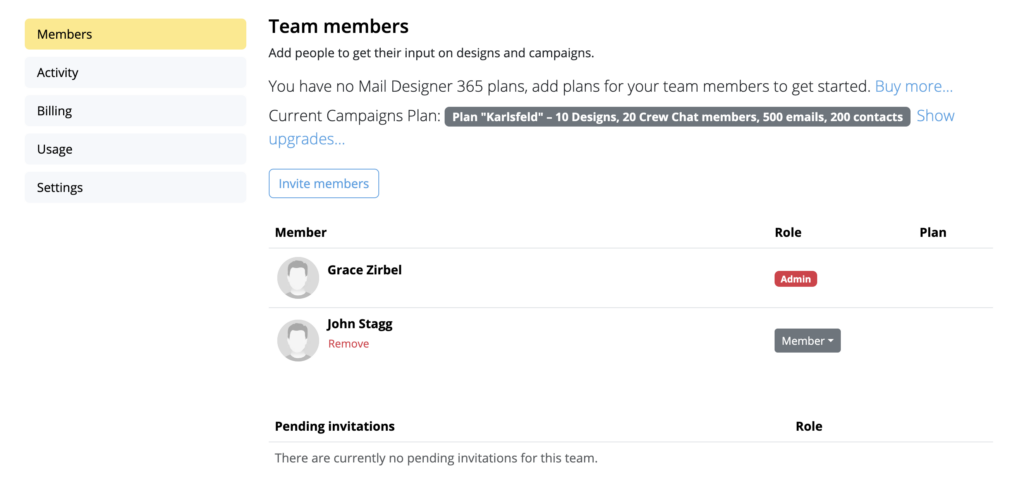
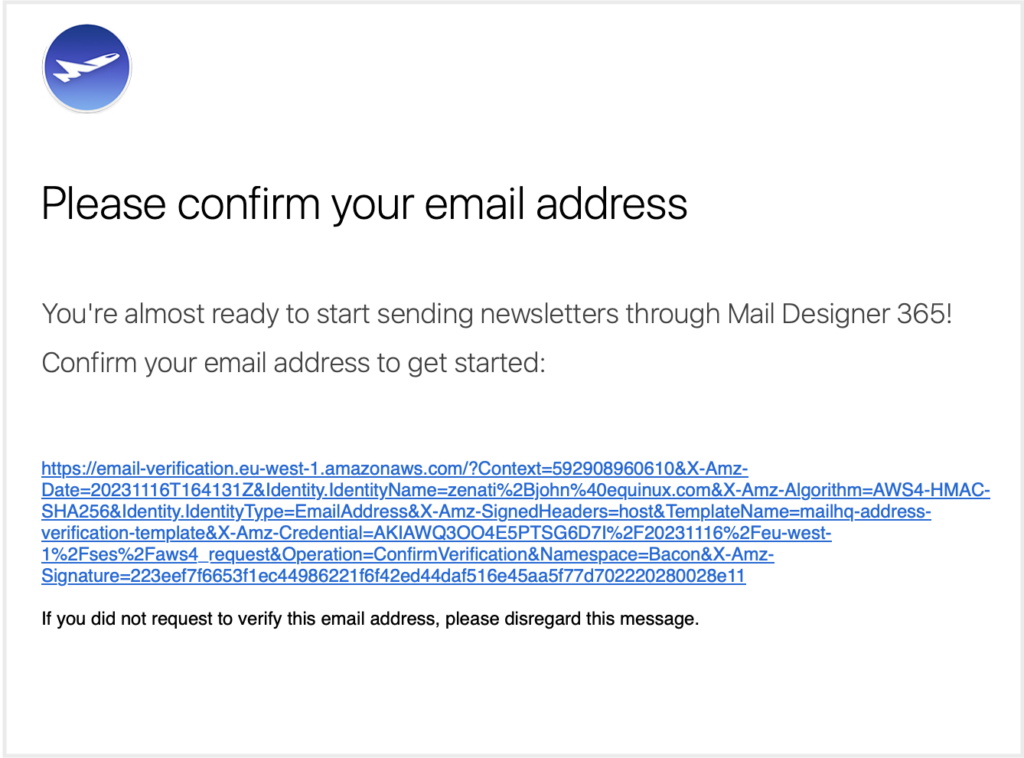
Enter their email address in the field provided and hit Invite to send them an email notification:
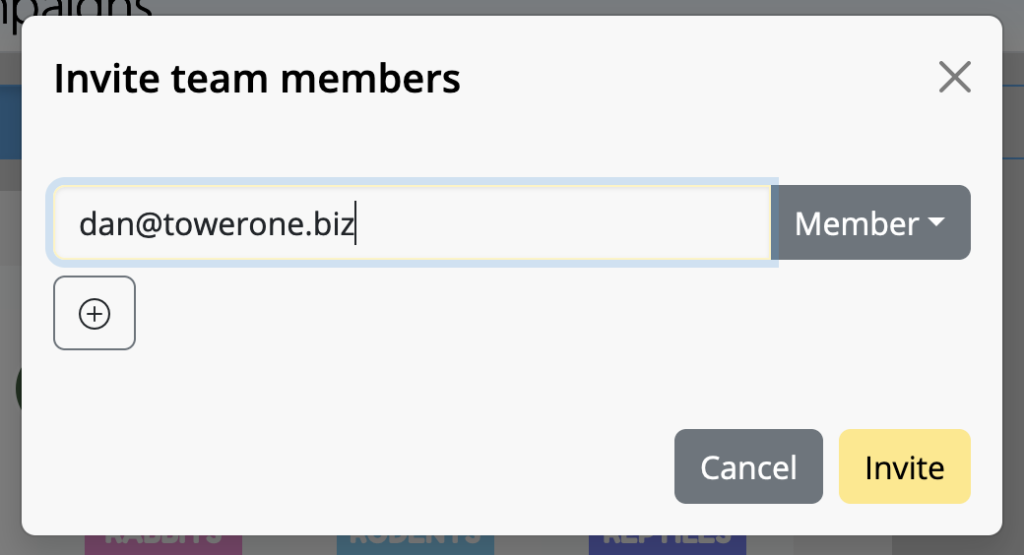
Now that you've invited all your team members to the discussion, you can get started with the feedback process!
How Can We Help?
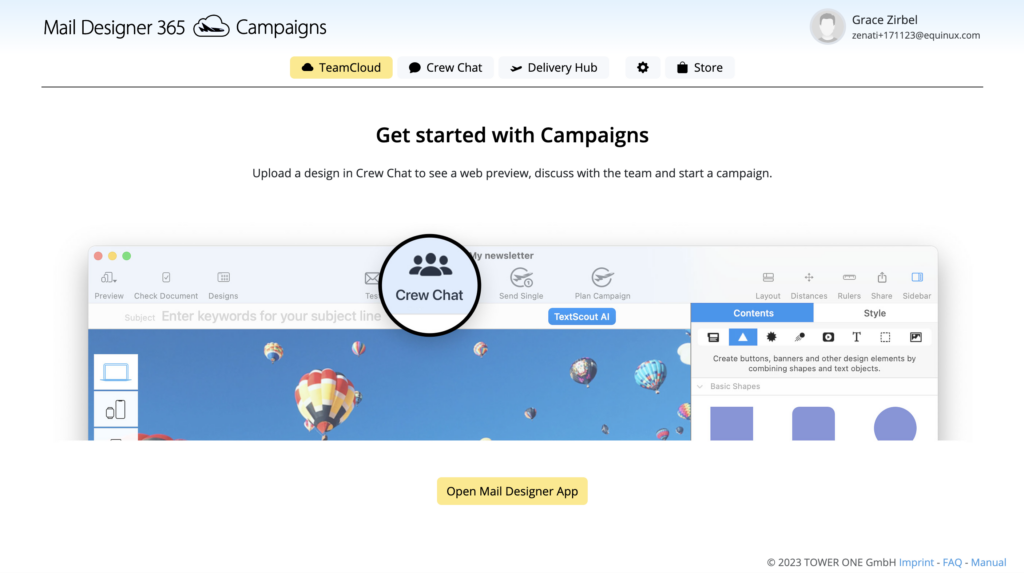
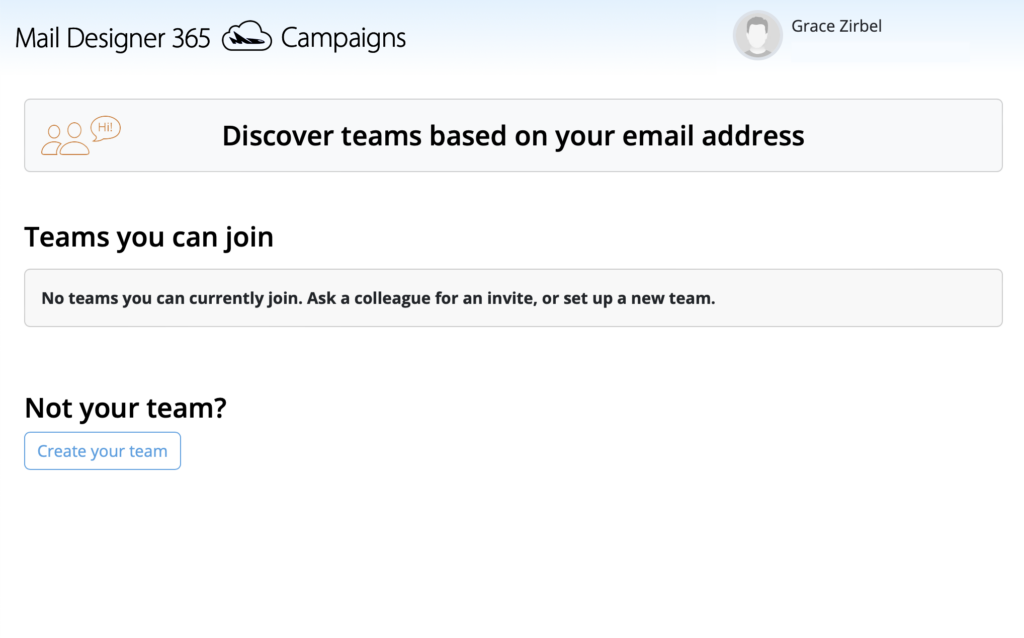 You will now be directed to the TeamCloud start page. This is where you will see all your team's uploaded templates once you get started with Mail Designer 365 Campaigns: