
Newsletter Templates and Design Ideas
Mail Designer 365 • Responsive newsletter templates • 270+ professional email designs
Download Free Mac AppStart with your favorite newsletter template
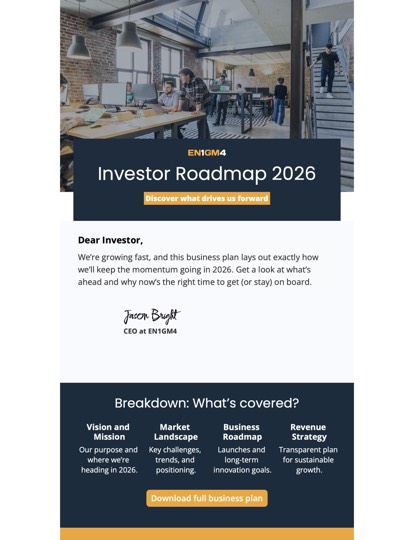
Business Roadmap
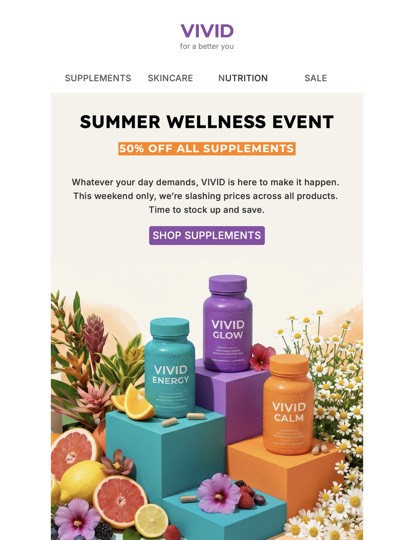
Colorful Sale
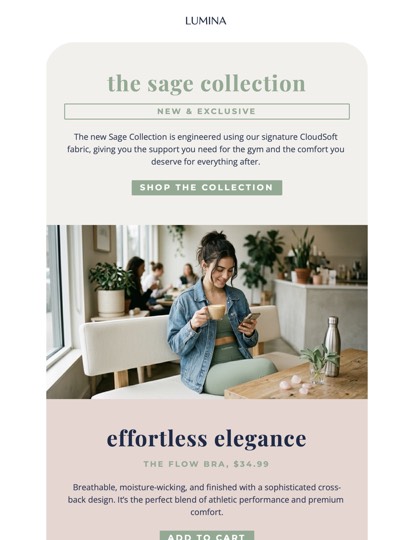
Fashion New Collection
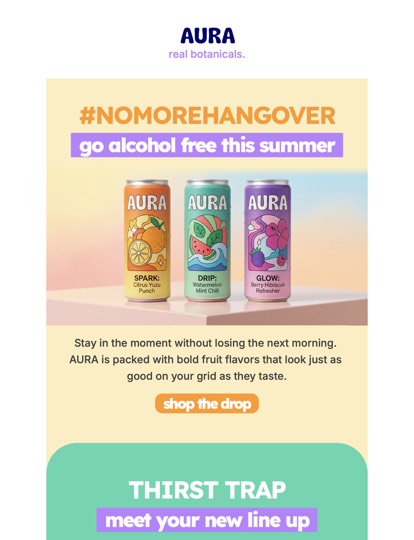
Mocktails
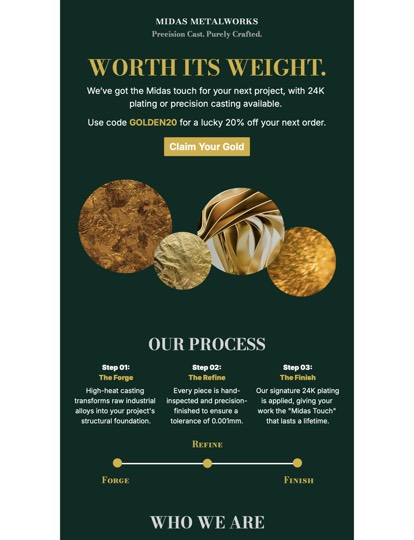
Metalworks
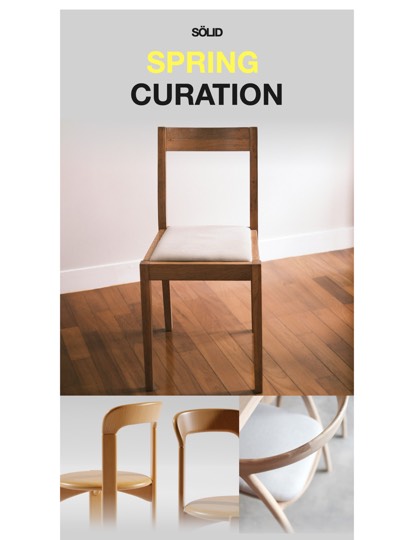
Modern Interiors
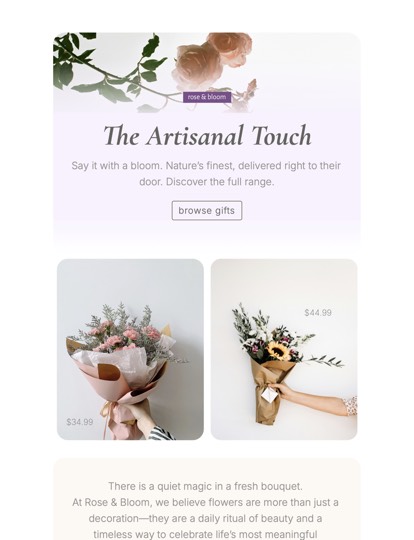
Florist
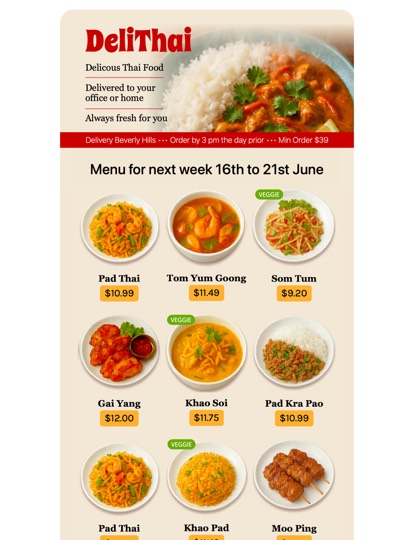
Office Food Delivery
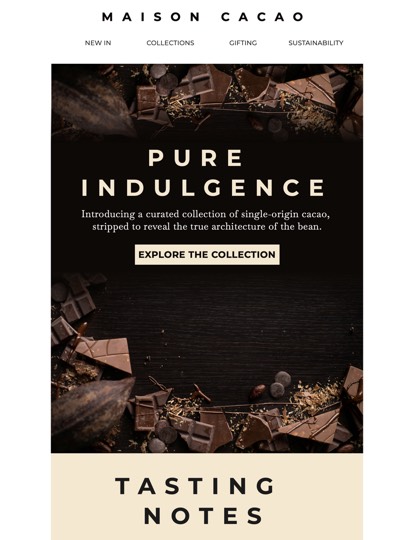
Chocolate Shop
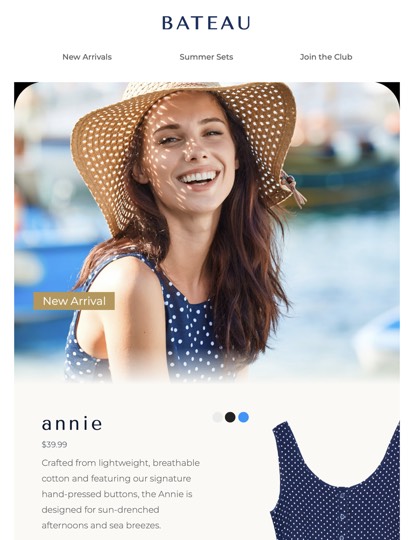
Fashion New Arrivals
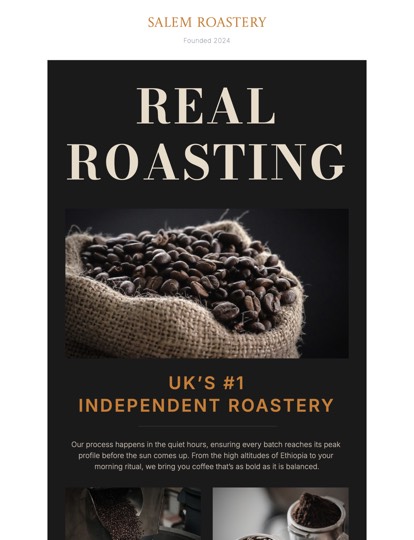
Coffee Roastery
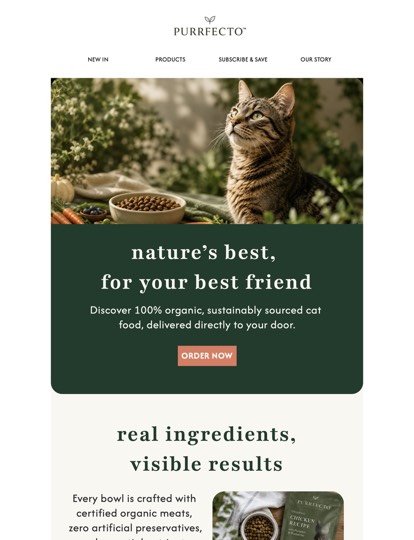
Pet Food
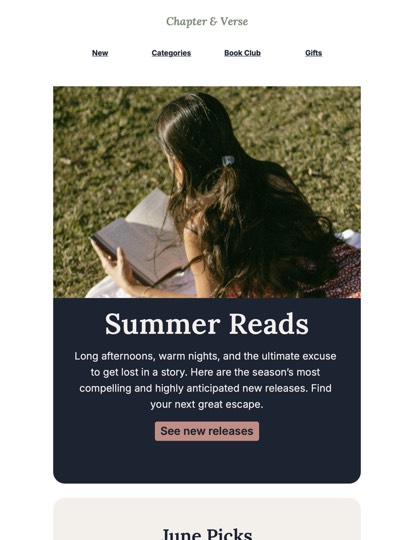
Book Store
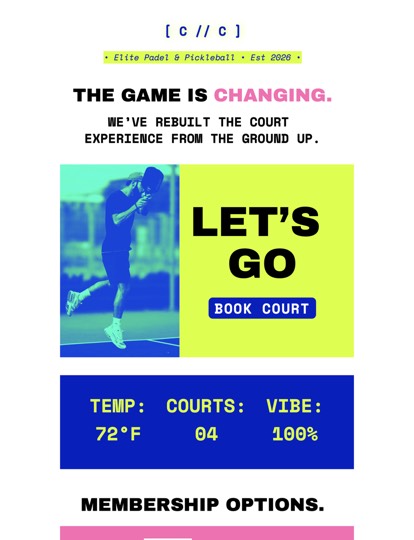
Sports Club
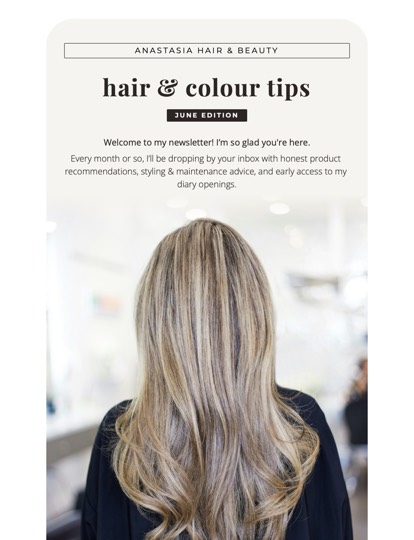
Hair Salon Newsletter
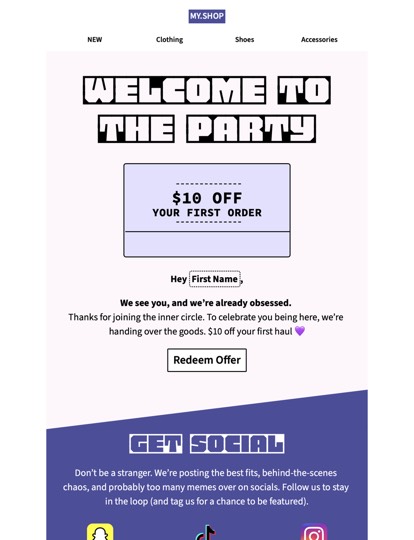
Welcome Discount

Automotive Services
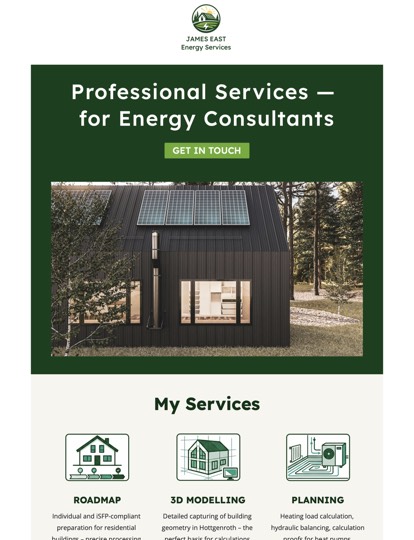
Energy Consulting
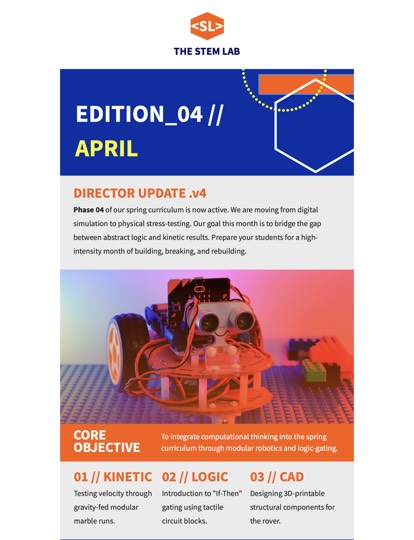
Tech School Newsletter
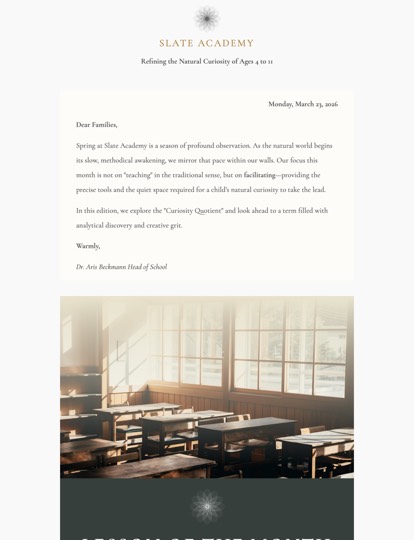
Academic Newsletter
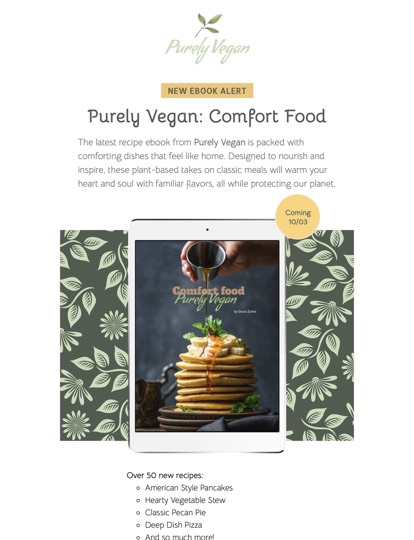
eBook Promotion
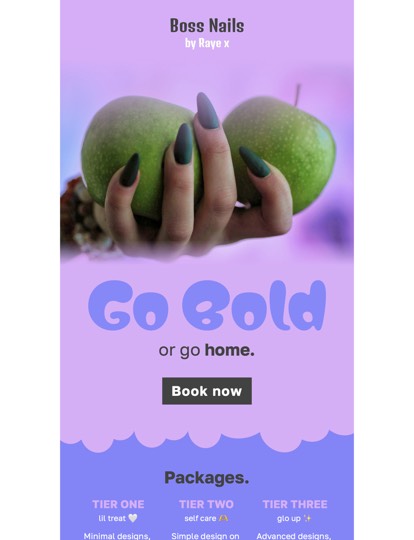
Nails Prices
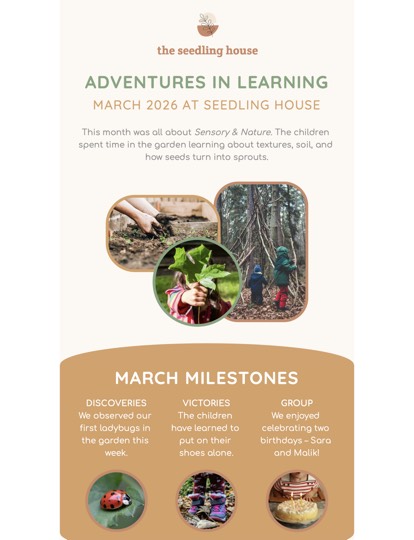
Daycare Newsletter
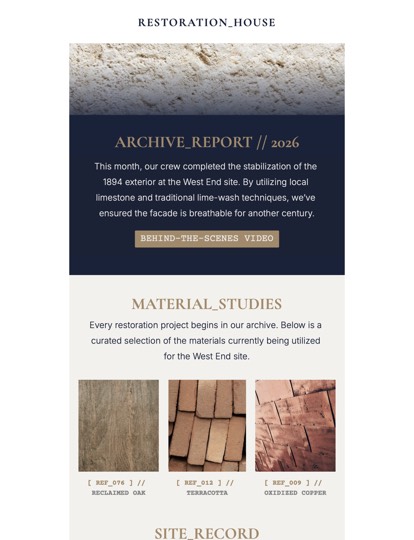
Restoration Firm
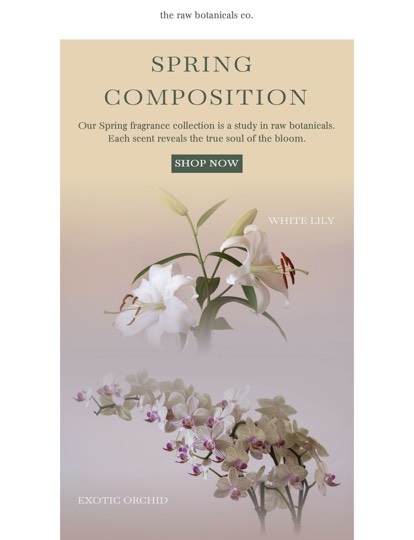
Fragrance Shop
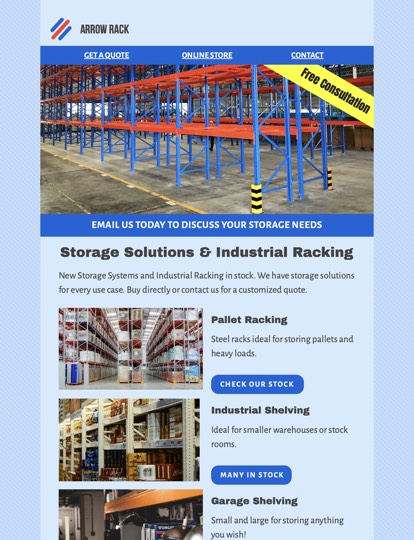
Industrial Shelving

Gift Voucher
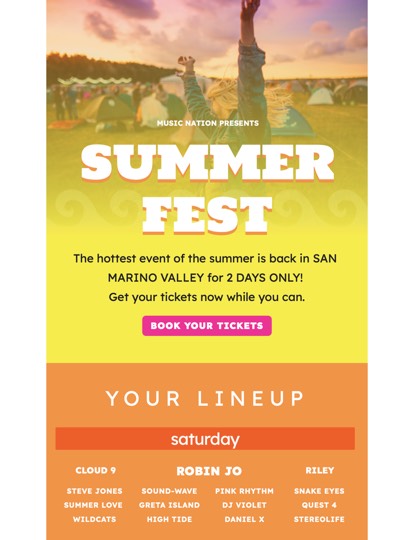
Music Festival
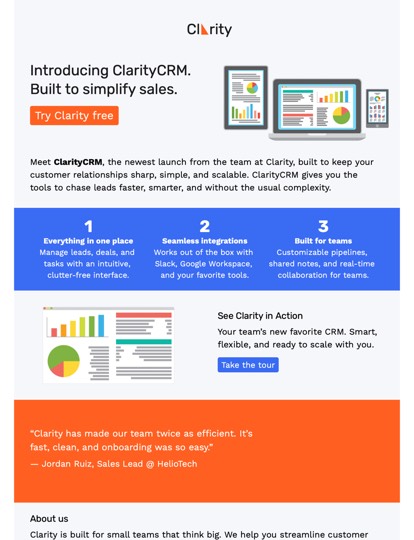
Business Product Launch
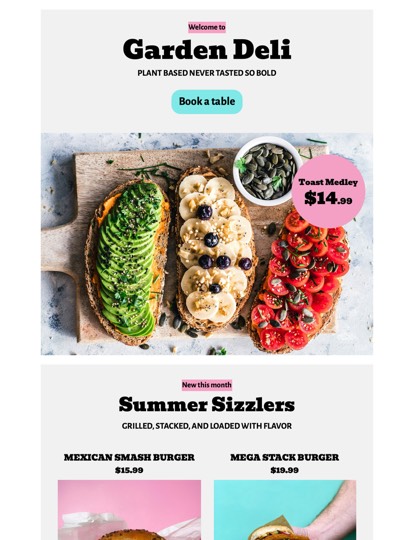
Vegan Restaurant
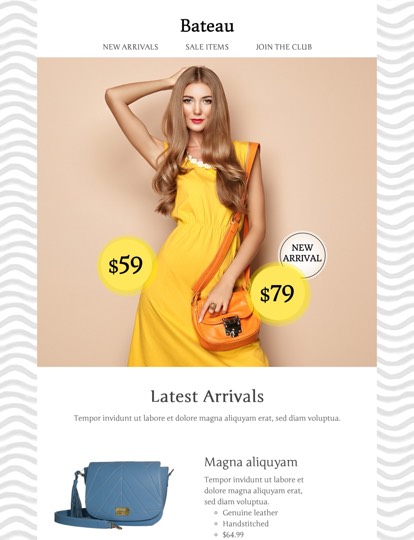
Online Boutique
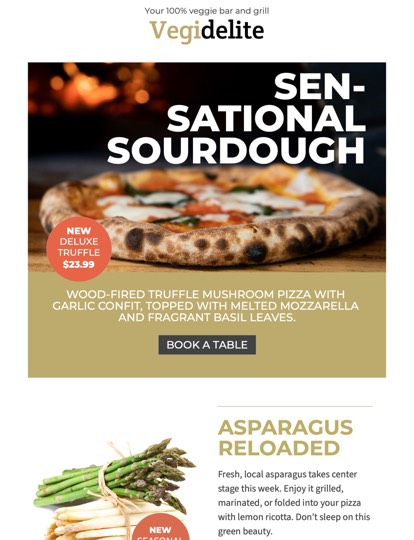
Restaurant Newsletter
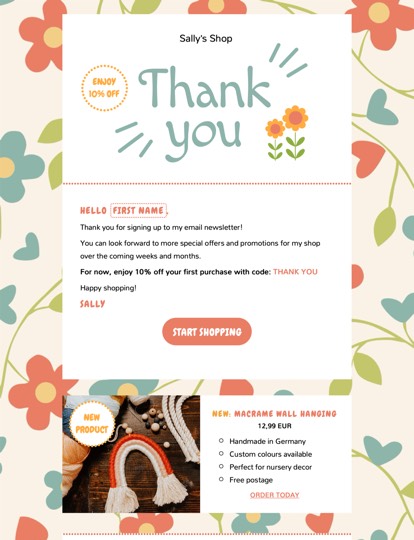
Thank You Offer
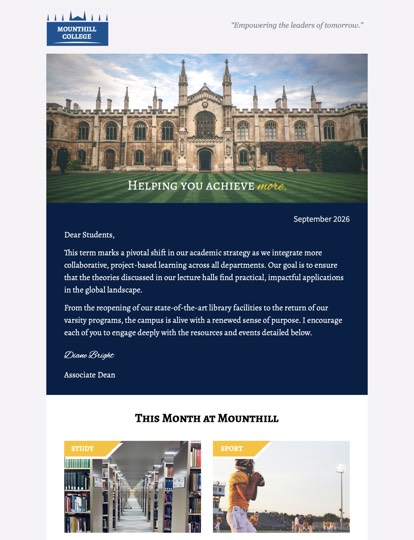
University Newsletter
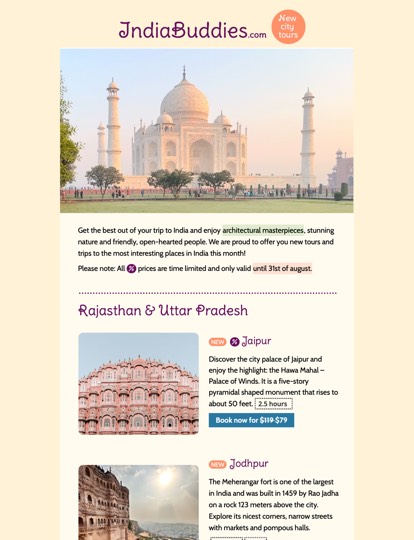
Travel City Tours
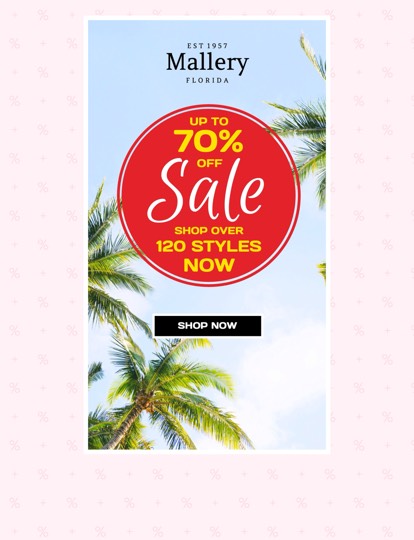
Sale
Can't find the newsletter template you need?
Request a new template here.Design Professional Newsletters with Mail Designer 365
Create responsive newsletters on your Mac with ready-to-use newsletter templates, design ideas, a visual drag-and-drop editor, and flexible export and sending options.
What Are Newsletter Templates?
Newsletter templates are pre-designed email layouts that help you create polished campaigns faster. They give you a ready-made structure for images, branded colors, formatted text, buttons, columns, and responsive layouts.
Businesses use newsletter templates for product updates, sales campaigns, event invitations, company news, seasonal promotions, customer onboarding, and regular email marketing. With the right template, you can keep every newsletter consistent, professional, and easy to read across desktop and mobile devices.
Newsletter Templates for Every Campaign
Mail Designer 365 includes a large collection of professionally designed newsletter templates for business, sales, events, announcements, seasonal campaigns, restaurants, retail, travel, education, real estate, healthcare, and more.
Choose a design idea from the gallery, replace the sample content with your own copy and images, and adapt the layout to fit your brand. Whether you need a monthly business newsletter, a holiday sale email, a product launch, or a transactional message, you can start from a polished design instead of a blank page.
Create Newsletters on Your Mac Without Coding
Mail Designer 365 is a native Mac app for creating responsive newsletters visually. The drag-and-drop editor lets you add text, images, buttons, dividers, links, social media elements, and layout blocks without writing code.
The app handles the email design structure in the background, so you can focus on your message, branding, and campaign goals. This makes Mail Designer 365 a practical choice for small businesses, marketing teams, agencies, creators, and anyone who wants to design professional email newsletters on macOS.
Customize Your Newsletter Template
Every newsletter template in Mail Designer 365 can be customized to match your campaign. Update headlines, body text, images, colors, fonts, buttons, spacing, and links directly in the visual editor.
You can create promotional newsletters, event emails, product announcements, welcome messages, order confirmations, customer surveys, seasonal campaigns, and branded company updates. Each design can be adapted for your audience while keeping the layout clean, readable, and mobile-friendly.
Responsive Newsletter Templates for Desktop and Mobile
Good newsletter templates need to look clear and professional on different screen sizes. Mail Designer 365 helps you create responsive email designs that work for both desktop and mobile inboxes.
Use mobile-friendly layouts, readable text sizes, clear image placement, and easy-to-tap call-to-action buttons to improve the experience for your subscribers. Before sending, preview your newsletter and check that your design, links, and message are ready for your audience.
Export and Send Your Newsletter
Once your newsletter is ready, Mail Designer 365 gives you flexible ways to send it. You can use Mail Designer 365 Campaigns to send email campaigns directly, use Direct Mail for smaller sends from your Mac, or export your newsletter template as optimized email code for supported email marketing platforms.
This lets you design your newsletter visually in Mail Designer 365 and then choose the sending workflow that fits your business.
Newsletter Template Design Best Practices
For better results, keep your newsletter focused and easy to scan. Use one clear main message, a strong headline, concise copy, high-quality images, and a visible call-to-action button.
Make sure your design is mobile-friendly, your links are correct, and your most important content appears near the top of the email. Test your newsletter before sending so you can catch layout issues, missing images, or broken links.
Frequently Asked Questions About Newsletter Templates
What is a newsletter template?
A newsletter template is a pre-designed email layout that you can customize with your own text, images, links, colors, and branding. It helps you create a professional newsletter faster.
Can I customize the newsletter templates in Mail Designer 365?
Yes. You can customize images, text, colors, fonts, buttons, links, and layouts directly in Mail Designer 365 without coding.
Are the newsletter templates responsive?
Mail Designer 365 helps you create responsive newsletter designs for desktop and mobile inboxes.
Can I export my newsletter?
Yes. You can export your design as optimized email code for supported email marketing platforms, or send using Mail Designer 365 Campaigns.
Do I need coding skills to use newsletter templates?
No. Mail Designer 365 uses a visual drag-and-drop editor, so you can customize newsletter templates on your Mac without writing code.