
Adding your image to a mask
Choose your mask. You can find the options on the right side of the screen:
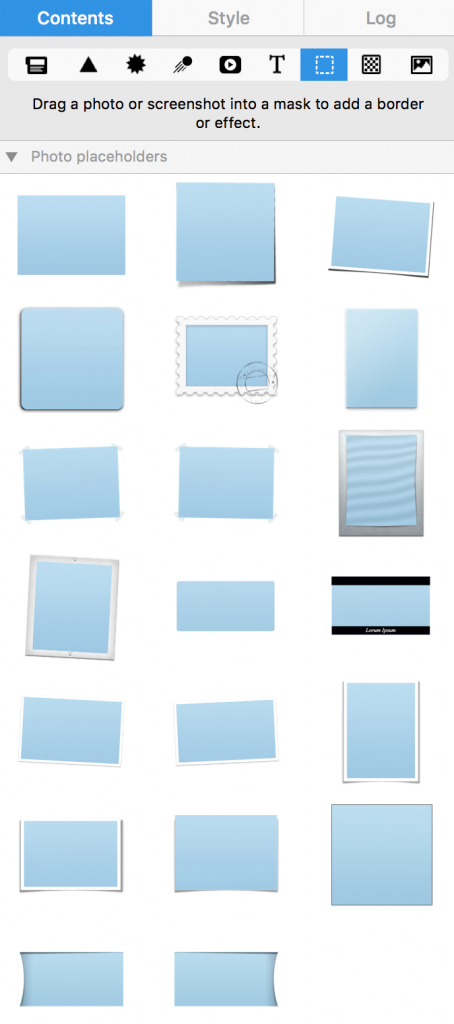
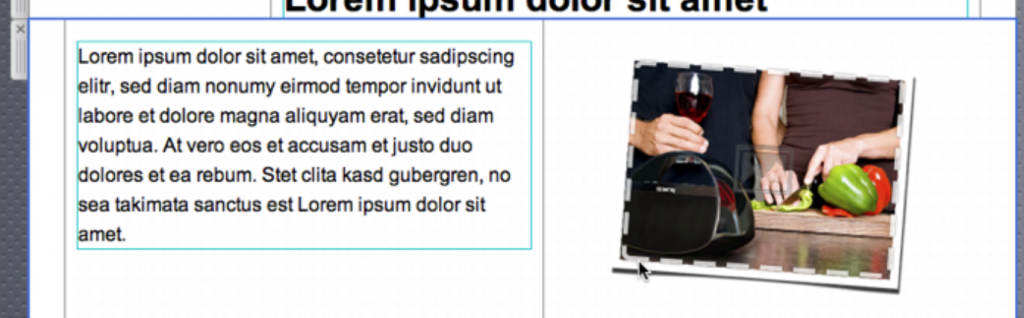
When you add a mask to your template, you can then simply drag your own photo onto it in order to apply it for your mask.
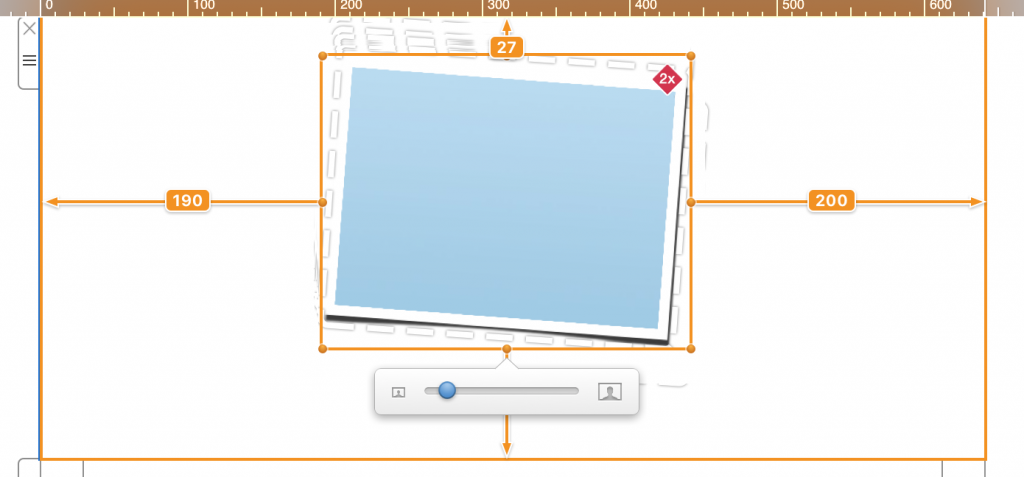
Double-click the image placeholder you just added. You'll see the image zoom slider which allows you to zoom in to your image:
How Can We Help?