
What is a beta version?
Beta versions are versions that are available for testing. Please note: These are not the final versions that will be released to the public. However, many people may want to try a beta version. It gives them a chance to check out some of the more current changes and improvements to the software. People can also report bugs, glitches, and other flaws to the developers. This is helpful because issues can then be addressed before the public release of an official version.
How to enable Mail Designer 365 beta versions
To enable Mail Designer 365 beta versions, join the Mail Designer beta program through the app's update settings. This early-access option is available when you bought Mail Designer 365 from our website. Please note: The Insider Program is not available for the Apple Mac App Store version.
Become a Mail Designer 365 Insider...
Open Mail Designer 365 on your Mac. Choose "Mail Designer 365" > "Settings" from the top menu bar.
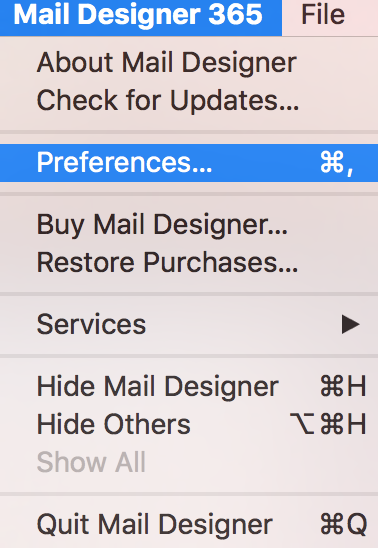
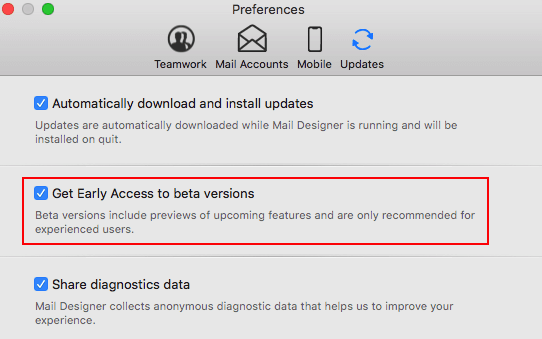
Open the "Updates" section and enable the option to load beta versions.
Since Beta versions are meant to test features and compatibility, Mail Designer 365 will remind you to have a backup of your app and designs.
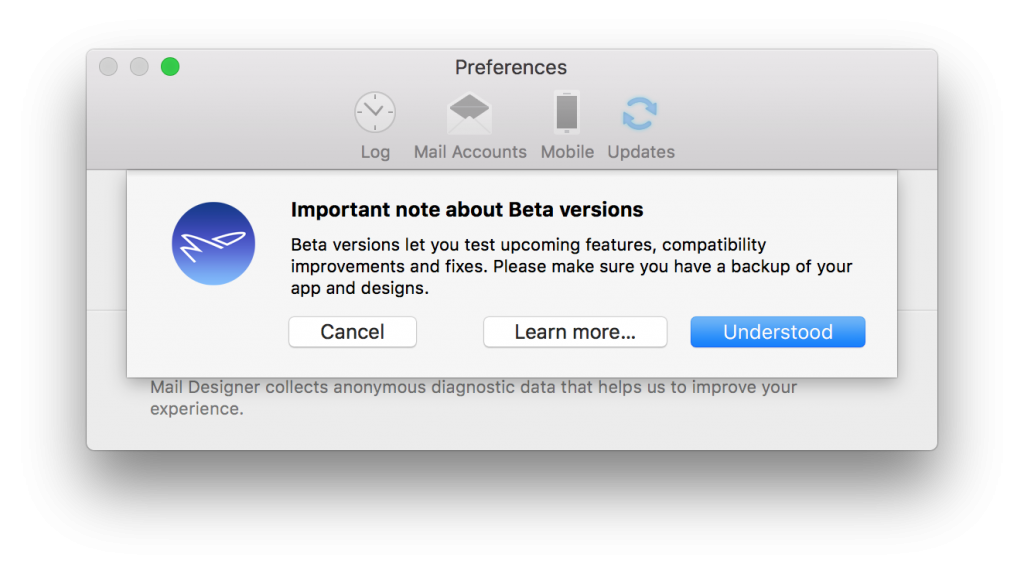
Click "Understood" whenever you are ready. Once you've restarted the app, you will be able to see whether you are using a Beta version by the label in the top right corner of the app window:

Updates...
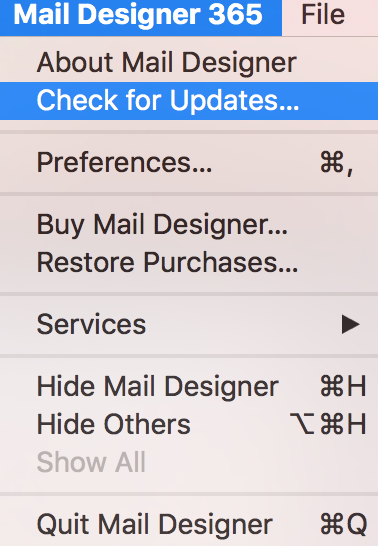
When it comes to checking for updates, Mail Designer 365 will check for new versions on app start. Also, you can choose "Mail Designer 365" >" Check for Updates…" from the top menu bar.
How Can We Help?