
Working with text
With the design more or less complete, it's now time to work on the text of your email.
What can text areas do?
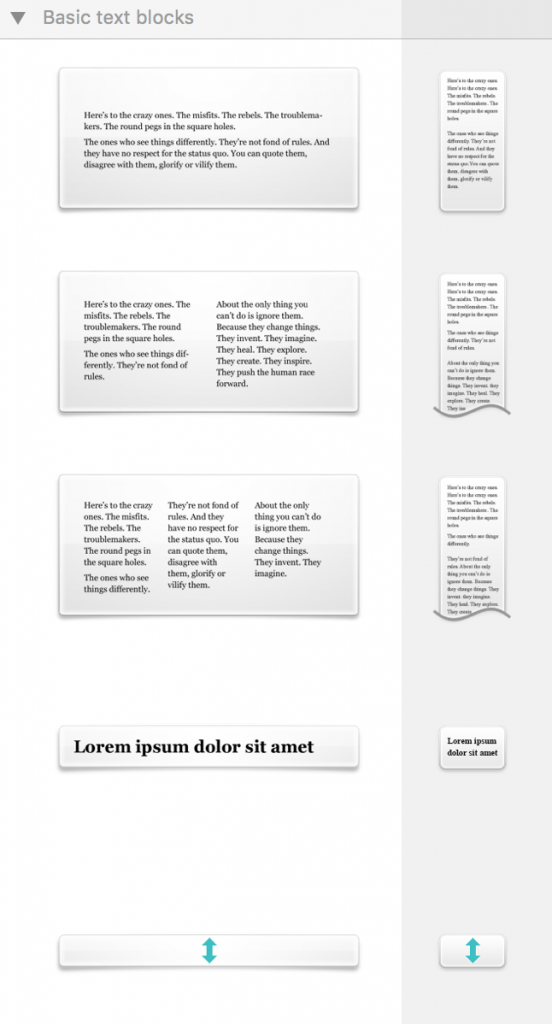
There are two kinds of areas that you can find in layout blocks in Mail Designer 365: text areas and image areas. Image areas can contain both text and images, while text areas can only hold text.
Editing a text area
To edit a text area in your message, just click inside a text area and start typing – simple! You can also adjust your font and text flow options by selecting text and choosing your options from the popover.
How Can We Help?