
Video Link Objects
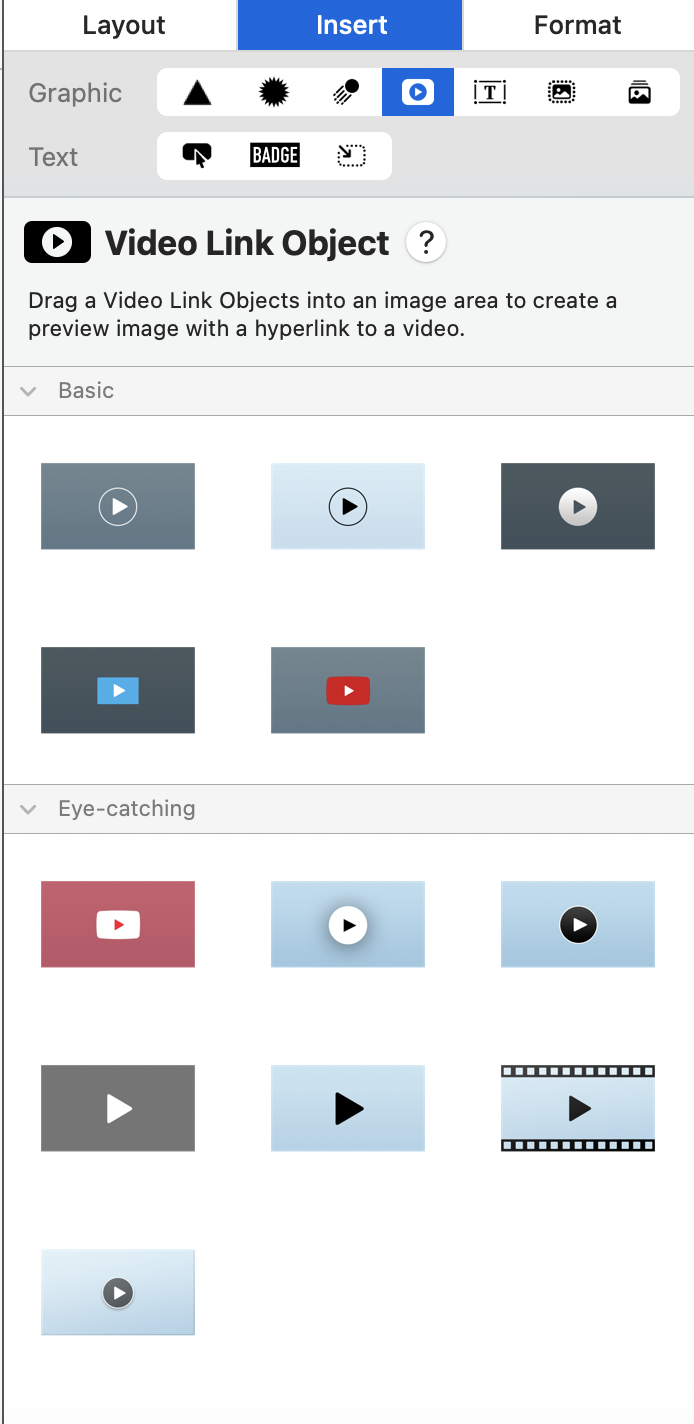
With Mail Designer 365, you can add a Video Link Object to your email design. You will find all available video objects in the Insert menu under the video placeholder section:
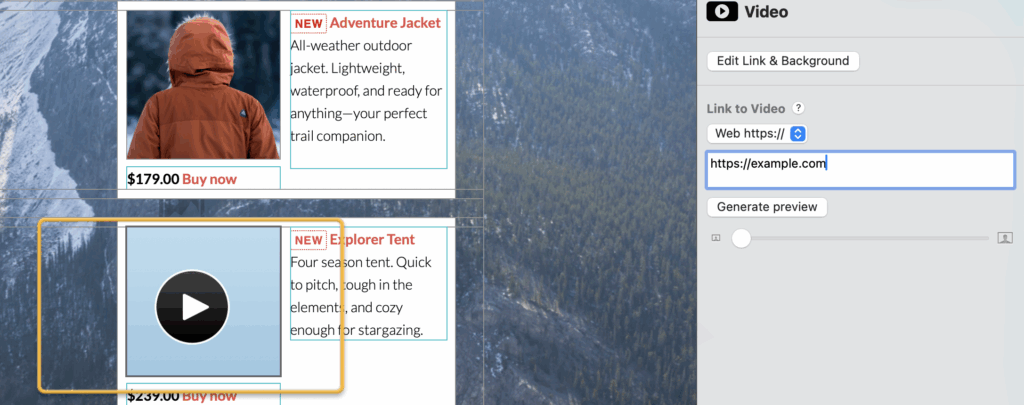
 Drag the video object into an image area, then click the object and add the video's public link (e.g. the YouTube URL).
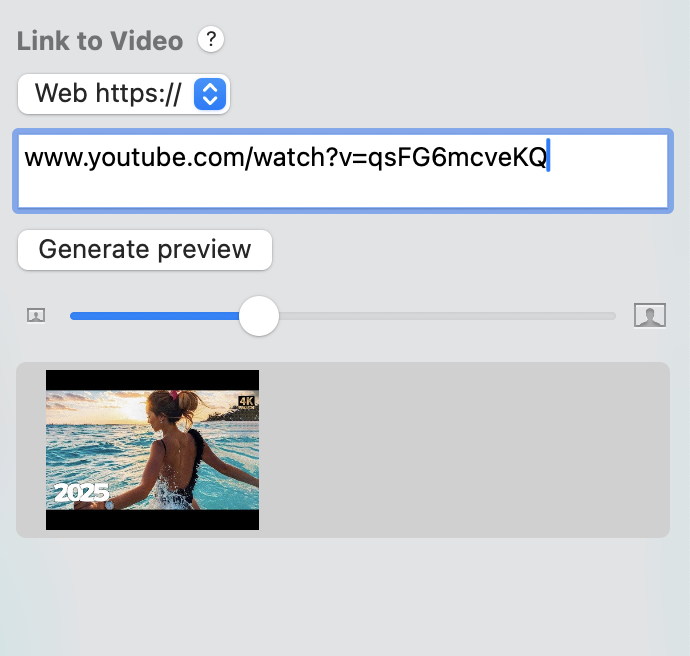
For YouTube videos, Mail Designer 365 also generates a preview image using the video's existing thumbnail:
How Can We Help?