
A Testmail lets you review the latest version of a Mail Designer 365 design before it reaches your full audience. Send one to yourself or your team to check the content, links, images, and overall reading experience. This extra review step is useful after copy, layout, or destination changes and before every important campaign.
Send a Testmail from Mail Designer 365
Open the design you want to review and click the Test icon in the Mail Designer 365 toolbar. Make sure you are working with the version you intend to check, especially if several people have contributed to the campaign.
Choose whether to send the test email to yourself or to members of your team. Sending it to yourself is helpful for a quick content check. Including teammates is useful when another person needs to approve wording, links, campaign details, or the final visual treatment.
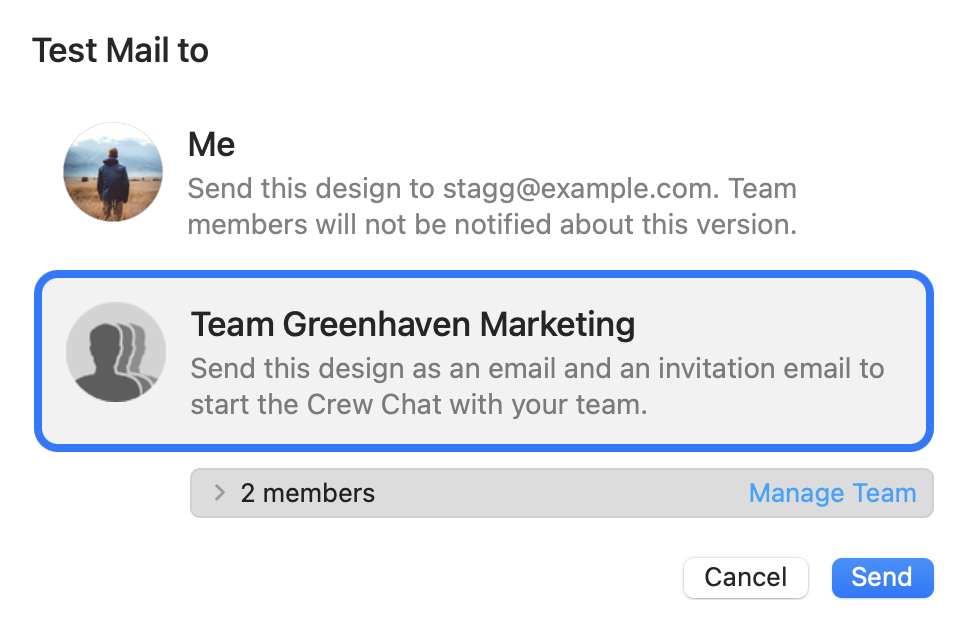
After selecting the recipients, click Send. Mail Designer 365 shares the latest version of the design with the selected reviewers.
Verify Your Sending Address
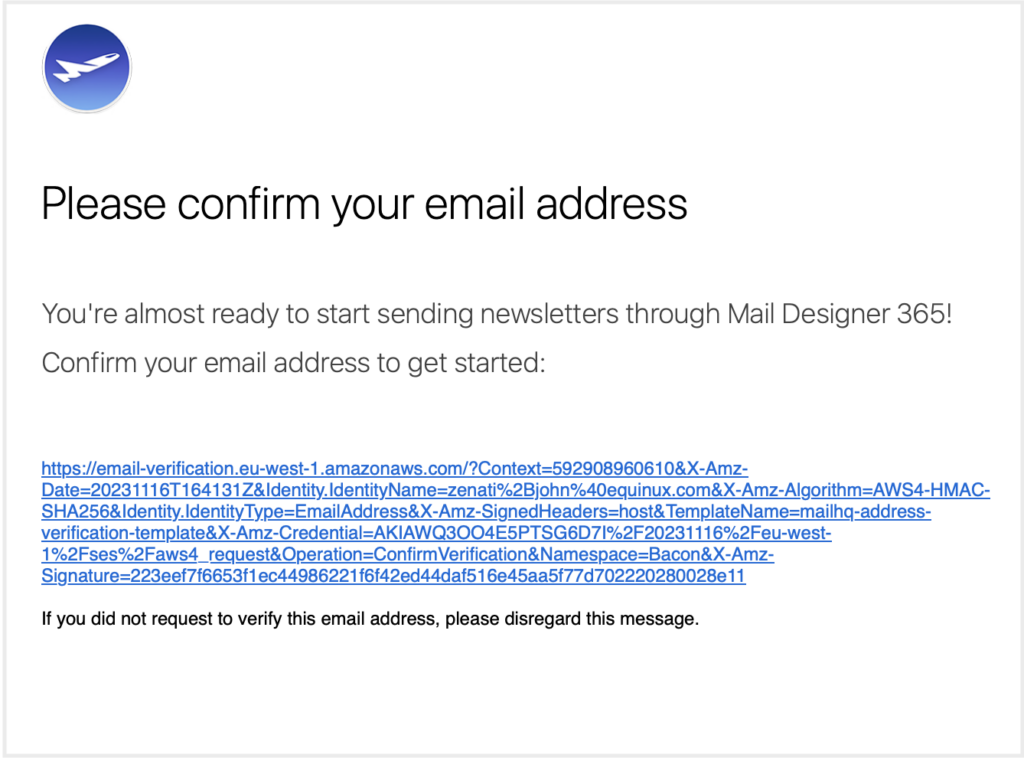
During this process, you may receive a verification email for the address used to send through Delivery Hub. Open that message and follow its confirmation link. Address verification helps confirm that you can use the selected sender address.
If the verification message is not immediately visible, check that the address is correct and look in the inbox's spam or junk folder. Complete the verification before relying on the address for a campaign send.
What to Check in a Test Email
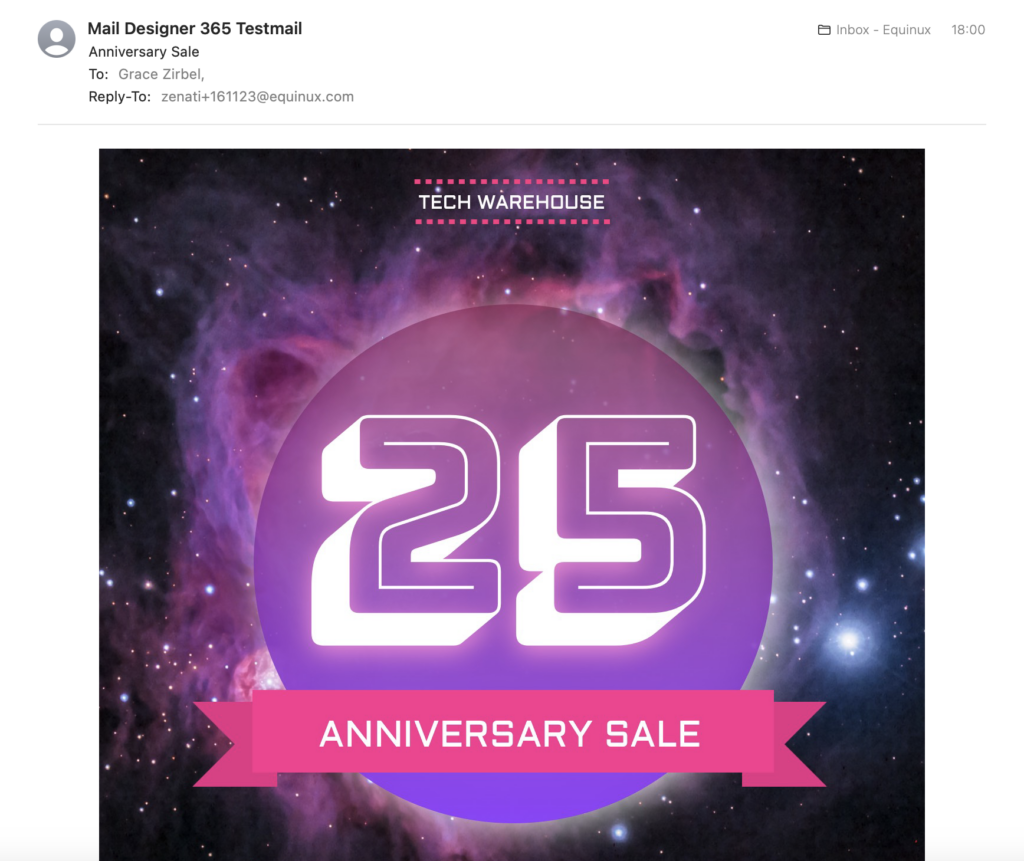
Read the message from the top as if you were a subscriber. Confirm that the sender name, subject, and preview text fit the campaign and that the opening explains the purpose without requiring images. Check names, dates, prices, promotional terms, contact details, and any other information that could become inaccurate.
Open every link, including linked text, buttons, images, navigation, and footer links. Each one should lead to the intended current destination. If campaign parameters are included, confirm that they do not alter the destination. Also check that a primary call to action is easy to find and accurately describes what happens next.
Review the images and their relationship to the surrounding copy. Important information should not exist only inside an image. Useful alternative text provides context when images are unavailable, while decorative images should not distract from the reading order.
Review the Design on More Than One Screen
Open the Testmail on a desktop and a mobile device when possible. Look for crowded text, unexpected line breaks, small links, clipped images, and sections that feel too long on a narrow screen. A design that looks balanced in the editor can feel different inside an email application.
Ask teammates to report the device and email app when they find a problem. That detail makes feedback easier to reproduce and helps distinguish a content issue from a display difference. Keep feedback specific: identify the section, expected result, and observed result.
Send a Final Testmail After Corrections
When a reviewer requests a change, update the original Mail Designer 365 design rather than treating the received test message as the source. After all corrections are made, send a new Testmail so the team reviews the final version rather than an earlier copy.
Use the final test as a release check. Reconfirm the essential campaign details and the most important links, even if they passed before. If anything remains uncertain, resolve it in the design and repeat the affected check. Do not assume that an earlier successful test covers a later edit. Once the content, destinations, sender information, and design have been checked, you have a clearer basis for approving the campaign for its intended recipients.
How Can We Help?