
Hit the refresh button
If you change an image or layout block in your template, then you can click the refresh button to update the view in the preview window.
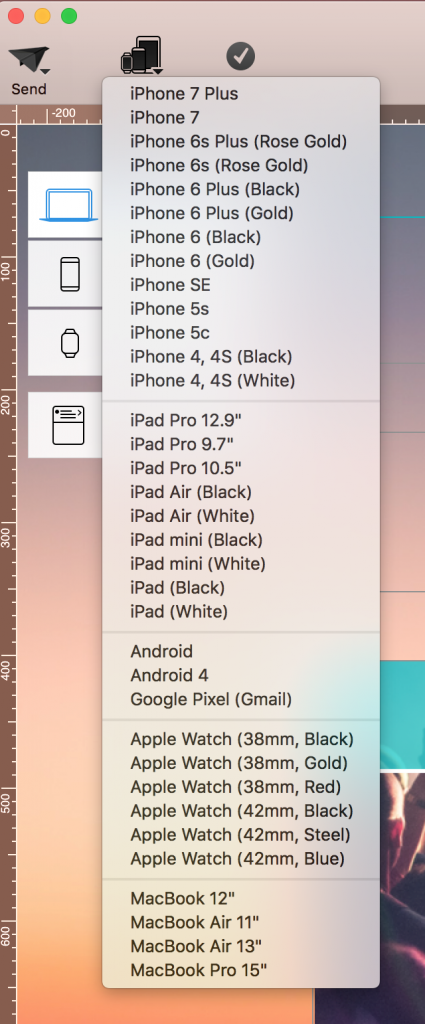
First, choose the device you want to use to preview your design.
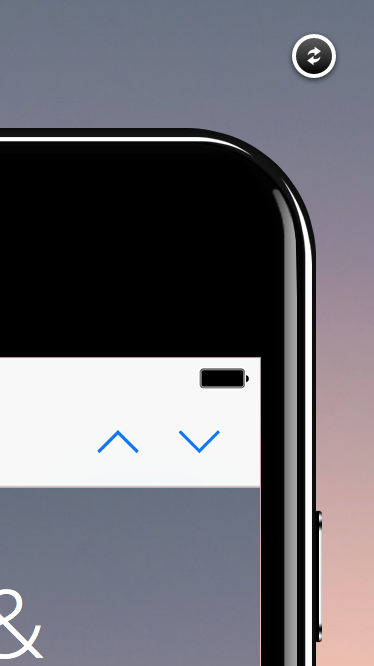
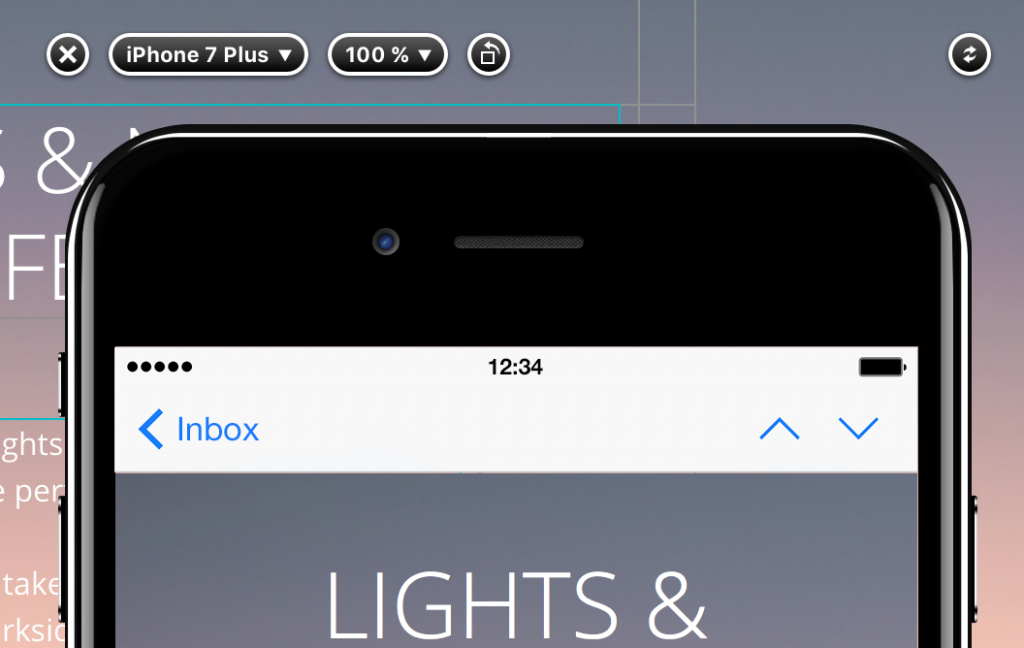
Then, you can always find the refresh button on the top right of the device. It doesn't matter if your device is in the vertical position:
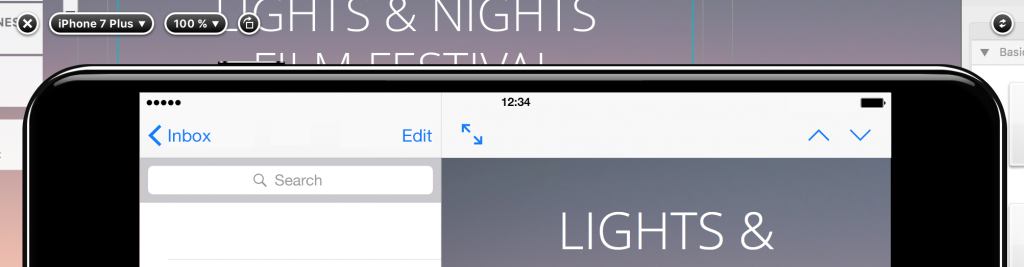
Or the horizontal position:
How Can We Help?