
How to use All Caps in Mail Designer 365
If you have written a body of text that you suddenly want to be in all capital letters, you no longer have to manually retype the text using caps lock. Instead, you can easily capitalize the letters of the text by adding a checkmark next to "All Caps" in the "Style" section.
First, select a text area. Then in the Style section, find the "All Caps" option.
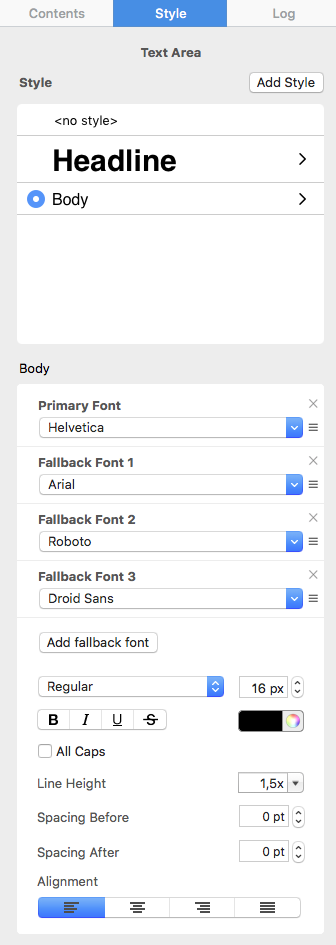
Add a checkmark inside the box next to "All Caps."
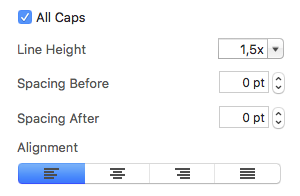
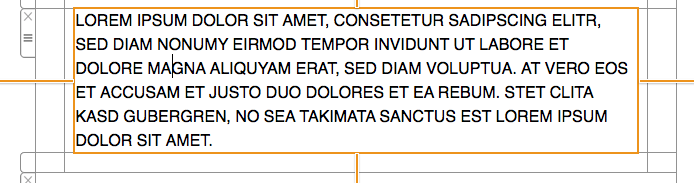
This will automatically convert the text in all capital letters.
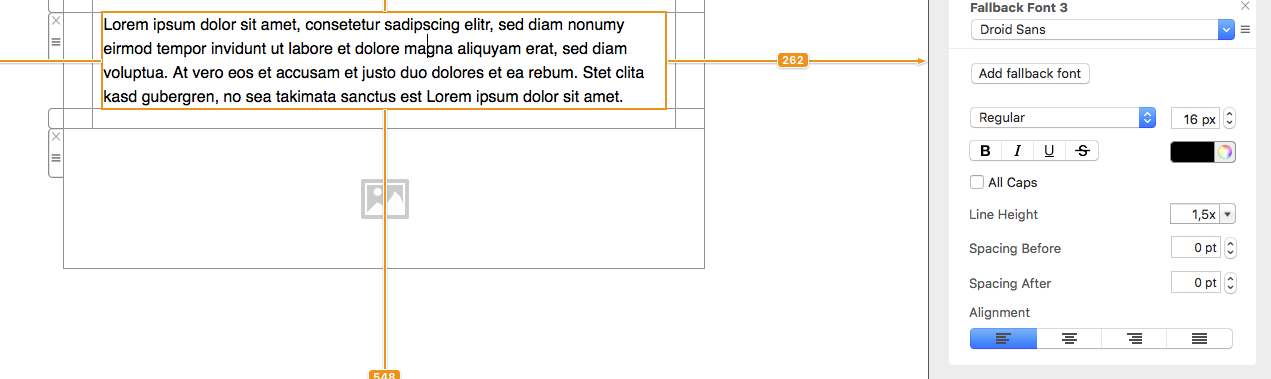
If you change your mind and want to revert your text to regular capitalization, just simply remove the check next to "All Caps."
How Can We Help?