
Paste text and keep style
Any text you paste into Mail Designer 365 from a source other than a different Mail Designer 365document will automatically receive the style of the text area you’re pasting it to.
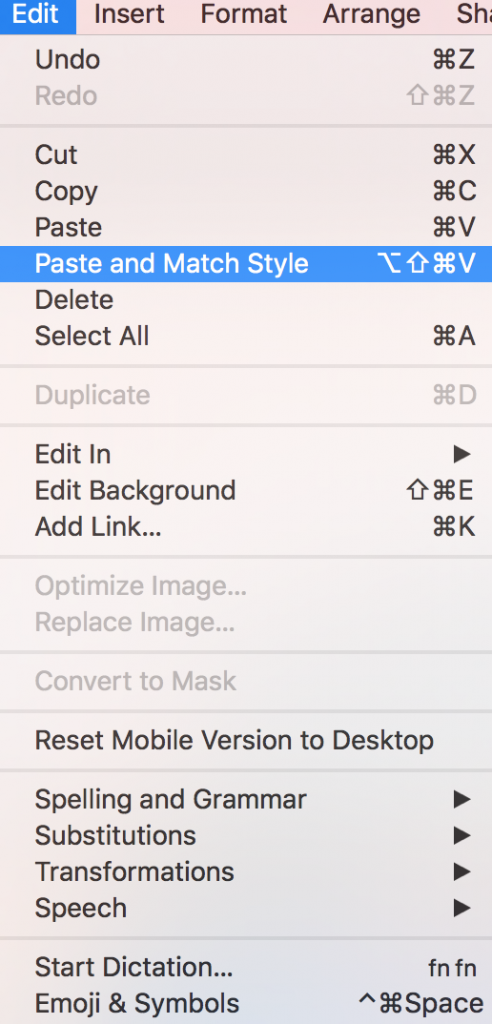
If you would like to preserve your text style, you can use the “Paste and Match Style” command.

To paste and preserve the original style of your text
‣ Copy text that has formatting you want to preserve
‣ Choose "Edit" > "Paste and Match Style" from the menu bar
How Can We Help?