
How to Duplicate Layout Blocks in Mail Designer 365
When several parts of an email need the same structure, you can duplicate layout blocks instead of rebuilding their fonts, colors, spacing, images, and buttons. The copy stays inside the current Mail Designer 365 design and can then be edited independently. This is useful for repeated product rows, event listings, article teasers, team profiles, pricing options, or any campaign section that follows a consistent pattern.
There are three supported ways to create the copy: use Edit > Duplicate, Option-drag the layout handle, or press Command-D. Choose the method that best suits whether you want a quick copy or want to place it in a specific location immediately.
Before you duplicate a layout block
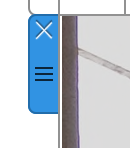
First finish the reusable structure as far as practical. Check its column widths, background, padding, text styles, image proportions, and button treatment. Select the whole layout block rather than a text area or image inside it. The layout handle appears on the left edge of the block and identifies the complete section that will be copied.
Tip: The selected layout handle looks like the small control shown below. If only the text cursor or an image control is active, click the block handle again before duplicating.
Method 1: Use Edit > Duplicate
- Click the layout handle on the left side of the block, or click the block so the complete layout is selected.
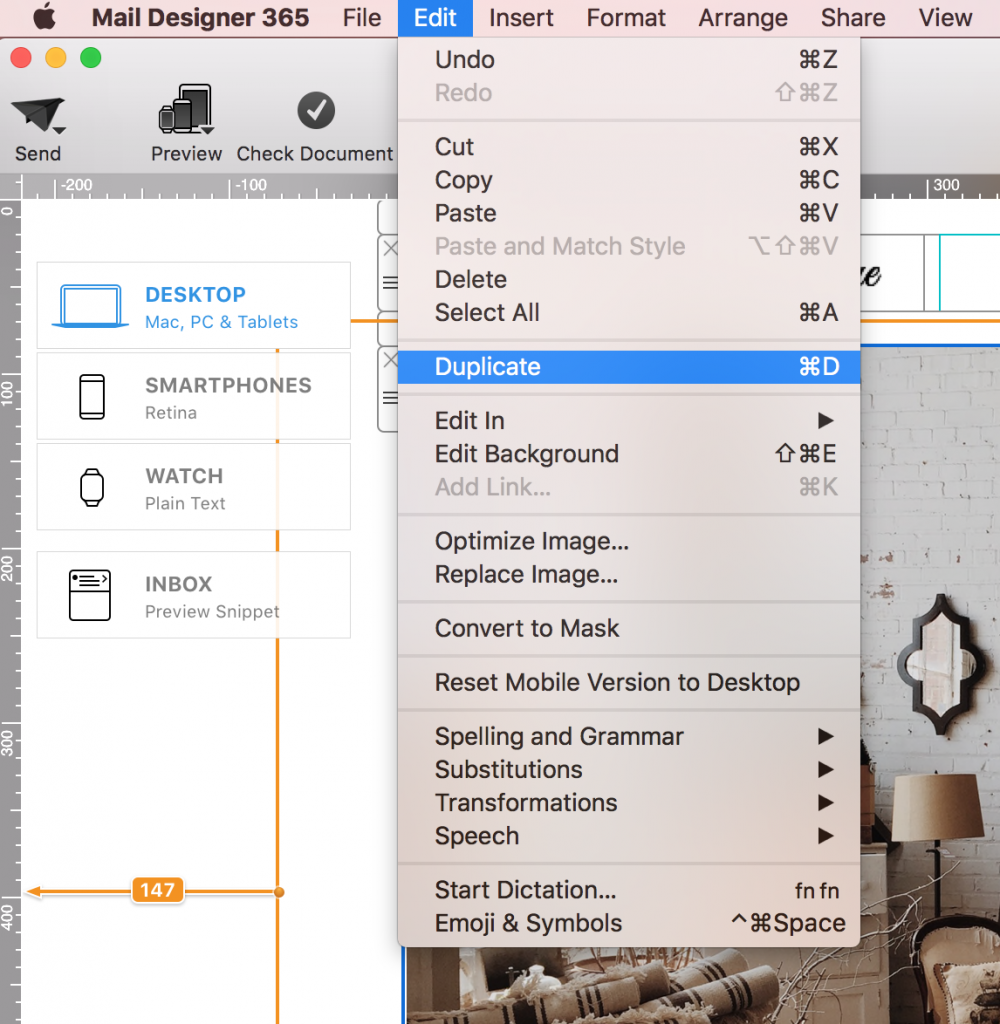
- Choose Edit > Duplicate from the menu bar.
- Locate the new copy and replace its content while keeping the shared styling you need.
This menu method is easy to discover and is helpful when you do not want to remember a keyboard shortcut. After the copy appears, confirm that you are editing the duplicate and not the original block.
Method 2: Option-drag the layout handle
Use this method when you want to duplicate layout blocks and position the copy in one movement.
- Click the layout handle on the left side of the layout block.

- Hold the Option (⌥) key and drag the selected block. Keep holding Option while moving it.
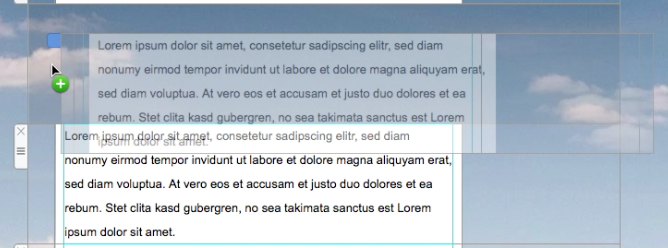
- Drop the block in the desired position to create the copy, then release the key and edit the duplicated content.
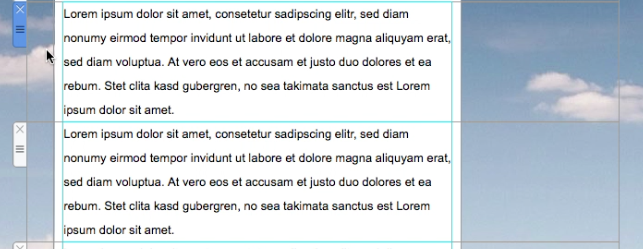
If dragging only moves the original, undo the move, select the complete block again, and repeat while holding Option before you begin dragging. Make sure the insertion position is correct before dropping the copy.
Method 3: Press Command-D
- Select the layout block handle or the complete layout block.
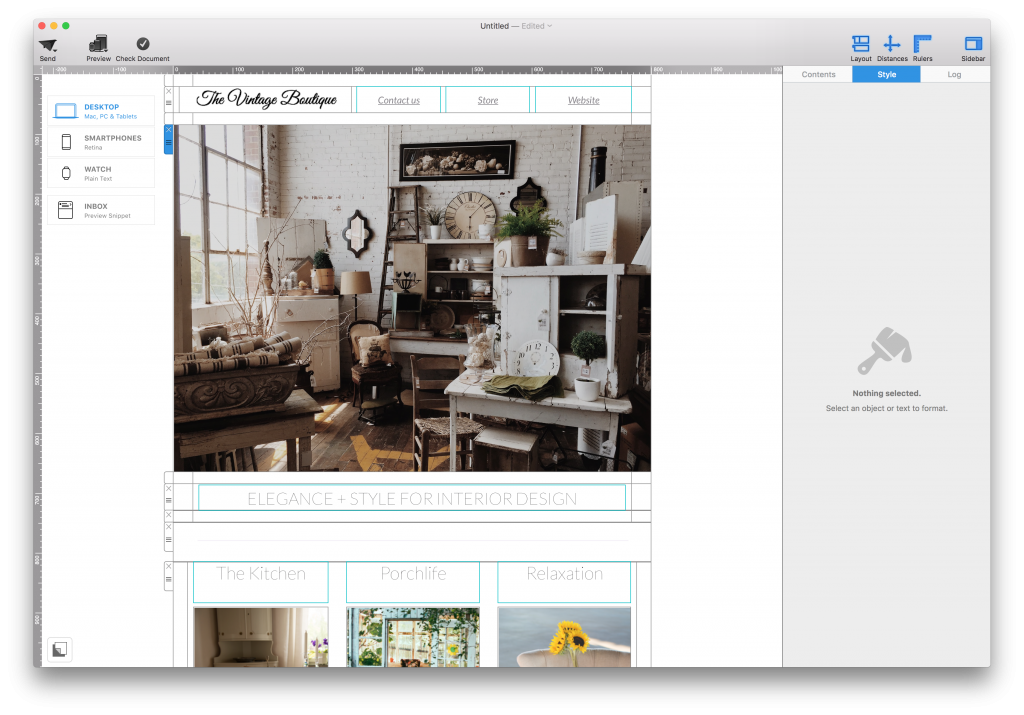
- Press Command-D (⌘D). Mail Designer 365 creates a duplicate of the selected block.
- Edit the copy and move it to the appropriate place in the email if necessary.
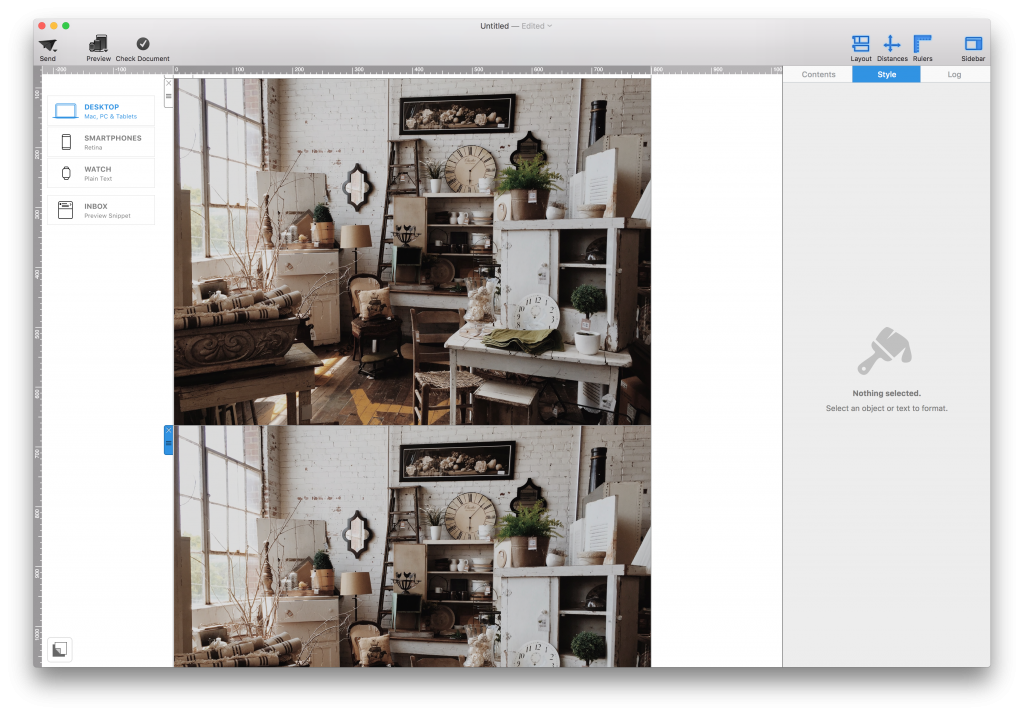
What changes in the duplicate?
The duplicated block starts with the same content and styling as the original. Replace copied headlines, links, image alternative text, button destinations, prices, dates, and tracking parameters. Repeated sections are visually useful, but accidentally leaving an old link or offer in a copy can send recipients to the wrong destination.
Review spacing around the new block and check whether repeating a background or divider creates an unwanted double border. If the block contains personalized text or campaign-specific terms, validate those items separately in every copy. Then preview the complete email in desktop and smartphone views.
Troubleshooting duplicate layout blocks
- Only one element is copied: Select the layout handle, not an individual text, image, or button element.
- The original moves instead of copying: Undo, hold Option before dragging, and keep it held until the block is positioned.
- Command-D does nothing: Click the layout block handle again so the whole block is selected, then retry the shortcut.
- The copy appears in the wrong place: Move the duplicated block using its handle and watch the insertion indicator.
- Content looks identical after editing: Confirm you are working in the new copy and replace every campaign-specific field.
This article covers copying a block inside one Mail Designer 365 email design. It does not describe copying a Mailchimp content block between campaigns or duplicating an entire WordPress page; those are separate workflows and should use their own instructions.
How Can We Help?