
Automatic hyphenation helps prevent awkward line breaks and layout problems in your email design. You can enable or disable it for the entire design:
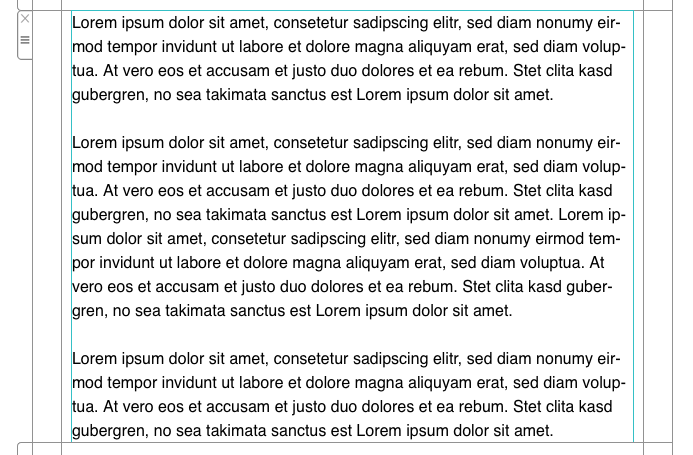
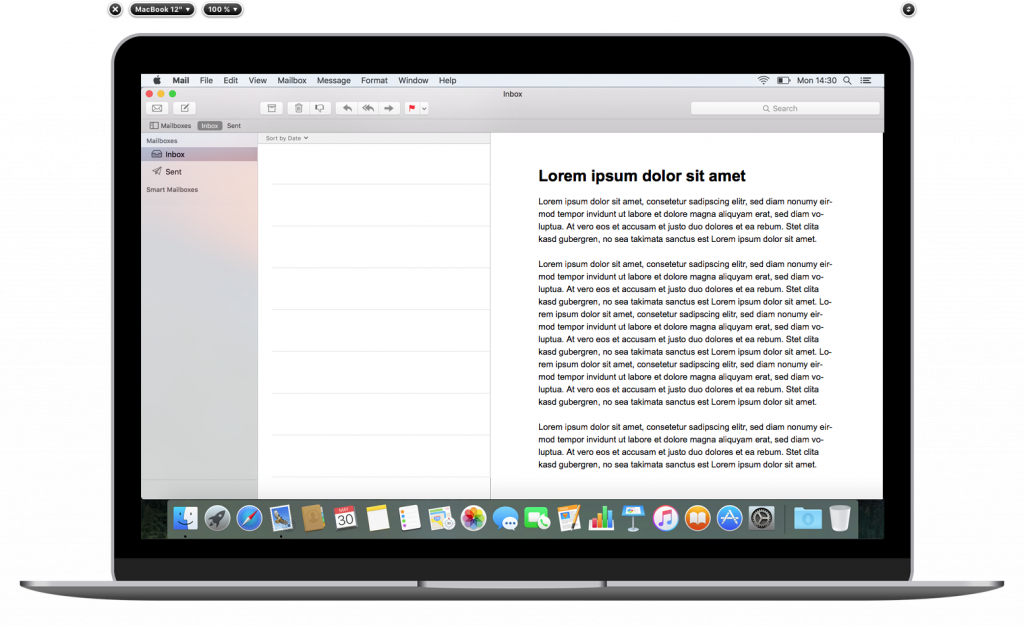
Of course, you can also turn off this feature.
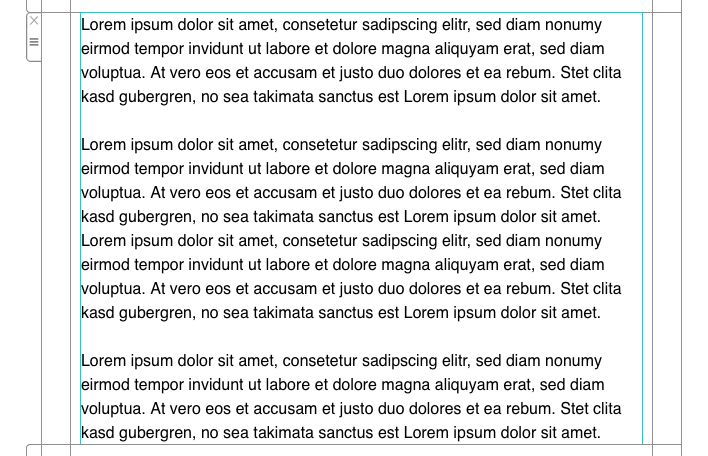
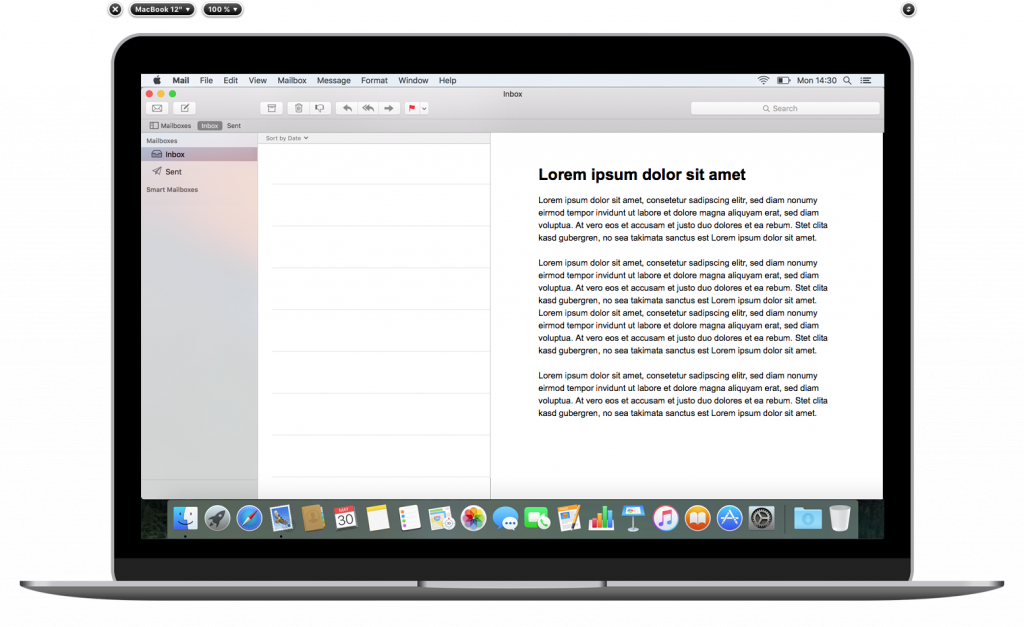
To access this feature, try the following:
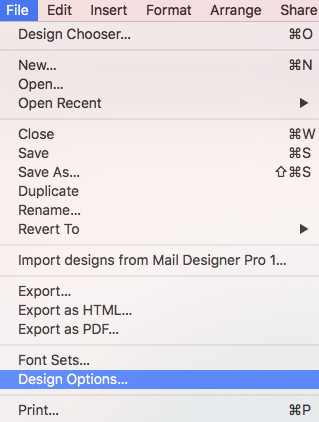
Choose "File" > "Design Options..." from the top menu bar.
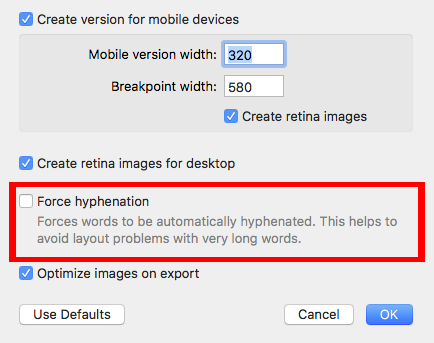
Then, check or uncheck the box next to "Force hyphenation."
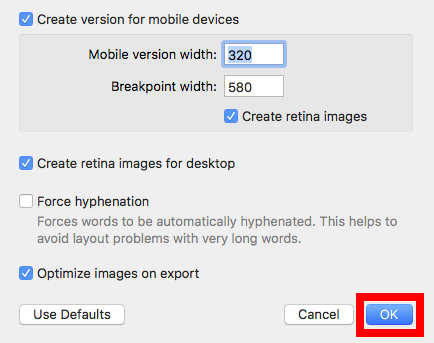
Click "Ok" when you are done.
How Can We Help?
A Quick Tour of Mail Designer 365
Background
Layout Blocks
TextScout
Editing Text
Links and Buttons
Configuring Text Styles
Tables
Image Areas
Images
Using Retina Images with your Design
Graphics and Other Objects
Creative Tools
Advanced Design Techniques
Blend Modes
Optimizing your Template for Mobile
Plain Text
Preview your Design
Feedback and Sharing
Preparing your Design for Sending
Contacts and Audiences
Sending Emails
1:1 Emails
Email Analytics
HTML Export
Other Sharing Options
