
Get tips, tricks and best-practice advice on all things email marketing and design. Browse through all our latest posts below...

Students are a growing market for your business to explore. Whether you want to attract…

Hans-Peter17. June 2019
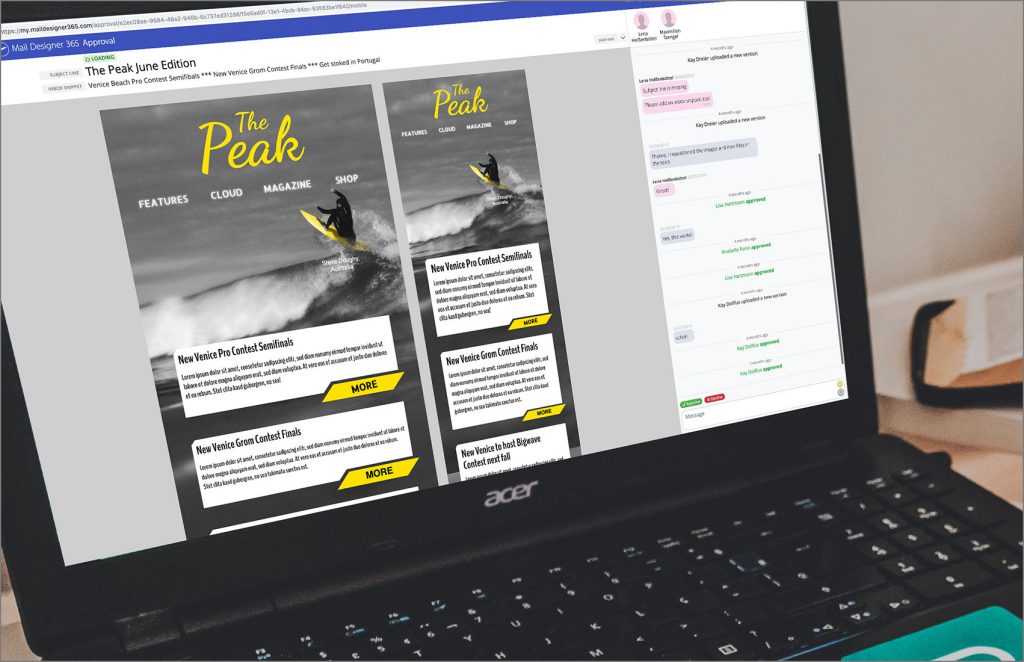
Yes, you did read the title of this blog correctly! The Mail Designer 365 Workflow…
Hans-Peter14. June 2019
Email marketing for travel helps hotels and agencies stay useful between a customer’s first idea…

Team equinux15. April 2019
With a market value of over 465 Million Euros in Western Europe alone, it's safe…
Team equinux5. April 2019
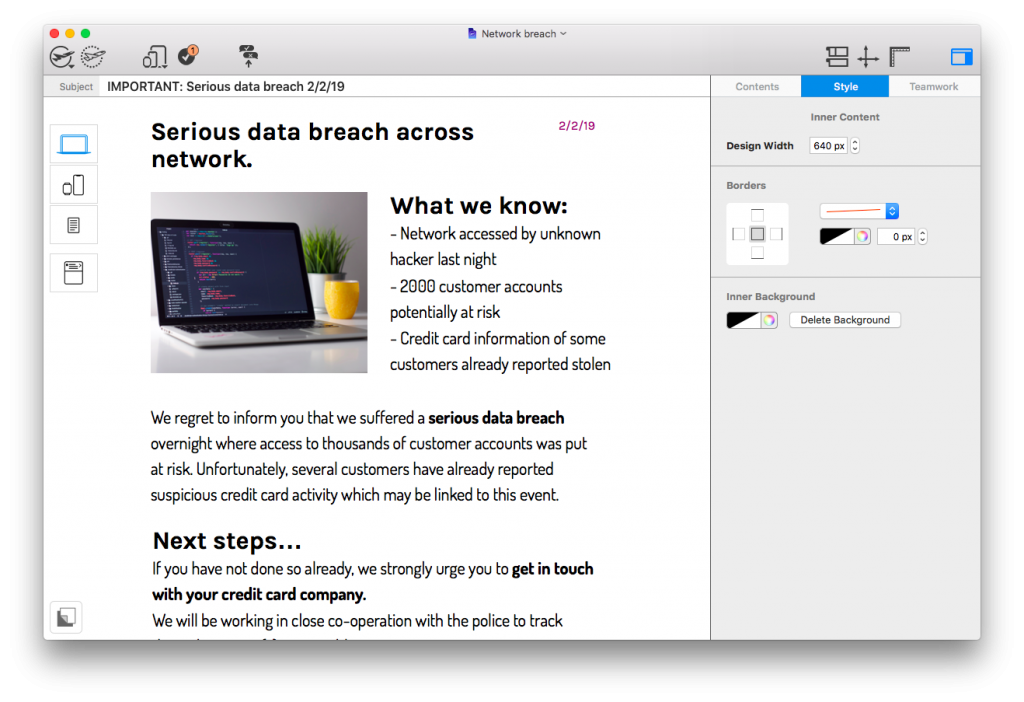
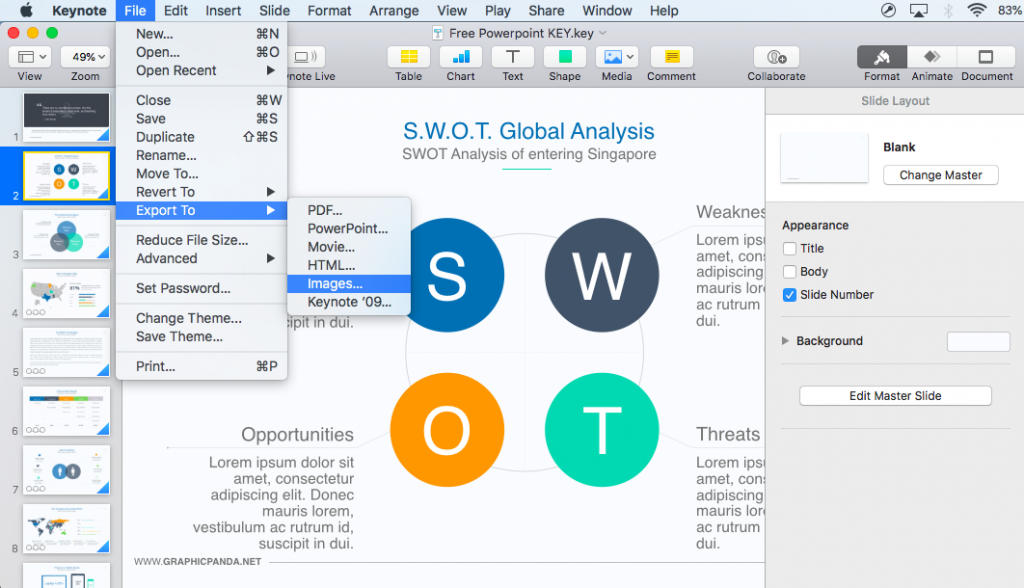
As people are getting busier and technology is advancing, you have probably found yourself looking…
Hans-Peter18. January 2019
This Mail Designer 365 1.5 update guide covers the features introduced in the January 2019…
Hans-Peter8. January 2019
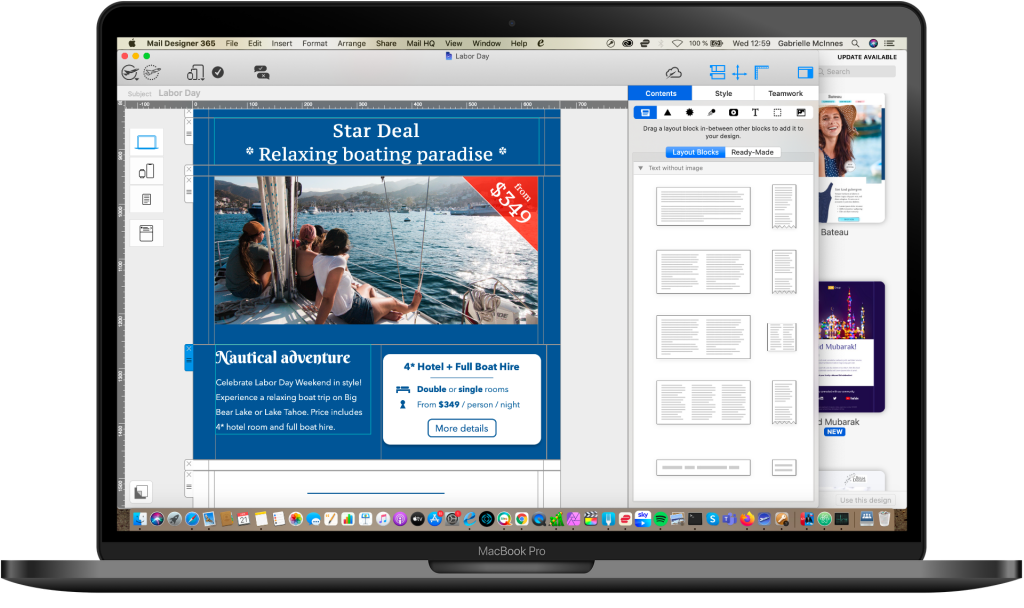
How to reduce email size is an important topic for every marketer. An oversized email…

Team equinux6. January 2019
Get started with Mail Designer 365 today
Start your 7 day free trial and use your Mac to create stylish email newsletters for your business.

No credit card required
From macOS 10.13, with universal support for Intel and M1 + M2 Macs
Email marketing tutorials for better newsletters
Email marketing tutorials in the Mail Designer 365 Newsletter Academy help you plan, design, test, and improve campaigns with practical guidance. Browse the latest articles below or start with the topic that matches the problem you are working on today.
The Academy covers newsletter strategy, responsive email design, seasonal campaign ideas, inbox optimization, and common delivery or rendering problems. Each guide is written for marketers, designers, small businesses, and teams that want clear steps without unnecessary technical complexity.
Start with a strong email strategy
A useful newsletter begins before the design stage. Define the audience, the purpose of the message, and the action readers should take. Our strategy articles explain how consistency, customer journeys, preview text, and campaign timing affect results. For example, learn how a consistent email schedule supports your strategy or explore the role of the customer journey in email campaigns.
When you are planning a new campaign, write the core message in one sentence. Use it to decide which copy, images, and links belong in the email. This keeps the layout focused and makes the finished campaign easier to test.
Improve email design and mobile readability
Design choices should make the message easier to understand. Use a clear visual hierarchy, readable type, accessible color contrast, and buttons that are easy to tap. Preview desktop and mobile layouts while you work instead of treating mobile checks as a final step.
Our email marketing tutorials include focused design guidance, such as preparing email designs for dark mode, fixing common email rendering issues, and reducing email size. These practical checks help campaigns remain readable across different inboxes and devices.
Find campaign ideas for every season
Seasonal articles provide starting points rather than rigid formulas. Use them to explore suitable color palettes, content angles, subject-line ideas, and calls to action, then adapt the concept to your own audience and brand. A relevant campaign is more useful than a message built around a holiday simply because it appears on the calendar.
Before scheduling a seasonal email, confirm important dates, review cultural references, and check whether the promotion is appropriate for the recipients. Keep the offer and timing clear, and avoid using decoration that distracts from essential information.
Test every newsletter before sending
Even a strong concept can fail because of a broken link, missing image, unclear preview text, or unreadable mobile layout. Send test emails, verify personalization and unsubscribe behavior, and open every important link. Check the sender name, subject line, audience, and tracking settings one final time.
Use these email marketing tutorials as a working reference. Return when you need a campaign idea, a design check, or a clearer explanation of an email marketing concept, and apply the relevant steps to your next newsletter.
More about Mail Designer 365...
Mail Designer 365 is a HTML email design app for the Apple Mac and MacBook. Mail Designer 365 is a Universal App for macOS and works on Intel and M1- + M2-based Macs from macOS 10.13 onwards.
Use Mail Designer 365, the innovative HTML email creator Mac software, for your email newsletter design needs.
Build emails and design responsive templates to create successful email marketing campaigns. Create your own professional newsletter templates to grow your business and overcome competition. Build HTML email templates from scratch without any HTML and CSS knowledge.