
Team Onboarding HTML Email Template: 5 First-Day Essentials
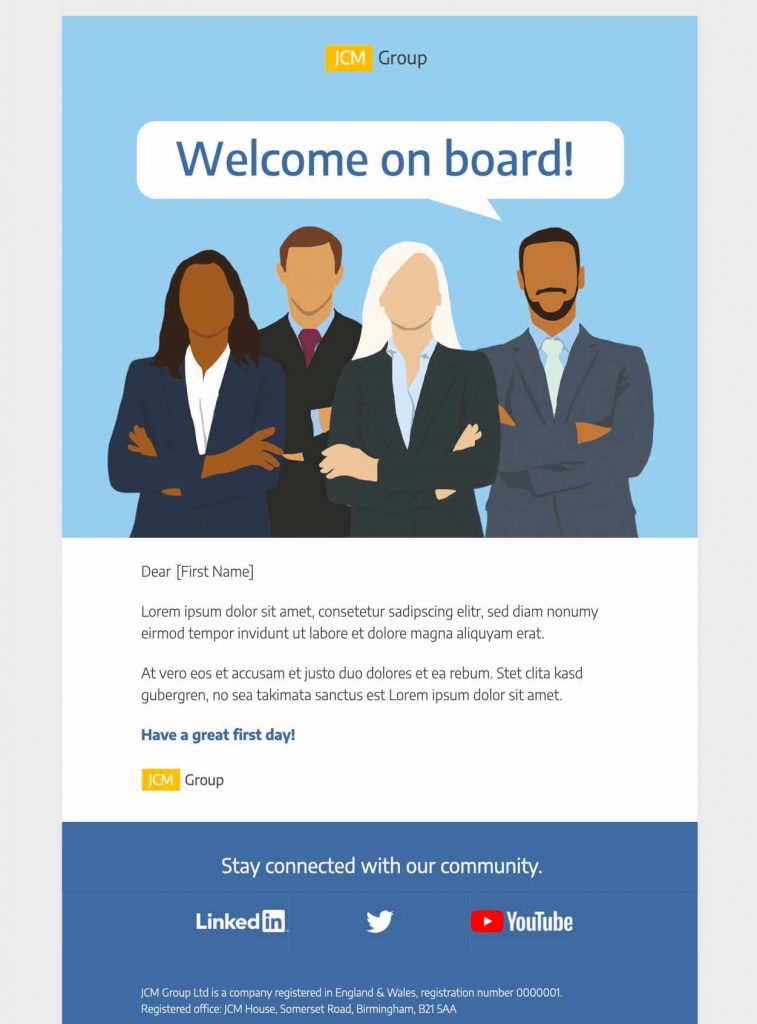
This team onboarding HTML email template helps HR teams and managers greet a new teammate with a clear, branded message. Customize the responsive design in Mail Designer 365 with first-day details, useful links, and a warm introduction.


Key Features:
- Business and Professional
- Customise for your business
- Mobile responsive
- Send via your ESP
- Send via your own email address
- Export as HTML
Works with:








Team Onboarding HTML Email Template: 5 First-Day Essentials
This team onboarding HTML email template gives a new employee a clear, friendly first message before their first day. Replace the sample copy with the person’s name, role, start date, and the practical information they need. Keep the tone consistent with your company culture and make the sender easy to recognize.
What to Include in the Welcome Email
Lead with a genuine welcome, then confirm the first-day time, location or video link, and primary contact. Add a short agenda and explain which accounts, documents, or equipment will be ready. Avoid overwhelming the recipient with every policy at once; link to a central onboarding resource for detailed material.
Customize the Visible Team Design
Replace the sample imagery and colors with approved brand assets. Keep important instructions as live text, use descriptive alternative text for meaningful images, and check that every button has a clear label. The design should feel celebratory while remaining easy to scan on a phone.
Separate Employee and Client Onboarding
This page is specifically for welcoming a new teammate. If you need a message for a new customer relationship, use the client onboarding email template. Giving each page a distinct audience prevents the two templates from competing for the same intent.
Review First-Day Details Before Sending
Ask HR, the hiring manager, and the new team member’s primary contact to review the final email. Confirm that names, dates, office access, video links, equipment plans, and contact details are correct. Remove any confidential information that does not belong in email, and make sure the main first-day action remains clear even when images are blocked.
Team Onboarding Checklist
- Confirm the name, role, date, time, and contact person.
- Link only to current onboarding resources.
- Check mobile text size, contrast, and button targets.
- Verify personalization and access instructions.
- Send a test to HR and the hiring manager.