
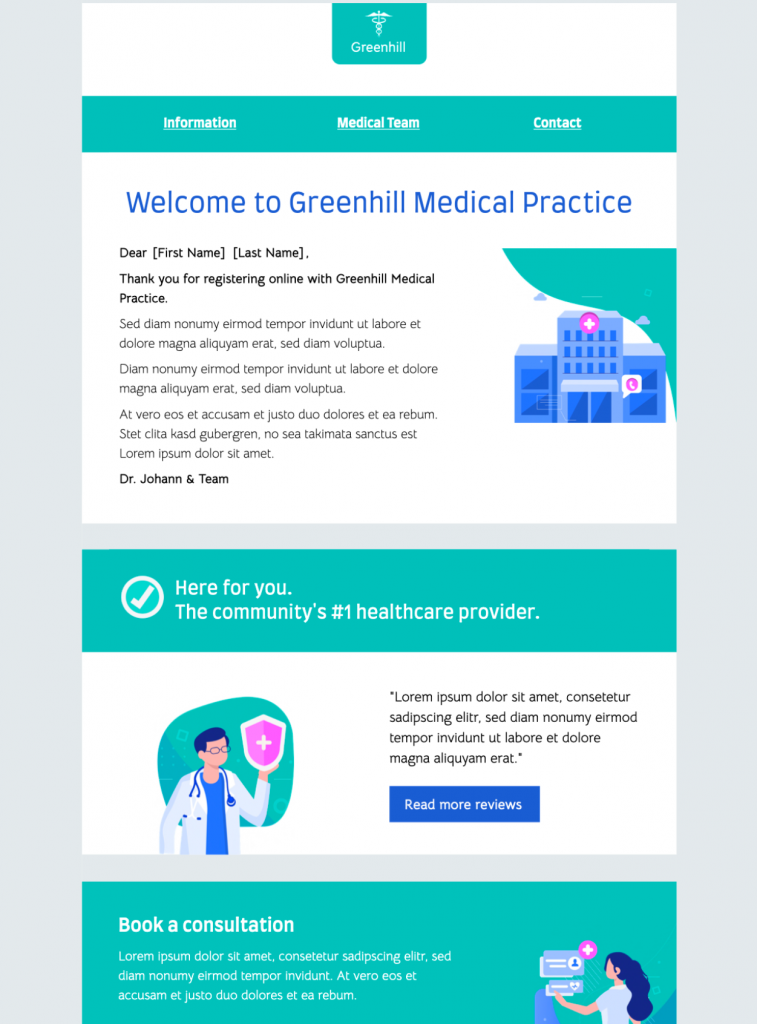
Healthcare Welcome Newsletter HTML Email Template
This healthcare welcome newsletter HTML email template introduces a practice, clinic, wellness service, or care team to new patients. The design provides a structured way to present a friendly introduction, contact details, practical next steps, and links to useful non-sensitive resources.
Customize the layout in Mail Designer 365 with your logo, approved brand colors, team information, appointment guidance, and links to your official website or patient portal. Keep every message general and operational; do not include diagnoses, treatment details, test results, or other confidential patient information in a marketing newsletter.


Already a Mail Designer 365 user? Open the Design Idea here.
How to customize a healthcare welcome newsletter HTML email template
Start with the exact purpose of the welcome message. A new-patient email can introduce the practice, explain what happens before a first visit, provide opening hours, and link to approved registration or appointment resources. A clinic newsletter can instead highlight general service updates, staff introductions, or non-sensitive educational resources. Keep one primary purpose so readers can quickly understand what to do next.
Introduce the practice clearly
Use the opening section for a concise welcome and a short description of the organization. Add verified contact details, office hours, location information, and the correct phone number for questions. If the template includes a team section, use approved names, roles, and photographs, and confirm that every person shown has consented to publication.
Protect patient privacy
Healthcare email templates used for newsletters should not contain personal health information or details that belong in a secure patient portal. Avoid diagnoses, prescriptions, appointment specifics, test results, or individualized treatment advice. Use general wording and direct readers to the appropriate secure channel when they need to discuss private information. Review local privacy and consent requirements before sending to a contact list.
Make practical information easy to find
Link buttons to official, maintained destinations such as a practice website, contact page, appointment instructions, or secure portal. Explain what each link does and avoid asking recipients to send sensitive information by ordinary email. If you mention emergency or urgent-care guidance, use only organization-approved wording and make sure it points to the correct service.
Keep the visual hierarchy calm and readable
Use short sections, descriptive headings, and enough contrast between text and backgrounds. Replace sample images with approved brand or team assets, and add concise alternative text when an image communicates useful information. A clear hierarchy helps readers find contact details and next steps without presenting the newsletter as medical advice.
Review before sending
Have the responsible practice or compliance contact review the final wording, links, images, sender identity, and recipient source. Preview the design at desktop and mobile widths, then send a test message to confirm spacing and link destinations. These checks help a healthcare welcome newsletter HTML email template remain useful, respectful, and appropriate for a welcome campaign.
Key Features:
- Newsletters & Announcements
- Customise for your business
- Mobile responsive
- Send via your ESP
- Send via your own email address
- Export as HTML
- Use the W3C image decision tree when choosing alt text for welcome imagery.
Works with:







