
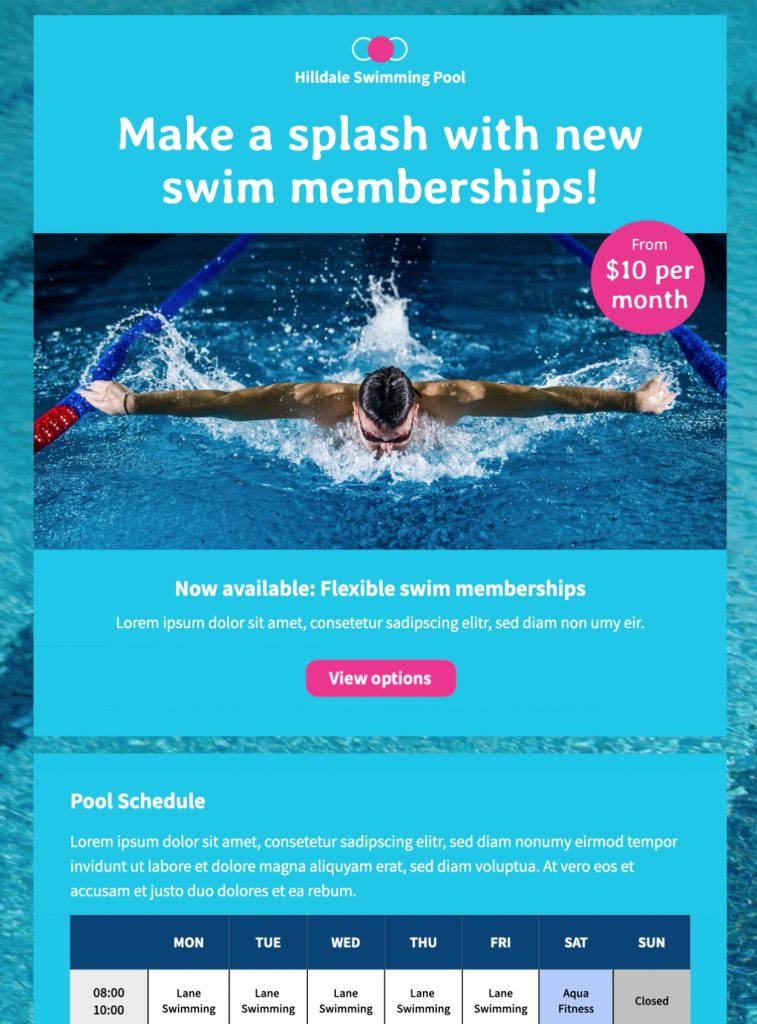
Swimming Pool Schedule Email Template for Visitor Updates
This swimming pool schedule email template helps leisure centers share opening times, class timetables, closures, and visitor updates in a clear table layout. Customize it in Mail Designer 365, add your branding, and send a mobile-responsive schedule to members and guests.


Key Features:
- News & Announcements
- Premium template (learn more)
- Customise for your business
- Mobile responsive
- Send via your ESP
- Send via your own email address
- Export as HTML
Works with:








How to use this swimming pool schedule email template
Use this swimming pool schedule email template when opening hours, lessons, lane availability, or maintenance plans change. Start with the date the timetable takes effect and summarize the most important update before the full schedule. Separate regular hours from exceptions so members can quickly see what applies to their visit.
Include the details visitors need
List opening and closing times, class names, age or ability requirements, booking rules, prices, and the location of each activity. Explain whether sessions are supervised, require registration, or have limited capacity. If a pool, sauna, changing room, or accessibility feature is unavailable, state the expected duration and offer a practical alternative.
Make the timetable easy to scan
Group information by day, pool, or activity and keep labels consistent. Use live text for essential times rather than placing the entire schedule in an image. Follow W3C guidance for meaningful alternative text on informative graphics, maintain readable type and sufficient contrast, and use descriptive links. A single primary button such as “View the current schedule” or “Book a swimming session” gives readers a clear next step.
Customize and test the design
Replace the sample logo, colors, photos, contact information, button label, and destination with your own brand details in Mail Designer 365. Preview the message at mobile and desktop widths, verify every timetable entry, and test all booking, map, and contact links. Send a proof to reception or operations staff before publishing so they can confirm capacity, closures, holiday hours, and safety information.
Keep future updates reliable
Link to one maintained schedule page whenever times may change after the email is sent. Include a visible “last updated” date on that page, identify who visitors can contact with questions, and avoid promising availability that is not guaranteed. Browse more Mail Designer 365 email templates if another announcement layout better suits your facility.