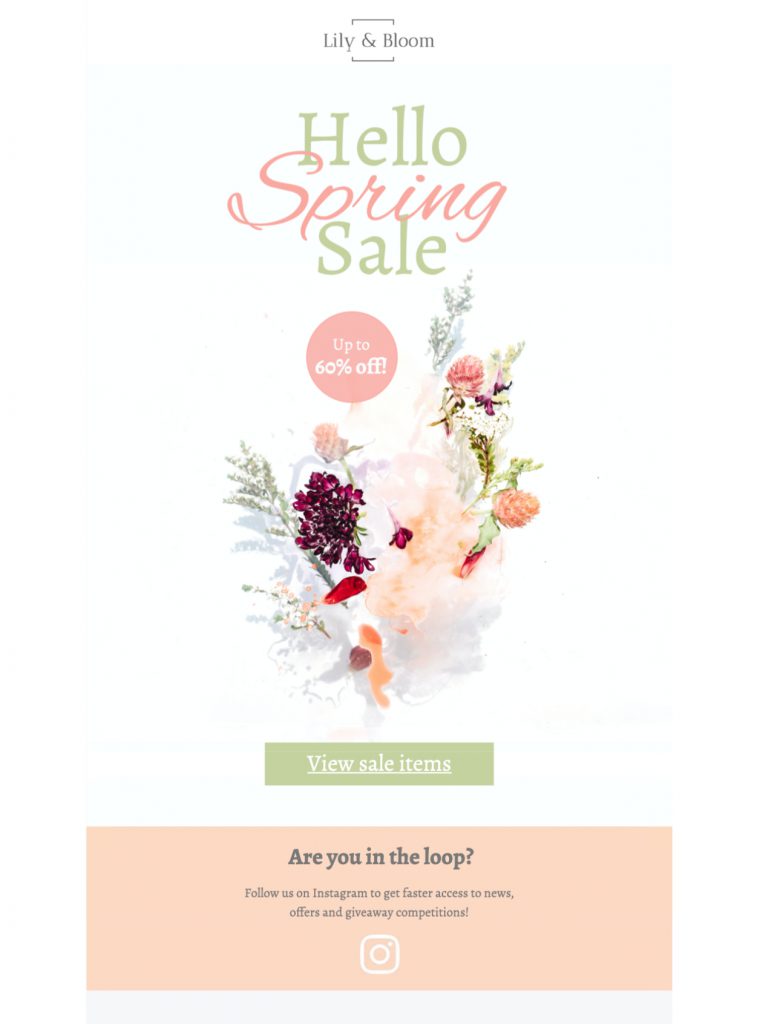
Who should use this spring promotion design?
The floral layout works well for fashion, beauty, home, garden, food, hospitality, and lifestyle campaigns. Use it for a new-season collection, a limited-time discount, a spring menu, a booking incentive, or a clearance event. It can also support an early-access message for loyal customers or a reminder near the end of a promotion.
Before editing, choose one primary conversion goal: a purchase, reservation, appointment, registration, or store visit. Make that goal the strongest button and keep secondary links visually quieter. A focused hierarchy helps recipients understand the offer quickly, especially on mobile.
Customize the spring sale email template
Replace the sample headline with the specific benefit and place essential terms close to the first call to action. State the discount or incentive, eligible products or services, start and end dates, time zone, minimum spend, exclusions, and whether a code is required. Avoid vague urgency when stock or timing is not genuinely limited.
Adapt the floral palette to your brand without losing the light seasonal mood. You can swap in product photos, lifestyle imagery, illustrations, or a storefront image. Keep text contrast strong and use a concise button label such as “Shop the spring sale,” “Reserve your table,” or “Book a spring appointment.” Make sure the destination matches the promise in the button.
Accessible, mobile-friendly design choices
Keep important offer information as live text instead of placing it only inside an image. Add descriptive alternative text to informative visuals, while decorative images can use an empty alt attribute when appropriate. Do not rely on color alone to identify sale prices, deadlines, or availability. Check font size, line spacing, and contrast at normal viewing size.
Use Mail Designer 365’s smartphone preview to confirm that the headline wraps cleanly, images crop as intended, and buttons remain easy to tap. Long product names and large percentage figures can alter the layout, so test them with the real campaign copy rather than placeholders.
Spring sale campaign ideas
Possible uses include a new-season launch, wardrobe refresh, garden event, Easter-adjacent promotion, outdoor dining announcement, travel offer, wellness package, or end-of-winter clearance. Segmenting the audience can make the same design more relevant: returning customers might receive early access, while new subscribers see a welcome incentive or curated best sellers.
Write a subject line around the actual value, then use the preheader to add a deadline, category, or delivery detail. In the body, lead with the main offer, add a short reason to act, show a small selection of products or services, and repeat the primary call to action only where it helps readers make a decision.
Pre-send testing checklist
Send test messages to the inboxes most common among your subscribers and review desktop and mobile versions. Verify the sender name, reply-to address, subject, preheader, personalization, prices, discount code, dates, time zone, inventory claims, shipping information, and legal footer. Click every link and confirm tracking parameters and landing-page content.
Also view the email with images disabled. The offer, deadline, and call to action should still be understandable. Check that alternative text is useful, the text hierarchy remains clear, and no placeholder copy or sample URL remains. If the promotion has important conditions, link to a complete and accessible terms page.
A distinct keyword role in the spring content cluster
This page is specifically for people seeking a spring sale email template they can customize and send. Broader pages about spring email designs, seasonal campaign ideas, newsletters, or general templates should keep their own search intent. That separation helps each page answer one clear need instead of competing for the same phrase.
Edit the spring sale email template in Mail Designer 365