
Easter Greeting HTML Email Template
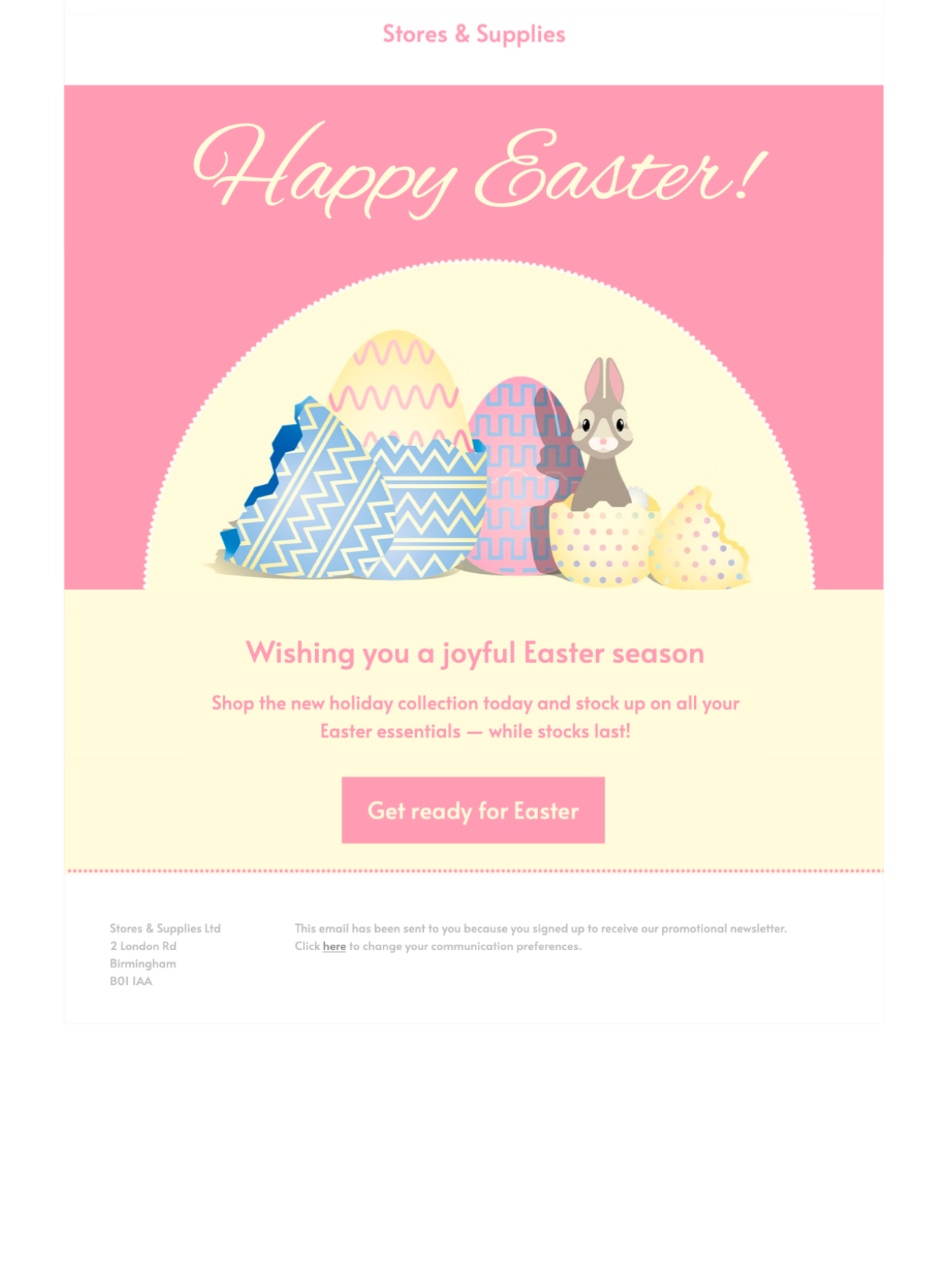
This Easter greeting HTML email template uses a bunny-themed design for sharing a warm seasonal message with customers, members, guests, or supporters. The friendly illustration gives the campaign a playful focal point, while the surrounding content areas can be adapted for a simple greeting, spring promotion, restaurant update, community event, or nonprofit message.
Open the design in Mail Designer 365 to replace the wording, update images and colors, add your logo, and connect the main call to action to the most useful destination for your audience.


Already a Mail Designer 365 user? Open the Design Idea here.
How to customize an Easter greeting HTML email template
Begin with the purpose of your message. A customer greeting can focus on appreciation and seasonal wishes, while a promotion should lead with the offer, deadline, and products or services it covers. Event emails need the date, time, location, booking details, and a direct registration link. Keeping one primary goal makes the finished design easier to scan.
Make the bunny greeting fit your audience
The preview uses a cheerful bunny illustration to create a friendly Easter mood. That makes it suitable for family-oriented brands, shops, restaurants, schools, clubs, and community organizations. Adjust the surrounding text and brand elements without making claims that the illustration does not support. If your audience expects a more formal message, keep the greeting concise and let the seasonal visual carry the tone.
Add useful campaign information
For a retail promotion, include the eligible items, discount conditions, promotional code, and end date. Restaurants can add holiday opening hours, menu details, and a reservation link. Community groups can use the layout for an Easter event, donation request, or volunteer update. These specific details help this greeting page remain distinct from Easter event templates that serve a different campaign purpose.
Keep the call to action clear
Use one main button with wording that matches its destination, such as shop the collection, reserve a table, view event details, or make a donation. Link directly to that destination instead of a generic homepage. Supporting links can appear later in the design, but they should not compete with the primary action.
Review the design before sending
Replace every placeholder, confirm dates and links, and add concise alternative text to meaningful images. Preview the email at desktop and mobile widths, then send a test to check spacing, image loading, sender details, and the call-to-action destination in a real inbox. These checks help an Easter greeting HTML email template feel useful and intentional rather than purely decorative.
Key Features:
- Seasonal
- Customise for your business
- Mobile responsive
- Send via your ESP
- Send via your own email address
- Export as HTML
- Use the W3C image decision tree when choosing alt text for the bunny illustration.
Works with:







