
4th of July Email Template
This 4th of July email template helps businesses and organizations prepare a clear seasonal greeting, event invitation, or limited promotion.
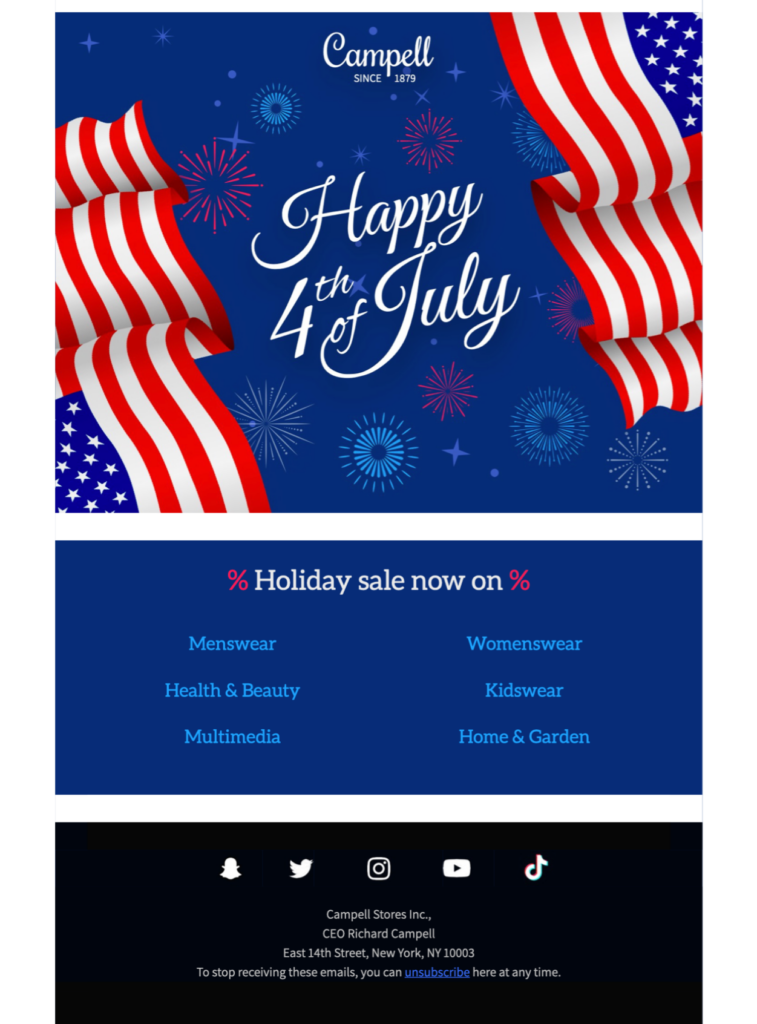
This 4th of July email template helps businesses and organizations prepare a clear seasonal greeting, event invitation, or limited promotion.
Exclusively available in Mail Designer 365! Celebrate a fun 4th of July sale or promotion with this stars & stripes themed email template. Sign up free today to get started.








Decide whether the message is a seasonal greeting, an event announcement, a schedule update, or a promotion. Keep that purpose clear from the opening and use one primary action that matches what recipients need to do next.
For an event, verify the date, time, location, entry requirements, and contact information. For a promotion, state the eligible products, exact discount, time zone, end date, exclusions, and destination link. Do not place important terms only inside an image.
Replace the sample text and imagery, apply approved brand colors and typography, add a recognizable sender, and keep the layout easy to scan. Use the seasonal visual style only where it supports the message, and avoid adding several competing buttons.
Add concise alternative text to informative images and leave decorative images without redundant descriptions. The W3C image decision tree can help you choose appropriate alt text. Make sure dates, prices, offer conditions, and the main action remain understandable when images are blocked.
Preview the 4th of July email on desktop and mobile, send a delivered test, and open every link. Confirm the sender name, subject line, preview text, personalization fallback, footer details, and unsubscribe path before scheduling the campaign.