
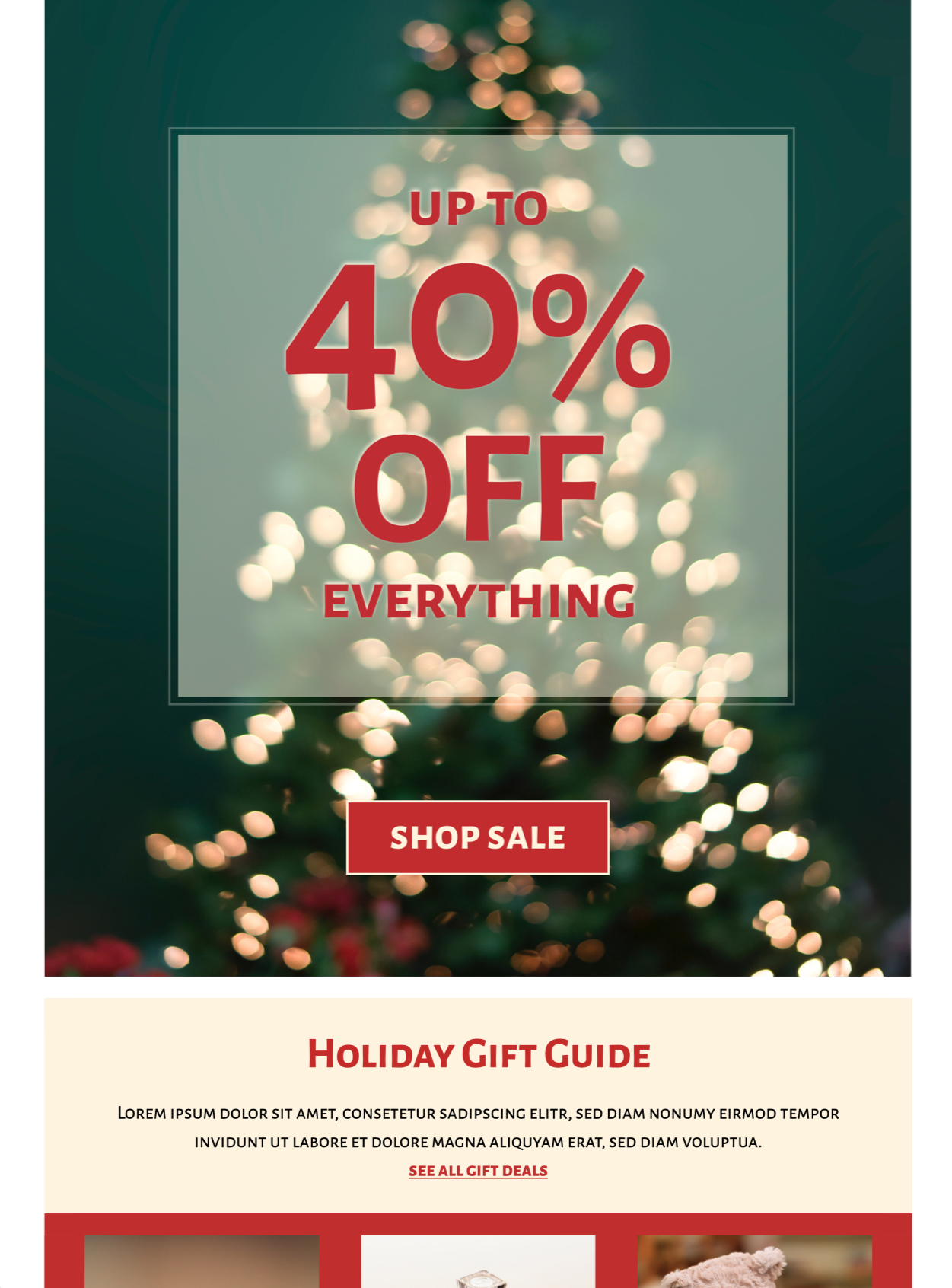
Holiday Sale Email Design
Use this sale email design to present holiday products, a seasonal collection, or one limited-time offer in a clear Christmas tree layout. Customize the product images, prices, colors, offer details, and call to action in Mail Designer 365, then preview the responsive email before sending.


Already a Mail Designer 365 user? Open the Design Idea here.
Key Features:
- Sales & Seasonal
- Customise for your business
- Mobile responsive
- Send via your ESP
- Send via your own email address
- Export as HTML
Works with:








Build the sale email design around one seasonal offer
Choose the primary action before editing the template: shop a holiday collection, redeem a percentage discount, claim free delivery, or browse a limited bundle. Put the benefit and deadline near the top, then use one prominent button that leads to the matching sale or collection page.
Use the Christmas tree product layout clearly
The preview arranges featured products inside a festive tree silhouette, making the design useful for fashion, electronics, footwear, gifts, or mixed retail collections. Replace each sample product with current imagery and keep the visual hierarchy easy to scan. Include product names, prices, availability, and any variation the shopper needs before clicking.
Customize the holiday sale email in Mail Designer 365
Adapt the brand colors, typography, logo, product crops, spacing, button label, and destination links. Keep prices, deadlines, coupon codes, and conditions as live text rather than placing them only inside images. Save a clean master copy of the sale email design before creating versions for product categories, regions, customer tiers, or delivery zones.
State promotion rules and timing precisely
Confirm the start and end date, time zone, eligible products, minimum purchase, coupon behavior, shipping threshold, stock limits, pickup options, and exclusions. If the offer is valid only online or at selected stores, place that condition close to the call to action and link to complete terms.
Verify accessibility, stock, and every destination
Follow W3C image accessibility guidance, add concise alternatives for meaningful product images, and use readable text with sufficient contrast. Preview mobile and desktop layouts, send a proof, open every link, and verify inventory, prices, discount behavior, tracking parameters, sender details, legal footer, preference controls, and unsubscribe link. Compare the final sale email design with the live storefront immediately before launch.