
New Year Fireworks HTML Email Template
This new year fireworks html email template gives seasonal campaigns a celebratory opening while keeping the offer, event details, and main action easy to understand.
This new year fireworks html email template gives seasonal campaigns a celebratory opening while keeping the offer, event details, and main action easy to understand.
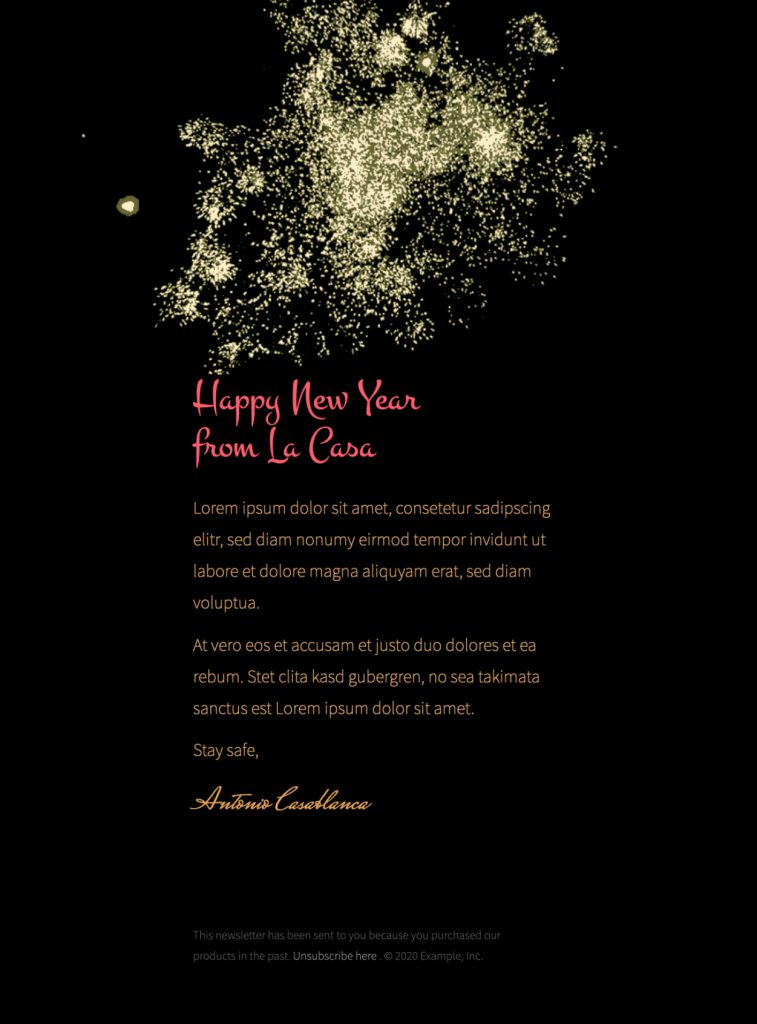
Begin with one goal for the campaign. You might thank customers for the past year, announce holiday opening hours, invite readers to a New Year event, or promote a limited seasonal offer. Put the goal in the headline and use one specific button that leads to the matching page. If an offer has an expiration time, eligible products, minimum order, regional limit, or discount code, state those details close to the call to action.
Replace the sample fireworks with imagery that fits your brand and campaign. Keep essential dates, prices, venue details, and terms as live text so they remain readable when images are blocked. Add concise alternative text to meaningful images and leave decorative bursts or dividers with empty alt text. Maintain strong color contrast around bright fireworks and dark backgrounds, and avoid rapid animation that could distract or make the message difficult to read.
Decide whether the message is for New Year’s Eve, midnight, New Year’s Day, or the first business week. Include the year when it prevents confusion, and check time zones for online events or deadlines. Use inclusive wording that works for an international audience and avoid implying that every reader celebrates in the same way. A short subject line and supporting preview text should make the purpose clear before the email is opened.
Before sending, preview the responsive design on desktop and mobile. Verify the sender name, reply-to address, event or product destination, coupon behavior, calendar dates, and legal footer. Send proofs to colleagues and click every link. If the campaign promises a sale or registration, test the complete path through checkout or confirmation.
Save the finished design as a branded starting point for future New Year messages, then update the year, dates, links, and offer terms each time. Keep analytics labels consistent so results can be compared across seasonal sends. Explore more Mail Designer 365 email templates and review the W3C accessibility design tips before launch.
Exclusively available in Mail Designer 365! This stylish fireworks template is perfect for celebrating New Year with a bang. Sign up free today to get started with this template.


Already a Mail Designer 365 user? Open the Design Idea here.







