
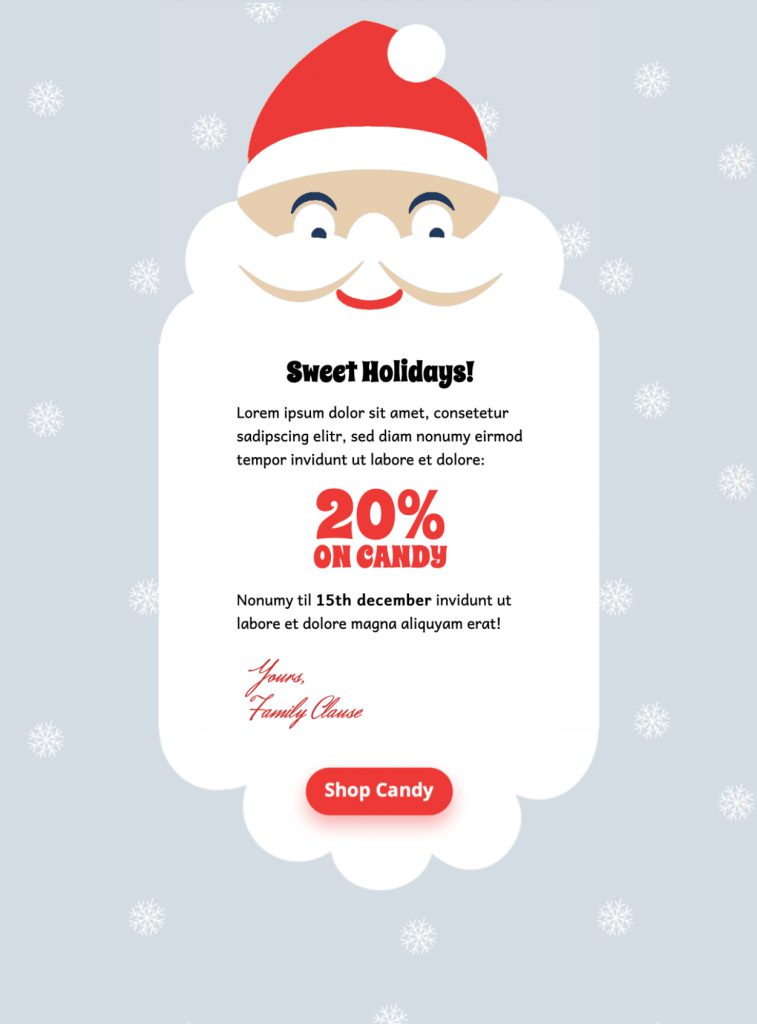
Santa Claus Email: 5 Reliable Christmas Campaign Checks
Use this Santa Claus email template to send a fun Christmas greeting or festive promotion. Customize the animated design in Mail Designer 365, keep one clear audience action, and test every message detail before sending.


Already a Mail Designer 365 user? Open the Design Idea here.
Key Features:
- Sales & Seasonal
- Animated GIF effect
- Premium Design (learn more)
- Customise for your business
- Mobile responsive
- Send via your ESP
- Send via your own email address
- Export as HTML
Works with:








Plan a Santa Claus email for one campaign goal
Choose one primary purpose before editing the design: a holiday greeting, seasonal sale, event invitation, shipping reminder, gift guide, or year-end thank-you. Open with the most useful information, keep the offer easy to understand, and use one prominent button for the next step. If the message includes a deadline, state the date, time zone, and any delivery or availability limits clearly.
Customize the festive design
For this Santa Claus email, replace the sample logo, colors, images, button label, and destination with your own brand elements. Keep important details as live text so the email remains useful when images or animation are blocked. Use a short subject line and preview text that accurately describe the message. Browse more Mail Designer 365 email templates if another seasonal layout better matches the audience.
Write inclusive Christmas campaign copy
Use a tone that fits the relationship with your subscribers and avoid assuming that everyone celebrates the same holiday. Segment the list when possible, respect communication preferences, and suppress customers who already completed the promoted action. Check prices, discount terms, stock, locations, event details, shipping cutoffs, and returns information before scheduling the send.
Make the Santa email accessible
Add meaningful alternative text to informative images, maintain readable type and sufficient contrast, and use descriptive link labels. Do not place essential dates or offer conditions only inside the animated artwork. Preview the design at mobile and desktop widths and ensure buttons remain easy to tap.
Test before sending
Send a proof to colleagues, open every link, verify tracking parameters, and review animation fallbacks in clients that show only a static frame. Confirm the sender name, subject line, preview text, legal footer, preference controls, and unsubscribe link. Check that the public destination matches the promise in the email and remains available for the full campaign period. Choose a clear first animation frame so recipients still understand the message when their email app does not play the GIF.