

So you've finally finished designing your email... Are you ready to hit that launch button? Before you do, we want to share some important elements you should check before you click send.
Read More
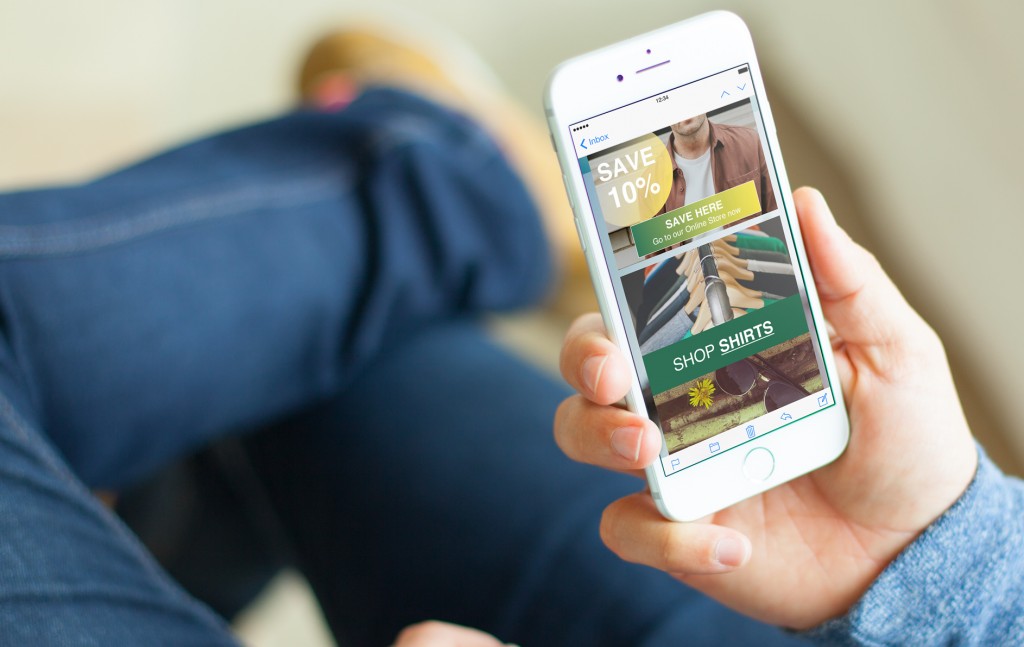
Why mobile email marketing?
Mobile devices have become an essential part of our lives. In the morning, do you check your mobile at least once? Do you normally use a smartphone to talk to your loved ones via text, call, or a messenger app? Do you place your mobile phone next to your bed when you're going to sleep? You probably answered yes to at least one of the questions, if not all of them.
Since our lives have become increasingly dependent on mobile devices, it's important for email marketers to recognize the advantages of mobile email marketing. The reality is that email marketing is no longer bound to desktops, laptops, and tablets. Today, businesses can reap the benefits of email marketing from mobile users.
Apply the ultimate mobile marketing strategy with our 7 mobile email marketing tips:

With countless commercial emails landing on people's inbox, designing an awesome email newsletter may not necessarily be enough to get high engagement. We want to share 13 crucial email marketing tips to help increase email engagement of your email marketing campaigns.
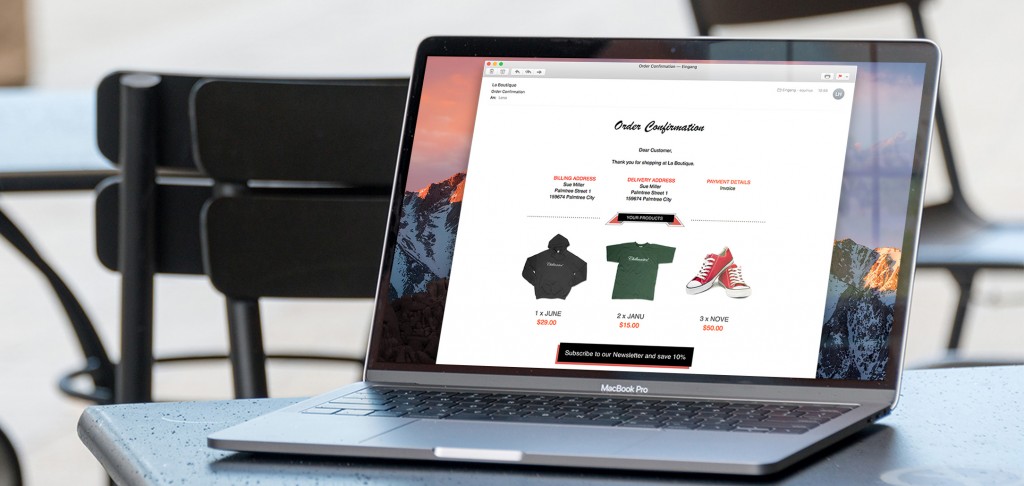
Build an email list at checkout by giving customers a clear, voluntary way to subscribe while they are already engaging with your store. The same consent-first approach works at a physical point of sale and in an online checkout.
This guide explains where to place the opt-in, what to communicate, and how receipts and shipping confirmations can support list growth without confusing a purchase email with marketing consent.
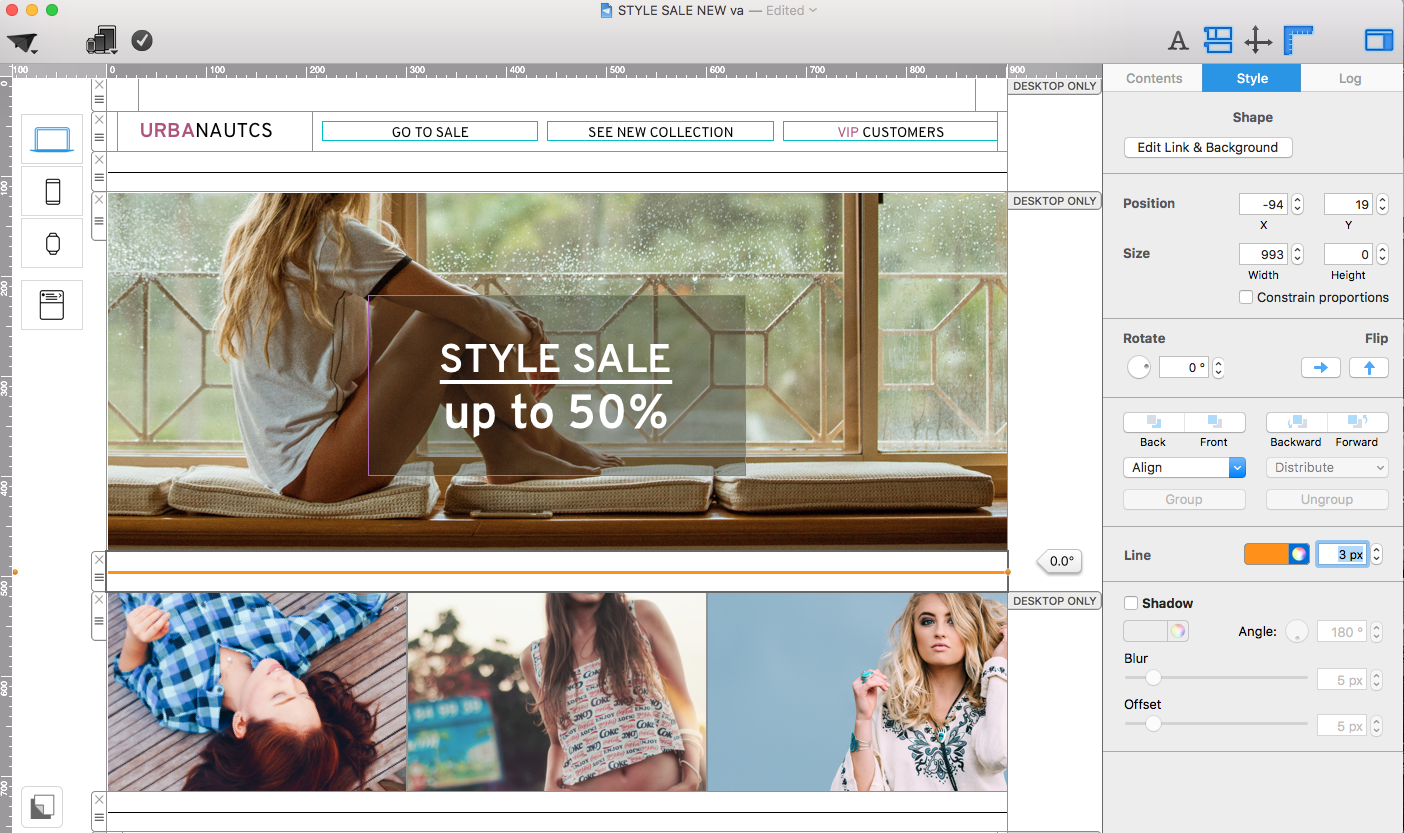
Lines are basic, fundamental design elements that you can use to create professional newsletters. In fact, you can use a line on its own as a separator of two different sections of your email template. Or you can try to insert multiple lines, place them in a row, and add some space in between them to separate two sections of your newsletter.
When it comes to organizing your email newsletter content, we will show you how handy line separators can be. Not only can lines act as separators, but lines are also great for guiding the eyes of the readers. You can strategically position the lines within your newsletter to give hints on the direction and flow of the email content.
Colors are important design elements that stimulate different emotions. Over the past decade, adding colors to designs has transformed. Whether you want to use soft, pastel colors or bright, loud colors - implementing smooth color transitions has become essential in creating beautiful effects. Gradients help add eye-catching visuals without being an eyesore. Creating transitions from one color to the next can give depth and contrast to the overall layout design of your email newsletter templates.

Beginner's Guide to Email Marketing
Step 5
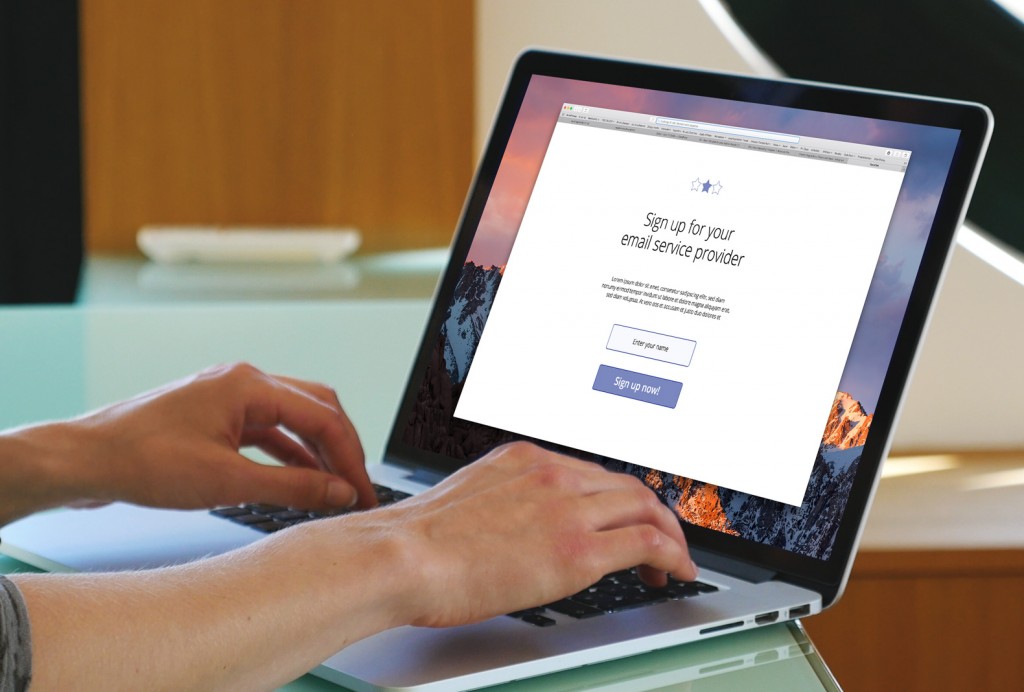
Sign Up for an Email Service Provider

Beginner's Guide to Email Marketing
Step 4
Quick Guide to Email Service Providers
Why can't I use my regular email service provider?
You are probably familiar with inbox providers, which are email platforms like Gmail or Yahoo Mail. Inbox providers are amazing options for sending one-on-one social emails. But if you are a business, you are sending emails to hundreds and even thousands of people, which is also known as "bulk emailing" or "mass emailing."
When you hear "bulk emailing" or "mass emailing," what is the first thing that comes to your mind? Most likely, it's spam. Spam is frequently sent in bulk, either by a bot or an anonymous sender. More often than not, spam contains hostile malware.
At one point or another, we've all received spam in our inbox or junk mail folder. With time, we have learned to treat spam with caution, and we're not the only ones. You may be a legitimate business, and you pride yourself with great quality email newsletters. But regardless of whom the emails are from, mass emails can still give red flags to both inbox providers and internet service providers (ISPs).