Category

Mail Designer 365 Blog

Seasonal Graphics for Newsletters: Version 2.8 Guide

By Team equinux Mail Designer 365 Blog
Seasonal graphics for newsletters were a central part of the Mail Designer 365 2.8 release, alongside holiday sales templates and macOS Monterey improvements. This historical guide covers its Thanksgiving, Hanukkah, Christmas, and promotion-ready design assets.

Find out everything that's new in version 2.8 in our detailed update guide...
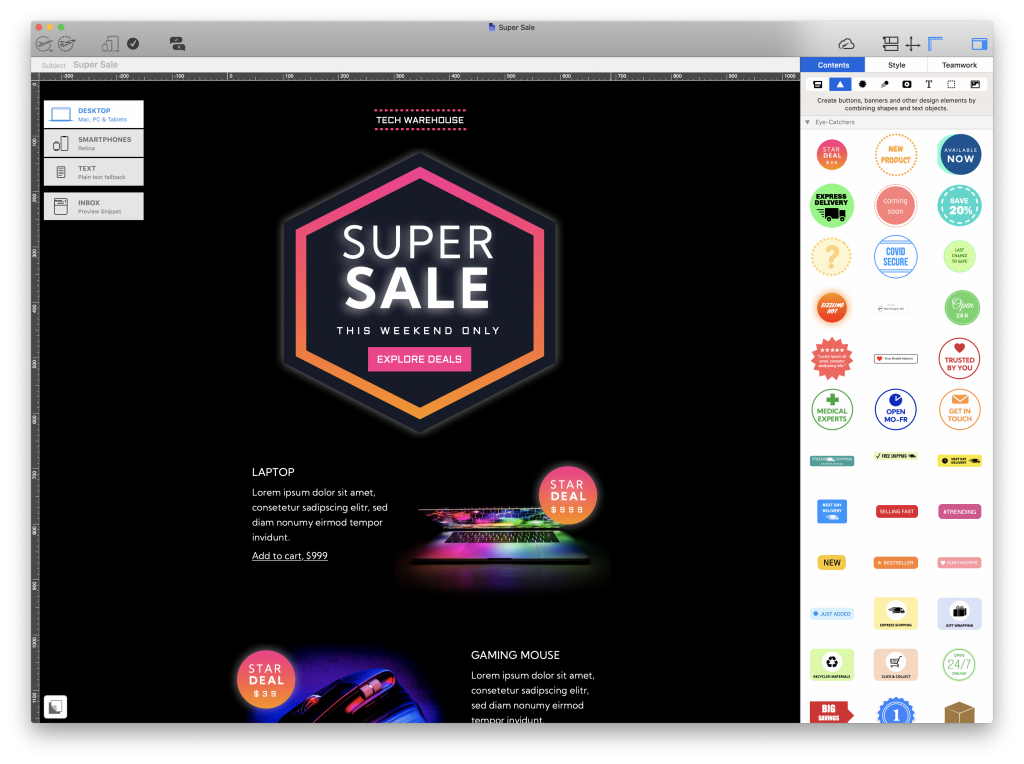
seasonal graphics for newsletters in Mail Designer 365 2.8

Read More

macOS Monterey Email Privacy and Features

By Team equinux Mail Designer 365 Blog
macOS Monterey email privacy changes affect how marketers measure campaigns and how users protect their addresses. This guide explains Mail Privacy Protection, Hide My Email, and Mail Designer 365 compatibility.

We are thrilled to announce that the latest Mail Designer 365 version is fully compatible with macOS 12, including all new M1 Pro and M1 Max MacBooks, so you can continue designing amazing HTML emails on your Mac.
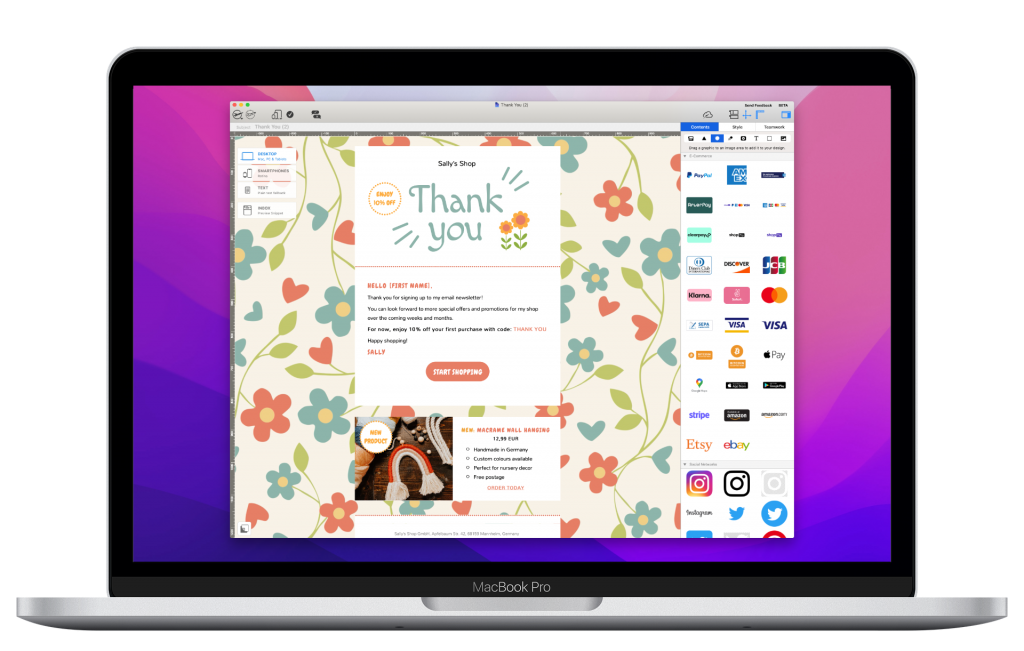
mail designer 365 on macOS Monterey

Mail Designer 365 is fully compatible with macOS Monterey

For a full roundup of all the most important changes in Monterey, be sure to check out our guide below. In the meantime, update to the latest Mail Designer 365 version here.

Read More

New: Mail Designer 365 Version 2.7 is Here - All You Need to Know

By Team equinux Mail Designer 365 Blog
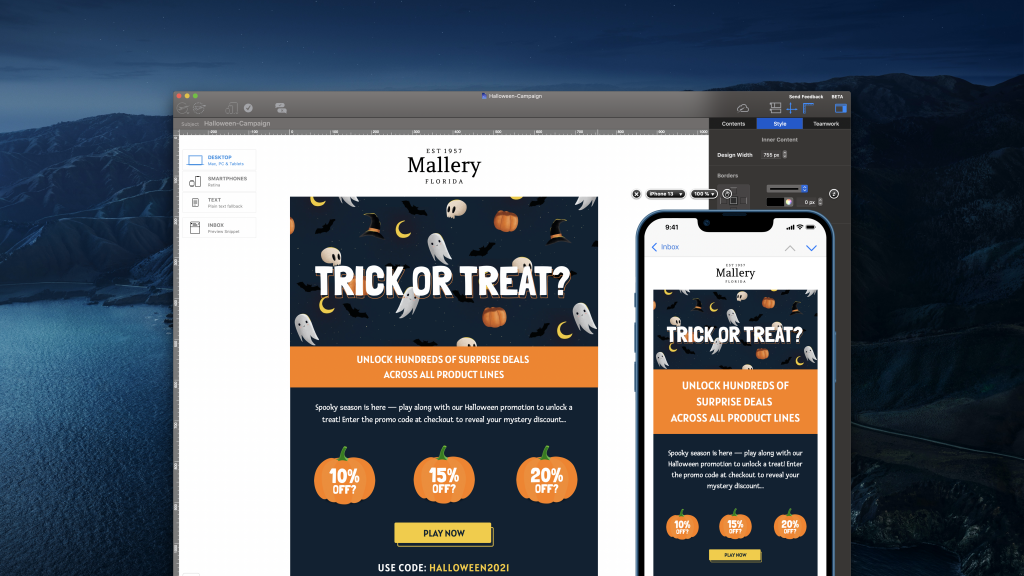
Spooky season is back and we have a brand new Mail Designer 365 update for you! To help get you and your subscribers geared up for Fall, this version brings new, seasonal Design Ideas, exciting iPadOS 15 and iOS 15 preview devices, plus important compatibility updates for upcoming macOS Monterey.

Find out everything that's new in version 2.7 in our update guide...

new halloween email templates in Mail Designer 365 Read More

Apple Mail Privacy Protection and what it means for you

By Team equinux Mail Designer 365 Blog
A week on from Apple's WWDC21 and one term in particular has got the email marketing community talking: "Apple Mail Privacy Protection" - a new privacy option set to be rolled out this year in Apple Mail on iOS 15, iPadOS 15, and macOS Monterey.

As the market leading email client, any changes made to Apple Mail will undoubtedly have an impact on your email strategy. Today, we'll be taking a closer look at Apple Mail Privacy Protection, exploring what it means for your email strategy and advising you on what you need to be aware of.

P.S. Keep reading to access your free checklist to help you get ready for Mail Privacy Protection!
Read More

Privacy Settings / Datenschutz-Einstellungen