
Switching your email account to Microsoft 365 can sometimes cause unexpected issues, especially when sending emails via SMTP through third-party apps like Mail Designer 365. Many users report that after the migration, their newsletters or other outgoing emails fail to send, even though login credentials remain correct. This article explains why this happens and provides you with a straightforward fix to help get you back on track.
Why Microsoft 365 SMTP Access May Fail
Many Microsoft 365 plans no longer provide traditional SMTP access in the way third-party apps expect. In some cases, SMTP is completely blocked, or it requires complex OAuth2 authentication. The classic login method, using just a username and password for SMTP, IMAP, or POP3, is often disabled by default after migration. This means that even if your app password is correct, third-party apps may fail to authenticate with Microsoft’s servers.
How This Affects SMTP Sending in Mail Designer 365
Mail Designer 365's SMTP send feature relies on a working SMTP connection to send emails. If your SMTP connection is blocked or requires a protocol the app doesn’t support, the login to the mail server will fail, and sending emails will not work. Users often encounter error messages indicating authentication failures, which can be confusing if email credentials work in other apps like Apple Mail or Outlook.
An Alternative to SMTP in Mail Designer
If SMTP sending is no longer available with your Microsoft 365 account, Mail Designer 365 offers a built-in sending service that avoids these limitations altogether.
Mail Designer 365 provides two integrated sending options:
- Direct Send – ideal for 1:1 emails and smaller recipient groups, similar to traditional SMTP sending
- Campaign Sending – designed for marketing newsletters and larger email distributions
Both options allow you to send emails without relying on your email provider’s SMTP access, making sending more reliable and easier to maintain as provider requirements continue to change.
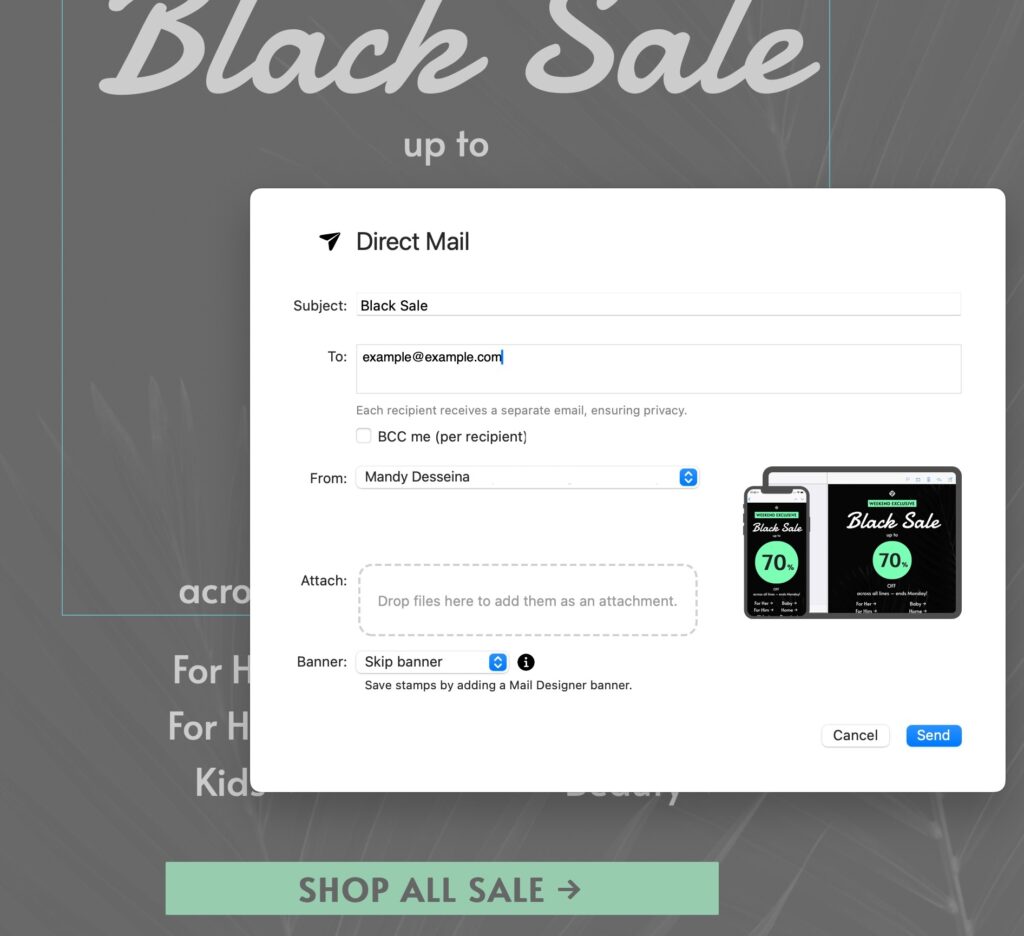
With Mail Designer 365 Direct Mail, you can send professional HTML emails directly from your Mac without relying on SMTP
Good to know: All Mail Designer 365 design plans include a base sending allowance, so you can get started right away and send up to 20 Direct Mails a month, at no additional cost.
Why Use Mail Designer 365’s Sending Service?
- Custom domain authentication: Support for DKIM, SPF, and DMARC helps ensure your emails are properly authenticated and trusted by receiving servers.
- Improved deliverability: Modern sending infrastructure helps your emails reach inboxes rather than spam folders.
- Less dependency on email providers: You’re no longer affected by changes to Microsoft 365 or other providers’ SMTP and authentication policies.
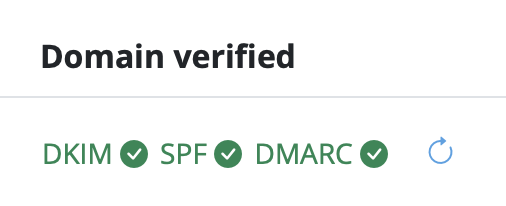
By using Mail Designer 365’s sending service, you can continue sending professional emails and newsletters with confidence, even as email platforms evolve and restrict traditional SMTP access.