New Year email design ideas work best when the visual style matches one clear campaign purpose. These two Mail Designer 365 examples offer different starting points: a bold fireworks layout for an event or promotion, and a calm winter greeting for customers, partners, or colleagues.

Choose the purpose for your New Year email
Decide what readers should understand or do before you adjust the design. A sales promotion needs a clear offer and deadline. An event email needs the date, time, location, and registration path. A business greeting can focus on appreciation, a short look ahead, and a personal sign-off. Combining all three goals usually weakens the hierarchy.
Audience expectations matter as well. Customers may value practical opening hours or delivery information, while business partners may prefer a concise thank-you. Internal teams may need local office details or a link to a company event. Keep the tone inclusive and avoid assuming that every reader celebrates in the same way.
Build a bold New Year celebration email
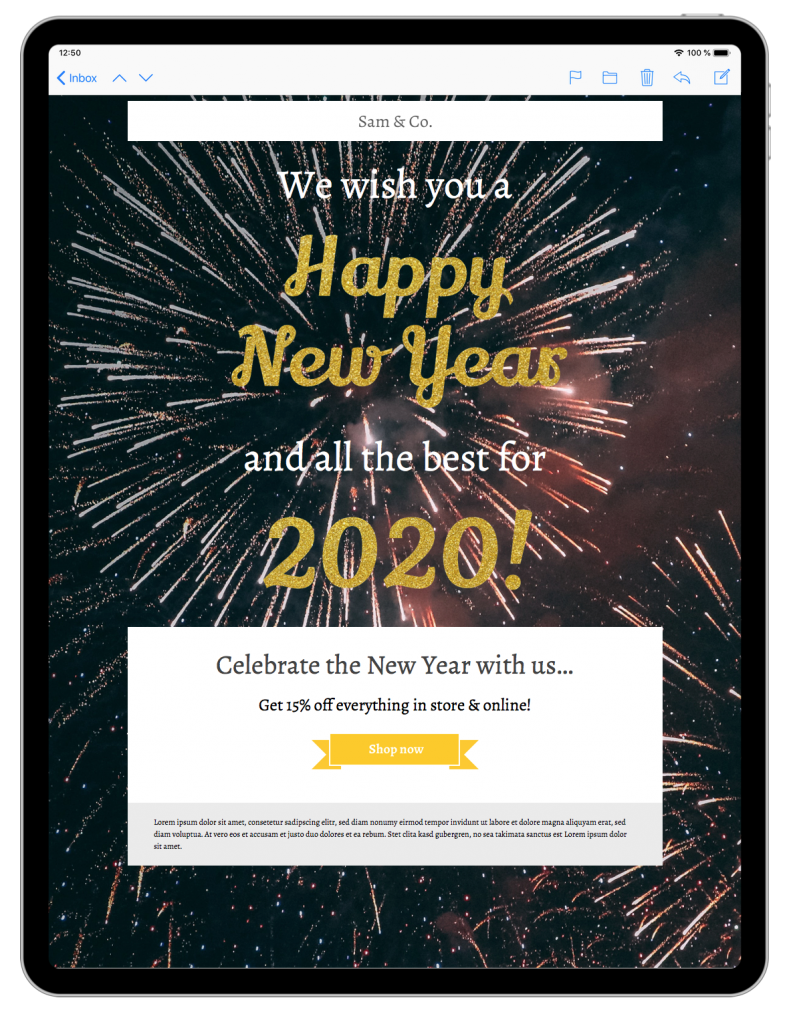
The dark background, fireworks imagery, and glittering headline create an energetic focal point. This style suits a countdown event, limited promotion, seasonal menu, or product launch. Keep the strongest visual around the primary message, then use one prominent button for the main action.
High-impact artwork still needs readable content. Use sufficient contrast, short headings, and a text explanation of the offer or event. If the fireworks image does not load, the subject line, opening, date, deadline, and main action should remain clear.
Create a professional New Year greeting
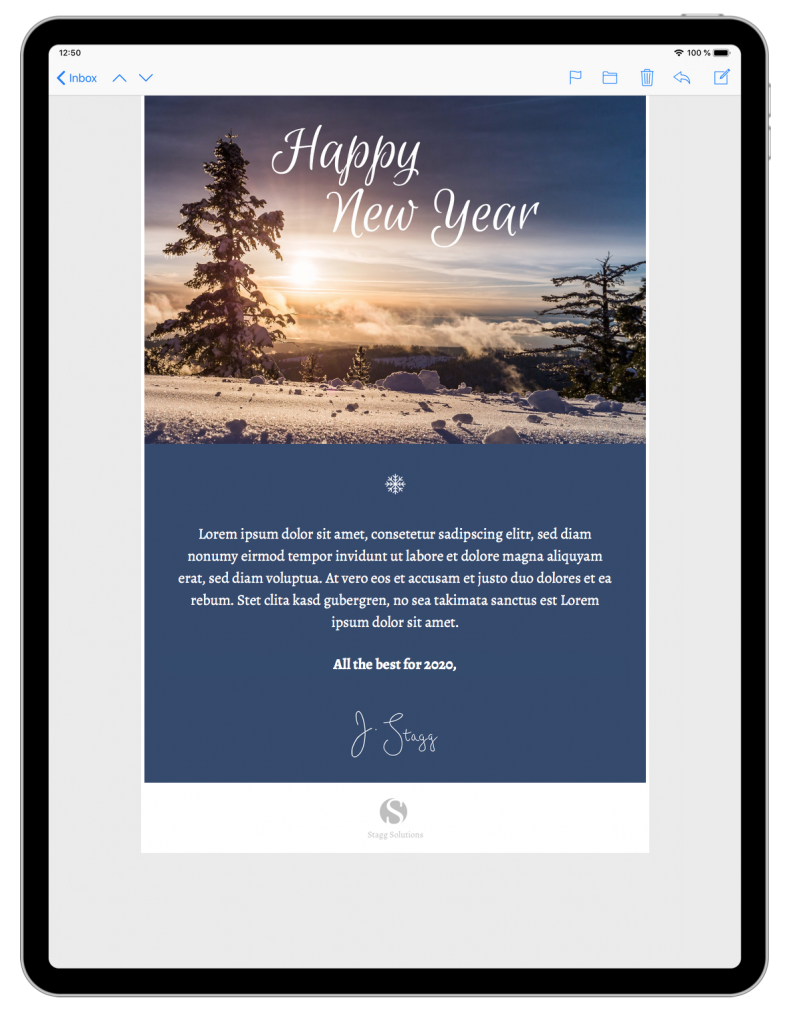
The winter greeting uses a quieter composition that leaves room for a logo, short message, and signature. It works well for thanking customers, partners, employees, or members without turning the email into a promotion. A personal note from a recognizable sender can make the message feel more considered.
Keep the copy specific. Mention one genuine point of appreciation and one useful detail for the year ahead. If the email includes a link, give it a clear purpose such as viewing new opening hours, reading an annual update, or contacting the team.
Add the details readers need
For promotional New Year email design ideas, state the offer, exclusions, code, deadline, currency, and destination. For events, include the full date, time zone, venue or joining instructions, accessibility information, and cancellation policy. For greetings, confirm the sender and avoid unnecessary urgency.
Align the subject line and preview text with the visible message. A specific benefit or deadline is more useful than a vague promise. Our guide to email preview text explains how those two inbox elements can work together. For broader seasonal planning, see these New Year email marketing ideas while preserving the distinct audience and calendar context of your own campaign.
Customize and test the New Year email design ideas
Adapt the chosen layout in Mail Designer 365 with your brand colors, logo, type styles, images, and button labels. Crop images around their main subject and review both desktop and mobile layouts. Use descriptive link text so readers know where each action leads.
Before sending, test every link and confirm that landing pages show the same offer, event, or update. Check dates, time zones, prices, availability, and tracking parameters. Send test messages to multiple inboxes and review the email with images blocked. The W3C accessibility design tips are a practical reference for contrast, layout, and clear interactions.
Archive the approved version with its campaign date and purpose. This gives the team a reusable structure without accidentally carrying an expired deadline, outdated greeting, or old tracking value into the next year.
Create your next New Year email