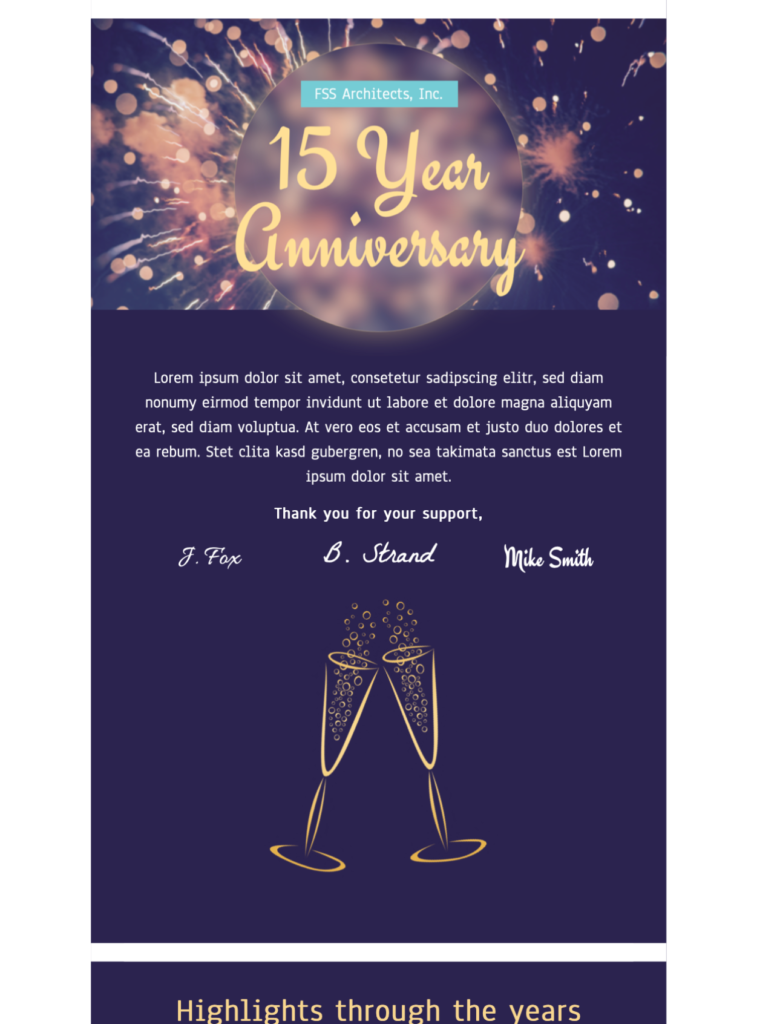
Plan a company anniversary email template around the milestone
Start with the anniversary year and the reason the milestone matters to the audience. The campaign can thank customers, recognize employees, share a short company history, invite recipients to an event, or connect the anniversary to a carefully defined offer. Keep one primary purpose and make the sender easy to recognize.
Choose the story and supporting details
Select a small number of verified milestones rather than turning the email into a complete company archive. Check every year, name, achievement, image caption, and quotation with the responsible team. If customers or employees are featured, confirm that the organization has permission to use the material in the campaign.
Adapt the design in Mail Designer 365
Replace the sample anniversary number, message, images, signatures, and timeline content. Apply approved brand colors and typography, keep the visual hierarchy easy to scan, and use one primary action such as viewing the anniversary story, registering for an event, or reading the verified timeline.
Include practical campaign information
For an event, provide the exact date, local time, location, access requirements, registration deadline, and contact. For an offer, state the eligible products, terms, end date, time zone, and destination link. Important dates and conditions should always remain available as text.
Check accessibility and image blocking
Add concise alternative text to informative images and leave decorative celebration graphics without redundant descriptions. The W3C image decision tree can help you choose appropriate alt text. Make sure the company anniversary email template still communicates the milestone when images are blocked.
Review before sending
Preview the email on desktop and mobile, send a delivered test, and open every link. Check the sender name, subject line, preview text, personalization fallback, dates, names, footer details, and unsubscribe path. Remove placeholders and confirm that every public claim is current and approved.