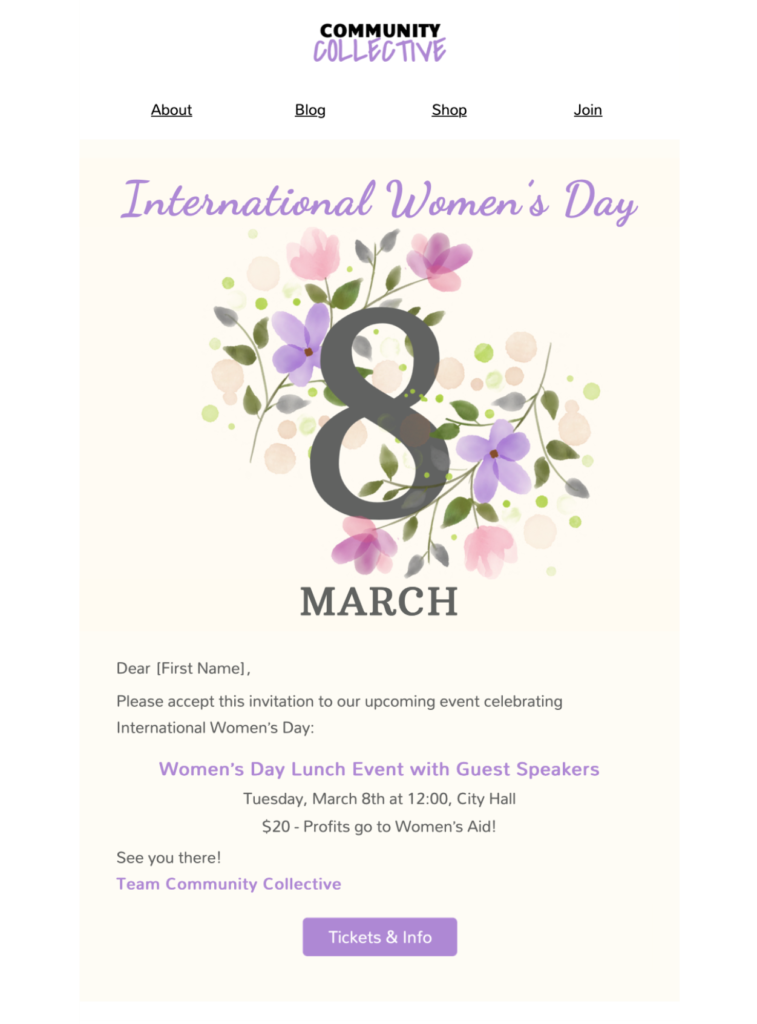
Plan an International Women's Day email template with purpose
Use this design for a clear, audience-appropriate message about International Women's Day. Decide whether the campaign will recognize team members, share an event, highlight an initiative, or direct readers to verified resources. Keep the purpose specific and avoid vague statements that are not supported by the organization's actions.
Choose the audience and message
An International Women's Day email template should be written for its recipients: employees, customers, members, partners, or event attendees. Explain why the message is relevant to them, identify the sender clearly, and keep the main point near the beginning. If the email promotes an event or program, include the date, time, location, participation details, and a reliable contact.
Customize the design responsibly
Replace the sample text and imagery with material that reflects the actual campaign. Apply approved brand colors and typography, use respectful language, and check the spelling of every name and organization. Keep one primary action, such as viewing event details or reading a verified resource, instead of adding several competing buttons.
Review accuracy and accessibility
Confirm that claims, dates, links, and contact details are current. Add concise alternative text to informative images and leave decorative images without redundant descriptions. The W3C image decision tree can help you choose appropriate alt text. Ensure that essential information is available as text and that the email remains understandable when images are blocked.
Test before sending
Preview the campaign on desktop and mobile, send a delivered test, and open every link. Check the sender name, subject line, preview text, personalization fallbacks, required footer details, and unsubscribe path. A careful review helps the International Women's Day email template communicate its purpose clearly without relying on visual elements alone.