
Frequently Asked Questions
How to set 'Use default gateway for remote network' for VPN on a Mac
Importing your Windows SSTP connection into VPN Tracker 365 to use on your Mac? VPN Tracker 365 supports all the custom configuration options you need to use your VPN flexibly.
Don't want to run all your traffic through the VPN? You can configure the connection to "Host to Network" to only send network-relevant traffic through the VPN.
Once you have selected "Host to network", you can connect and VPN Tracker 365 will automatically set a route to just send data for the network behind your VPN and route all other traffic (i.e. personal traffic) separately through your normal internet connection.
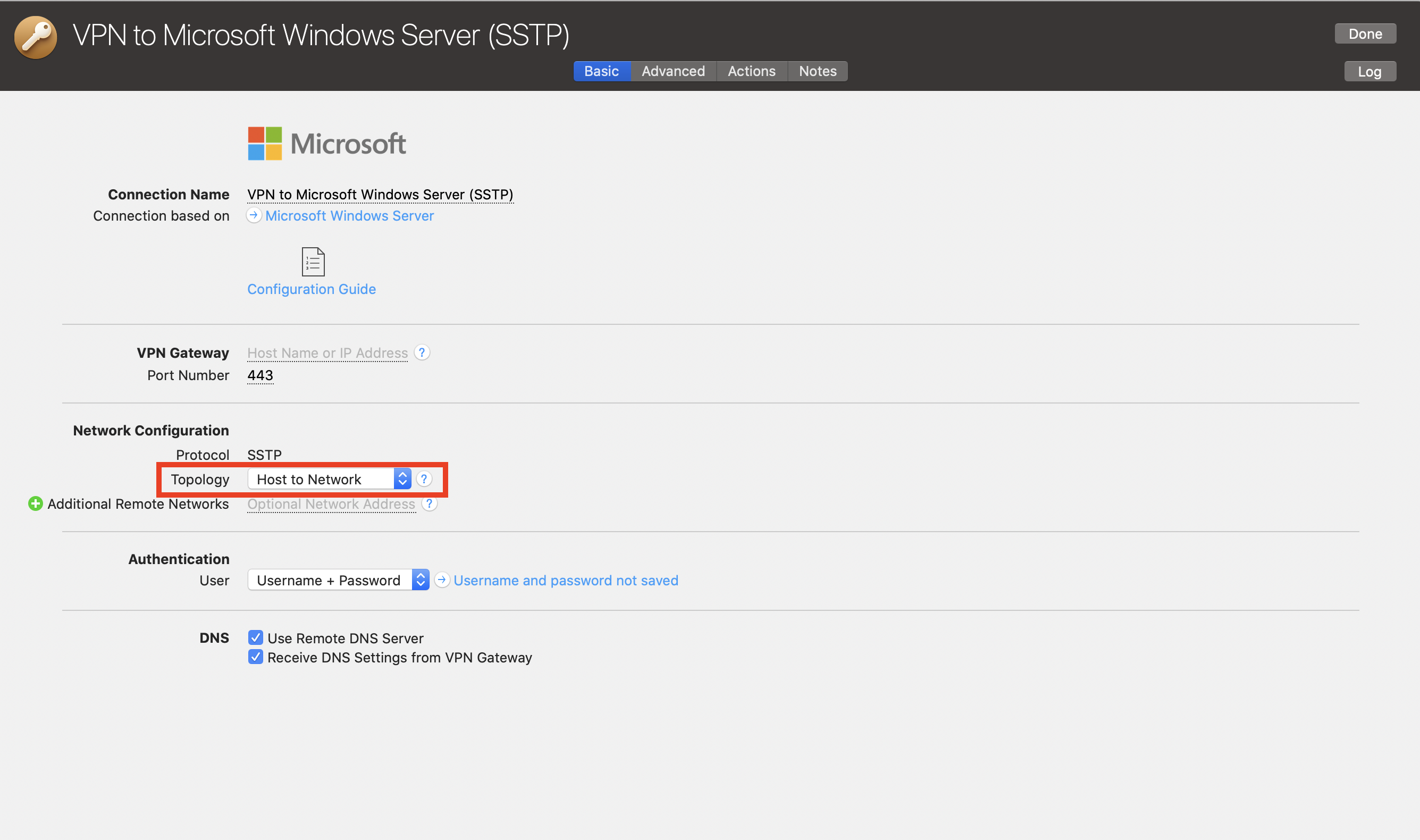 Note, this will give you the same behaviour as unchecking the "use default gateway on remote network" option on Windows.
Note, this will give you the same behaviour as unchecking the "use default gateway on remote network" option on Windows.