
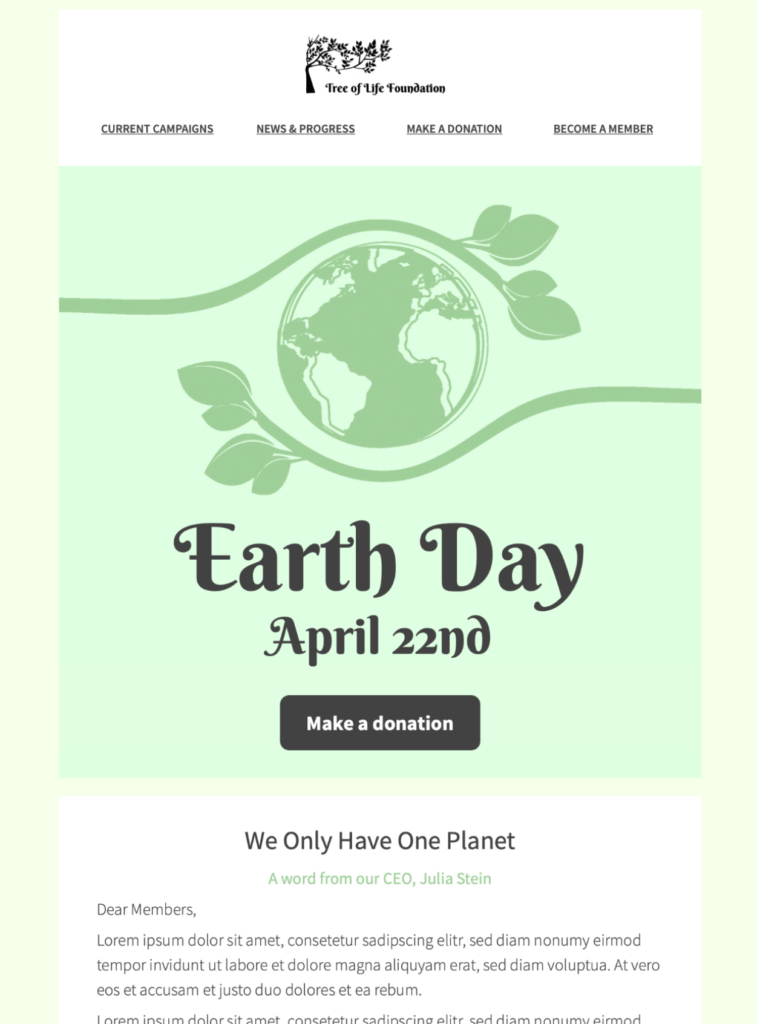
Start using this HTML email template today in Mail Designer 365
Exclusively available in Mail Designer 365! Think green with this stylish, sustainability-themed template for Earth Day email campaigns. Sign up free today to get started.
Key Features:
- Sales and Seasonal
- Customise for your business
- Mobile responsive
- Send via your ESP
- Send via your own email address
- Export as HTML
Ready to send?
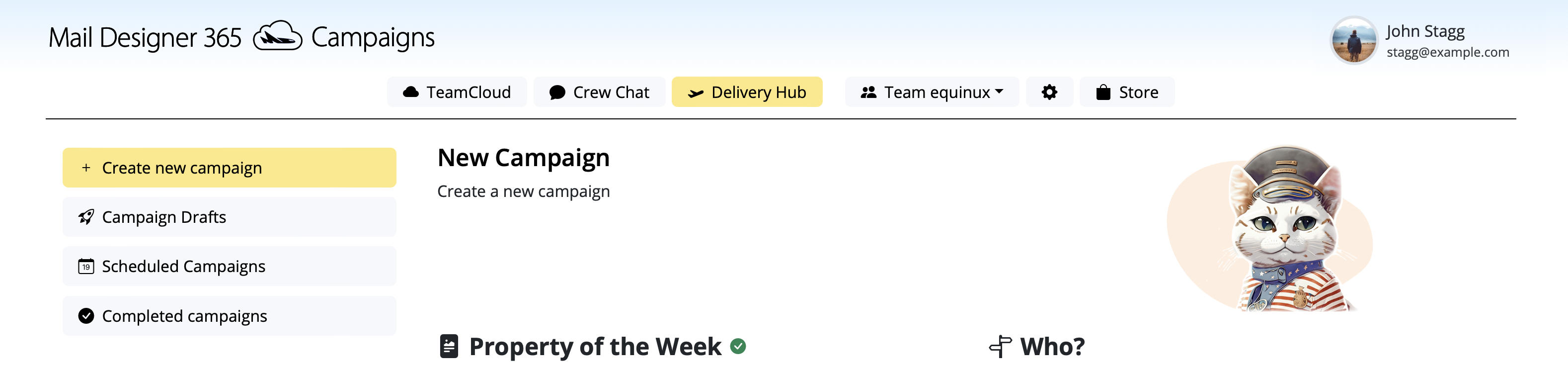
You've got your email template, now it's time to send! Schedule and send emails in Delivery Hub.
Customize this Earth Day email template for your campaign
This Earth Day email template gives sustainability-focused brands, schools, nonprofits, local organizations, and community groups a polished starting point for an April 22 campaign. The green color palette, nature-inspired imagery, and clear content sections help you connect an environmental message with one focused action. Use the design for an Earth Day event, a volunteer initiative, a sustainable product story, or a practical update about the steps your organization is taking.
Who this template is designed for
The layout works well when your audience already understands your organization but needs a clear reason to engage. A retailer can highlight an eco-conscious collection or recycling program. A nonprofit can invite supporters to a cleanup or fundraising campaign. A school can share an Earth Day activity with families, while a service business can explain a measurable sustainability commitment. Keep the campaign specific: one audience, one message, and one primary call to action.
Campaign ideas for Earth Day
- Invite subscribers to an Earth Day event, workshop, cleanup, or community challenge.
- Present a sustainable product collection without turning the email into a crowded catalog.
- Share a short progress update with concrete environmental goals or results.
- Offer tips that relate directly to your product, service, school, or local community.
- Thank customers or volunteers and show how their participation created an impact.
How to customize the design in Mail Designer 365
Replace the sample headline with a benefit-led message that explains what readers can do next. Add your logo and brand colors, then adapt the photographs and supporting copy to match your campaign. Keep the earthy visual direction if it fits your brand, or use the same structure with your own approved palette. Short paragraphs, descriptive headings, and a visible button make the message easier to scan on desktop and mobile.
Use the main image to establish the theme, but make sure the surrounding text carries the essential information. Readers who block images should still understand the purpose of the email. Add descriptive alt text to every meaningful image, avoid placing critical details only inside artwork, and maintain enough contrast between text, buttons, and backgrounds.
Prepare the Earth Day campaign for sending
Before sending, update the sender name, subject line, preheader, links, and contact details. A subject line should describe the campaign rather than relying on a generic seasonal greeting. The preheader can add the date, offer, or action that does not fit naturally in the subject line. Check every button and text link, including calendar, donation, registration, or shopping destinations.
Preview the Earth Day email template at mobile and desktop widths, then send a test to the email clients your audience uses most. Review line breaks, image crops, button labels, accessibility, and the final destination of each link. If the message promotes an event, confirm the date, time zone, location, registration deadline, and fallback contact. If it includes environmental claims, verify that the wording is accurate and supported.
Keep the template page distinct from Earth Day inspiration
This page is the design landing page for readers who want to customize an Earth Day email template in Mail Designer 365. For broader planning ideas and campaign examples, use the separate Earth Day best-practice guide. Keeping the template and editorial intents separate helps visitors reach the right resource without competing pages targeting the same search need.
Ready to build your campaign? Customize the design in Mail Designer 365, replace the sample content with your own Earth Day message, and send a tested version to your audience.