
Setting up a blog newsletter gives readers a reliable way to discover new posts, revisit useful articles, and stay connected when they do not visit the website every day. With a repeatable content plan and a flexible Mail Designer 365 layout, you can turn recent blog content into a concise email edition without recreating the entire site.
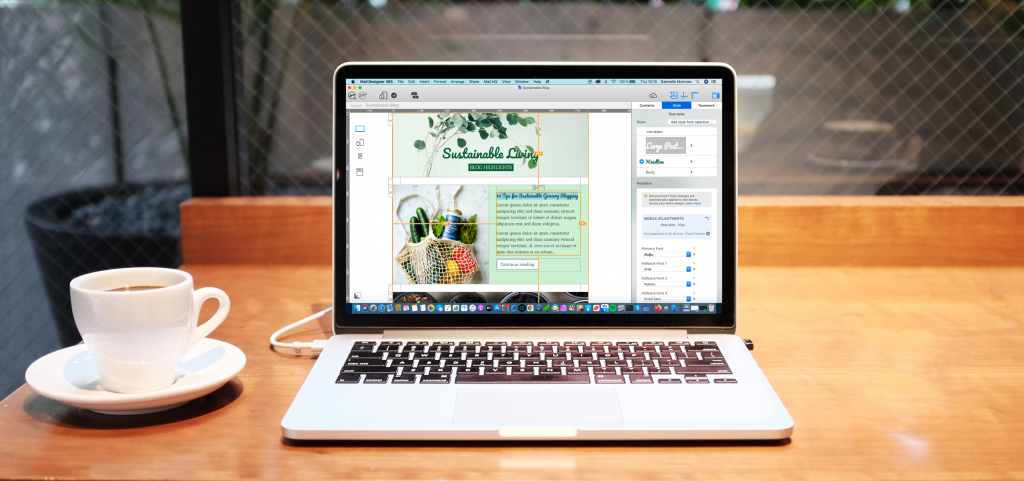
How to set up an email newsletter for your blog
- Download Mail Designer 365, choose a ready-made email template or create your own with the drag & drop builder
- Upload your design directly to Delivery Hub to send to your audience
Mail Designer 365 for Bloggers
Mail Designer 365 has tons of great tools and resources to help you promote your latest blog posts and boost engagement with your site.
Smartphone Friendly
Mail Designer 365 automatically creates a mobile optimized version of your design so readers can consume your content on the go.
Easy HTML Export
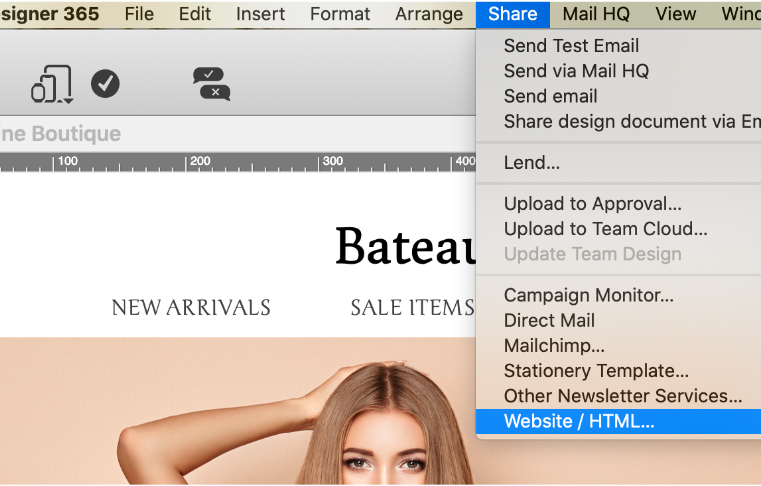
Use the integrated HTML export function in Mail Designer 365 and easily export your email design as a HTML file to host on your blog.
Integrated sending options
Send individual welcome mails to new subscribers or create regular newsletters to send to your entire audience.
Email Templates for Bloggers
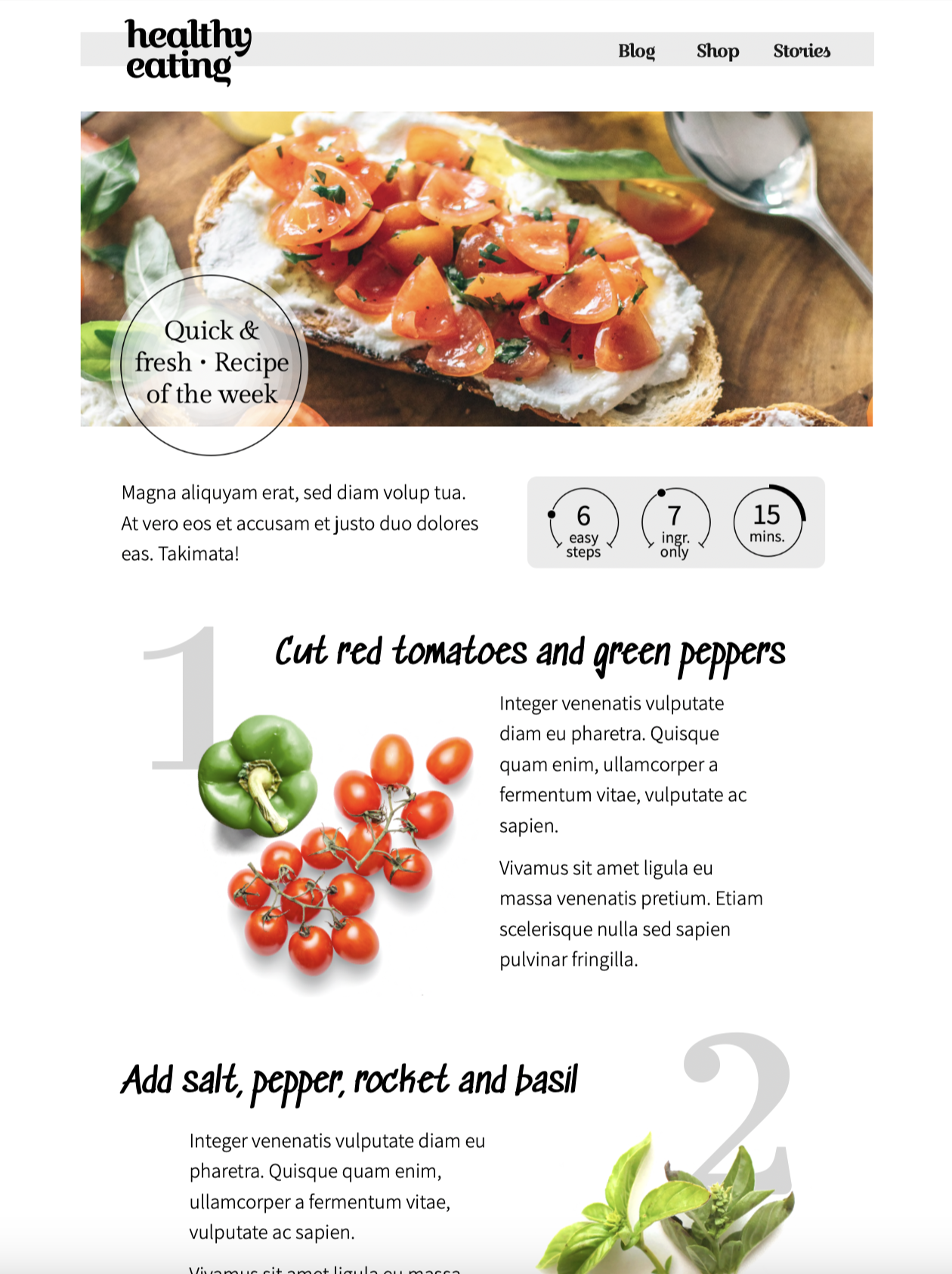
Create Awesome Email Newsletters for Your Blog
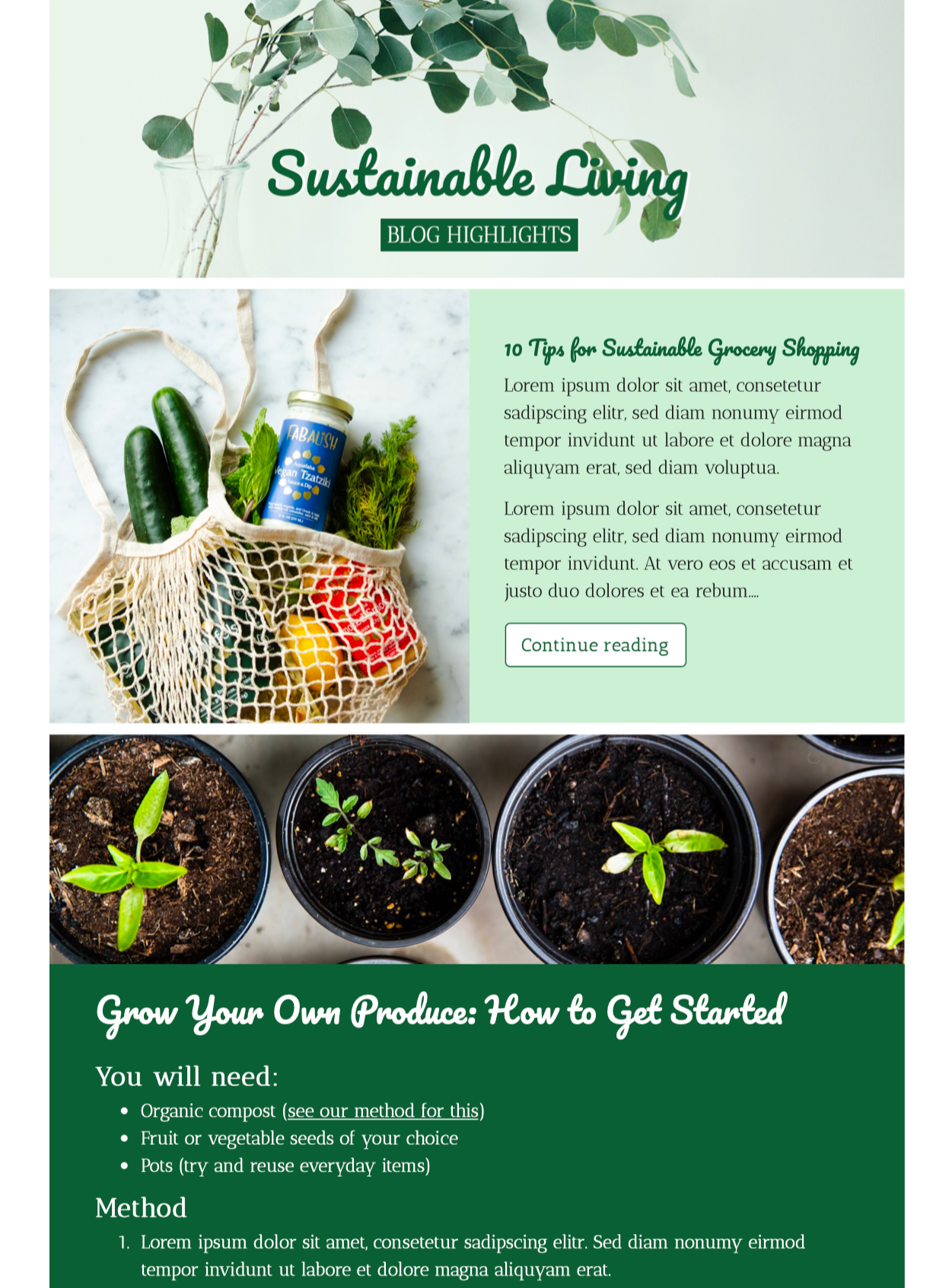
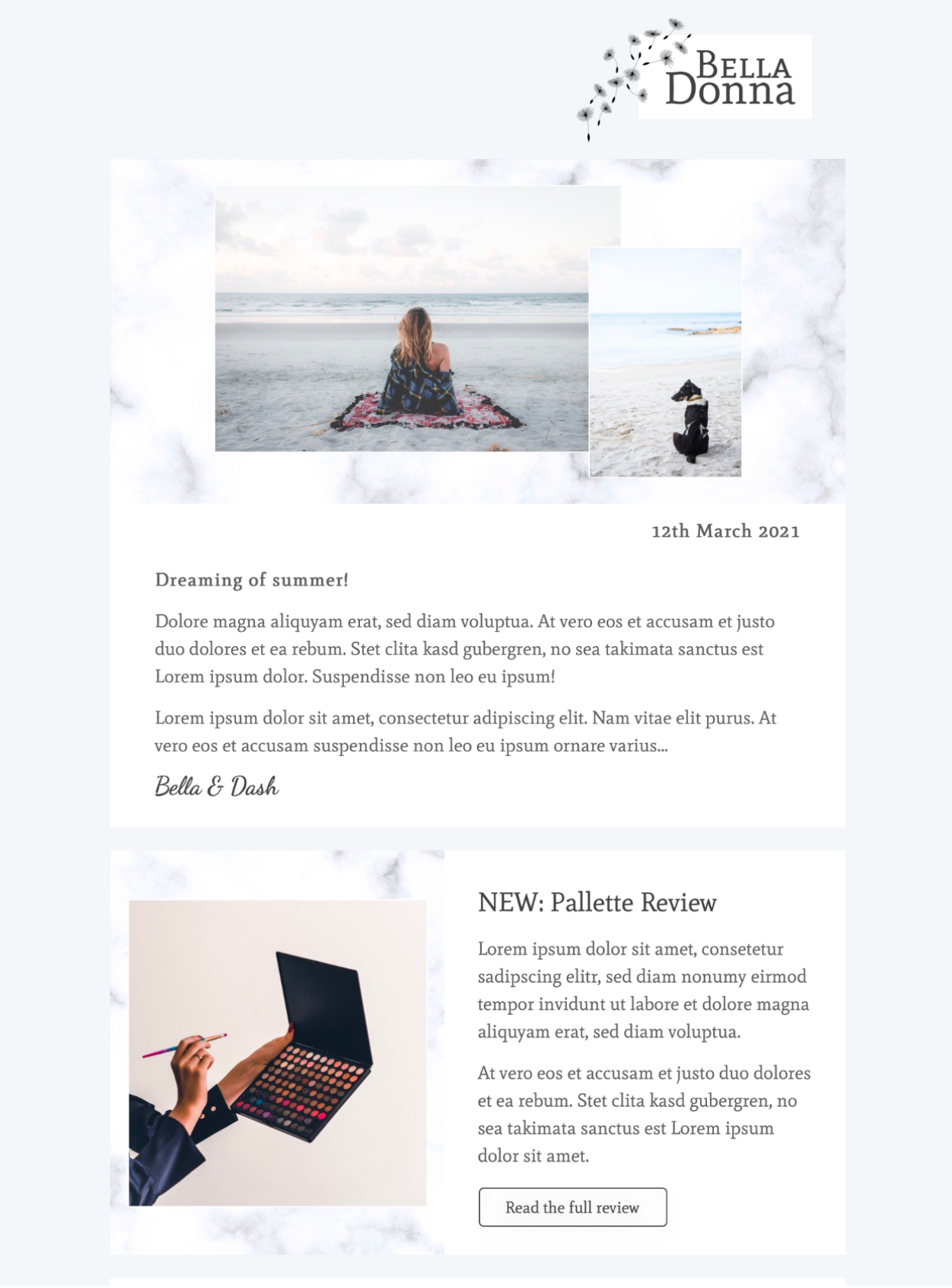
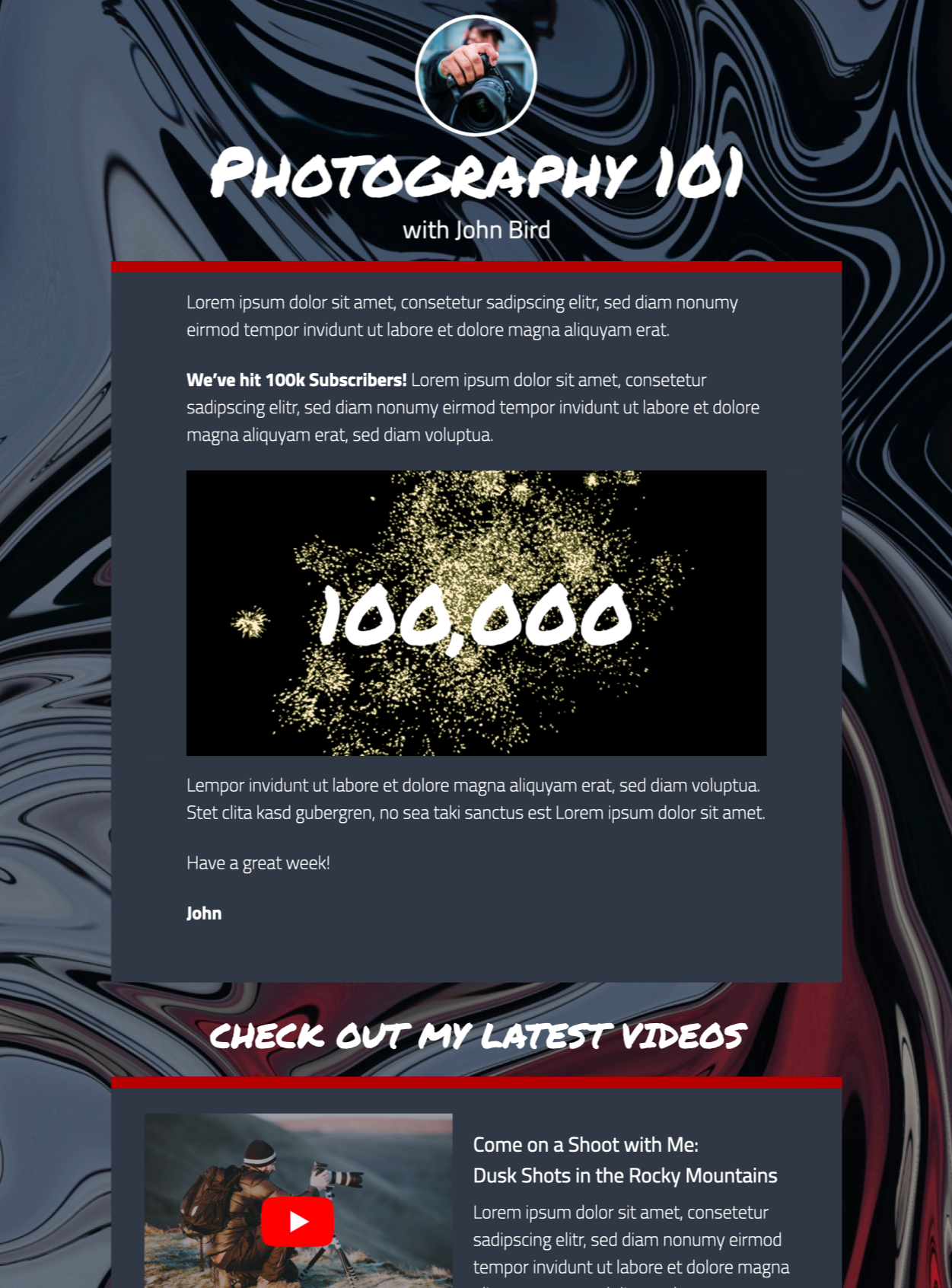
Share sneak peaks of your posts with flexible layouts
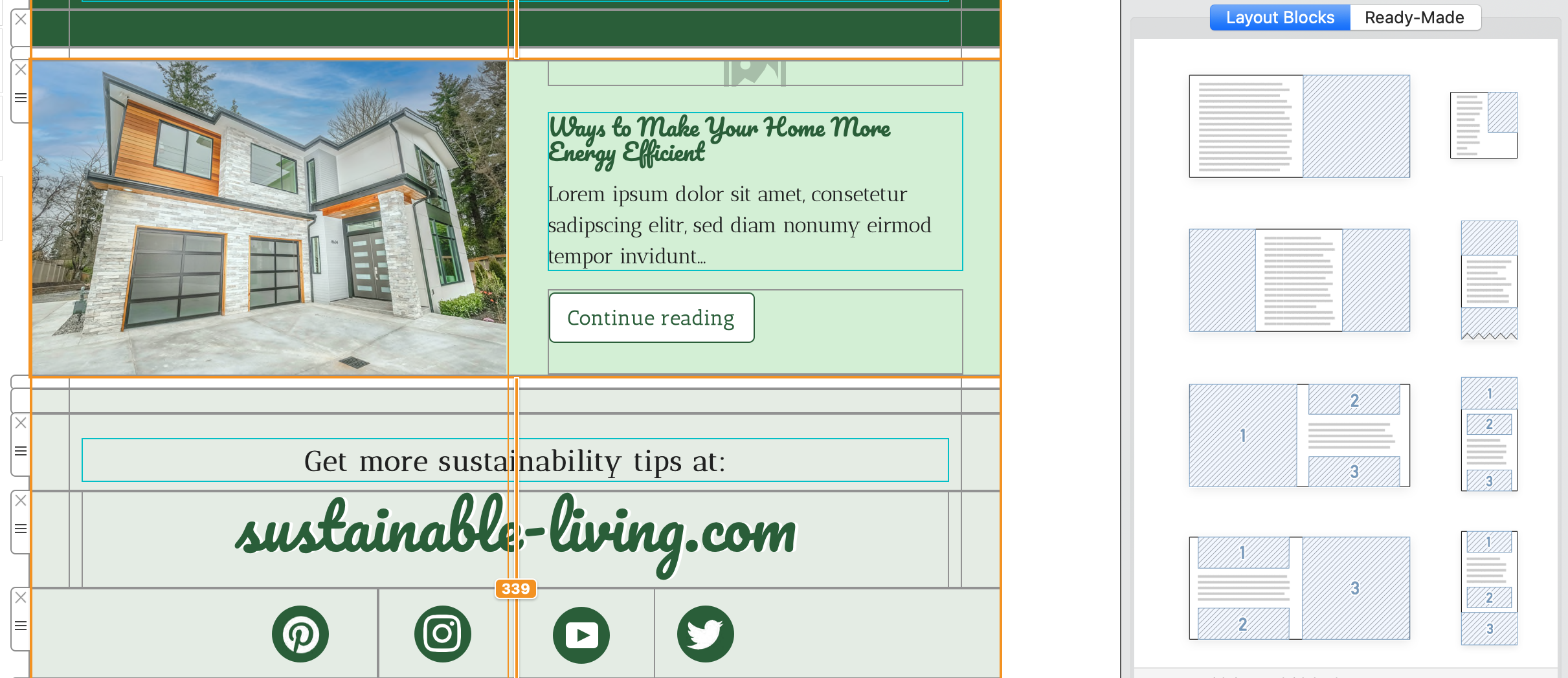
Choose from combi layouts with a feature image for more impact or opt for a 3-column text layout for a traditional newspaper style article. Breaking news story? Show off front-page stories with a full width image block!
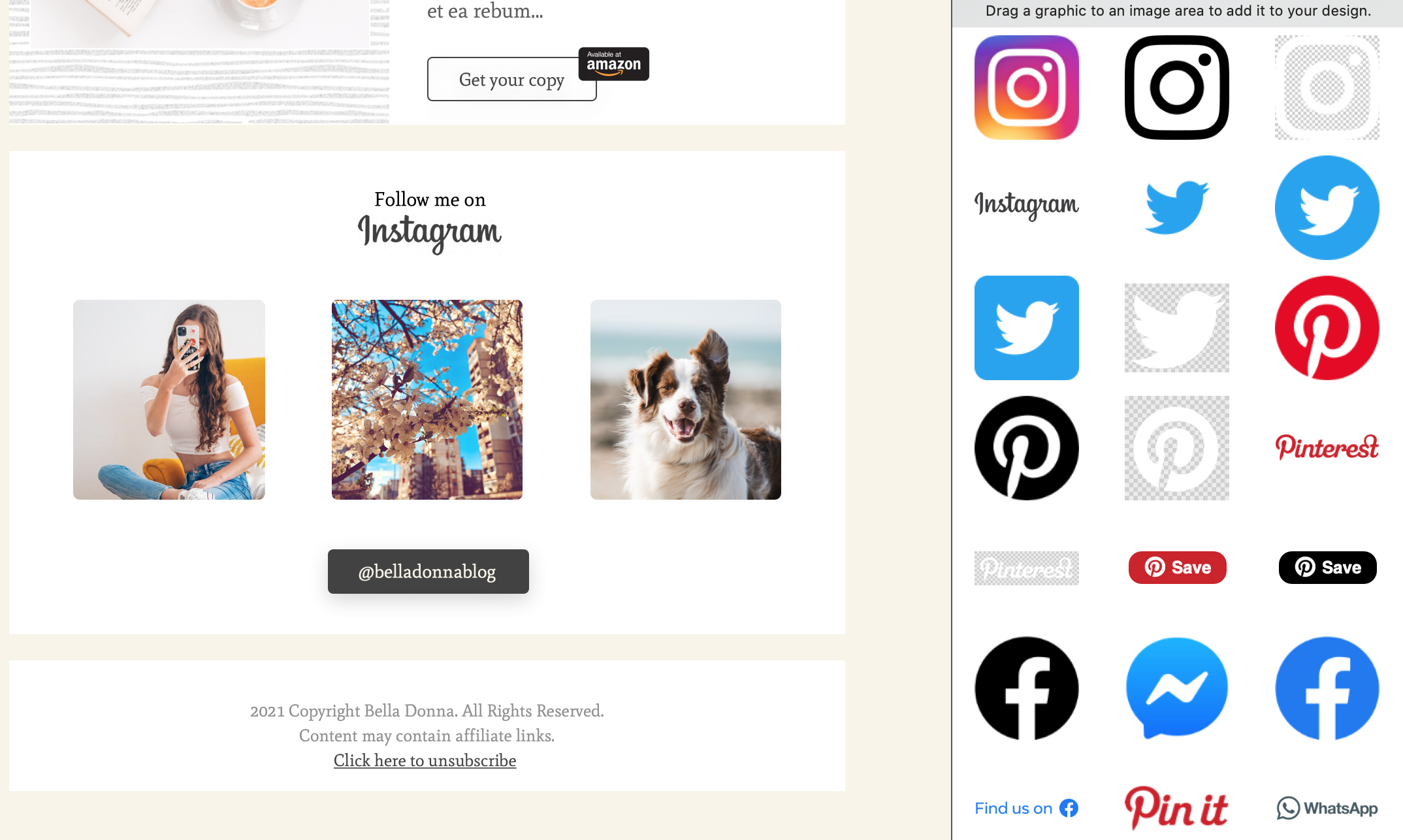
Cross promotion made easy
The Mail Designer 365 Content library boasts an impressive collection of social media logos and layout blocks to help you promote your other platforms and boost engagement.
Key blogging tools at your fingertips
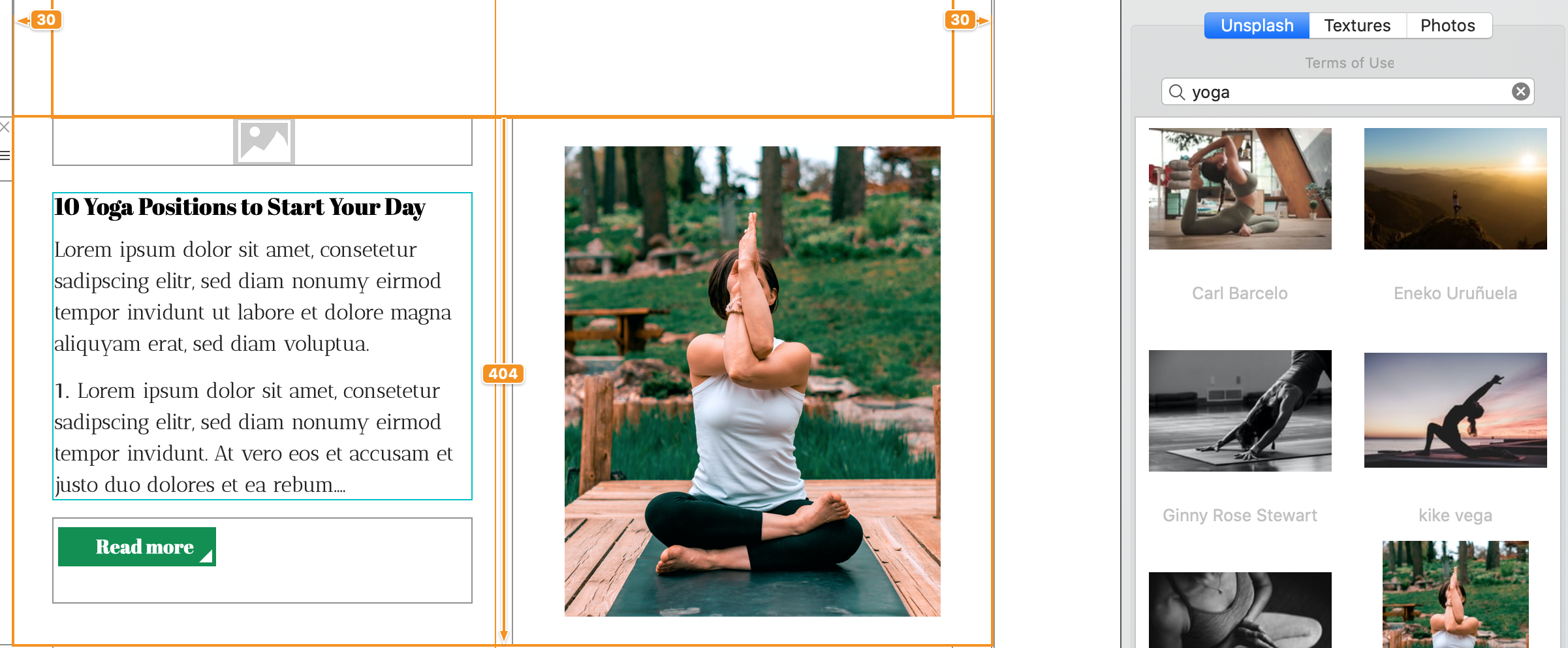
We all know Unsplash is a blogger's best friend. Find the perfect image for your latest post in the integrated Unsplash search bar.
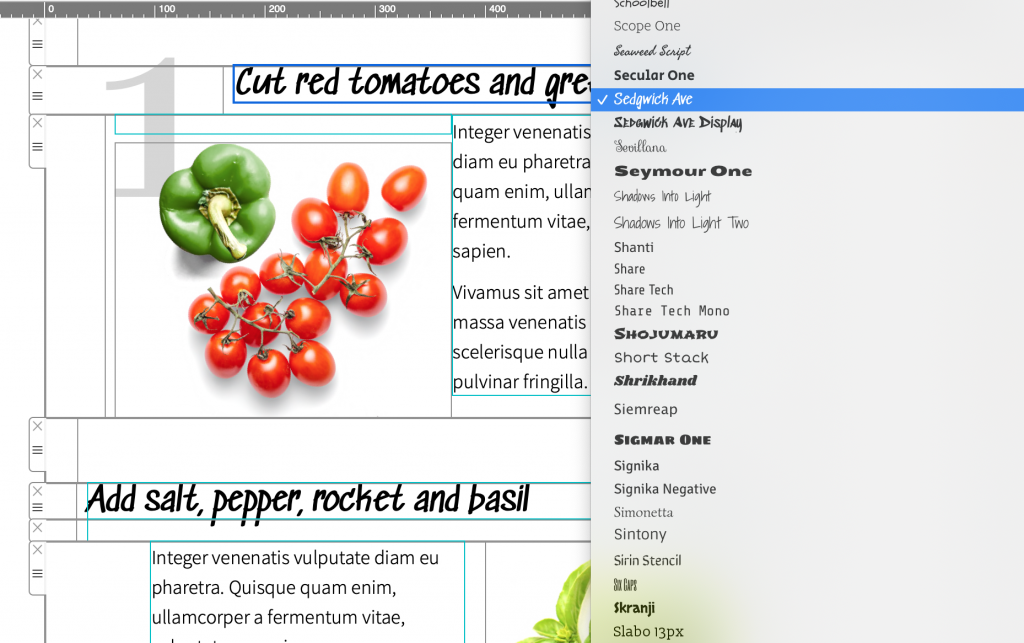
Find a style to match your blog
With a collection of 700+ web fonts, Mail Designer 365 has a typeface to match your blog's unique style.
Final finishing touches needed? Set a custom color scheme and insert your blog's logo in the header for undeniably on-brand email newsletters.
Plan a blog newsletter readers will recognize
A consistent blog newsletter helps subscribers know what to expect. Decide whether each edition will highlight one article, summarize several recent posts, or combine editorial content with product or community news. Keep the format stable enough to feel familiar, while allowing the featured story and images to change.
Choose content before designing
- Select the primary article and one clear reason to read it.
- Write a short introduction rather than copying the entire blog post.
- Use supporting links only when they add a distinct topic or next step.
- Credit guest authors, photographers, or partner publications accurately.
- Choose one primary call to action that leads to the featured content.
Match the subject line and preheader to the actual edition. The subject line can name the main topic, while the preheader adds context that does not fit naturally in the subject. Avoid promising a download, announcement, or offer that is difficult to find after opening.
Prepare the blog newsletter for sending
Preview the design at desktop and mobile widths, then send test messages to the email clients your audience uses most. Check headline wrapping, image crops, button labels, social links, article destinations, and the reading order. Use descriptive alt text for meaningful images and keep essential information available as live text.
Before scheduling, verify the sender name, reply address, subject line, preheader, publication date, author names, article URLs, contact information, unsubscribe link, and tracking parameters. If an article changes after the email is approved, make sure the headline and destination page still match.
Measure the right next step
Use campaign reporting to compare opens cautiously and focus on reliable actions such as article clicks, subscriptions, downloads, replies, or conversions. Review which topics and layouts earn meaningful engagement over several editions rather than changing the format after one send. A repeatable editorial rhythm makes the newsletter easier to produce and easier for readers to understand.
Ready to send your campaign?
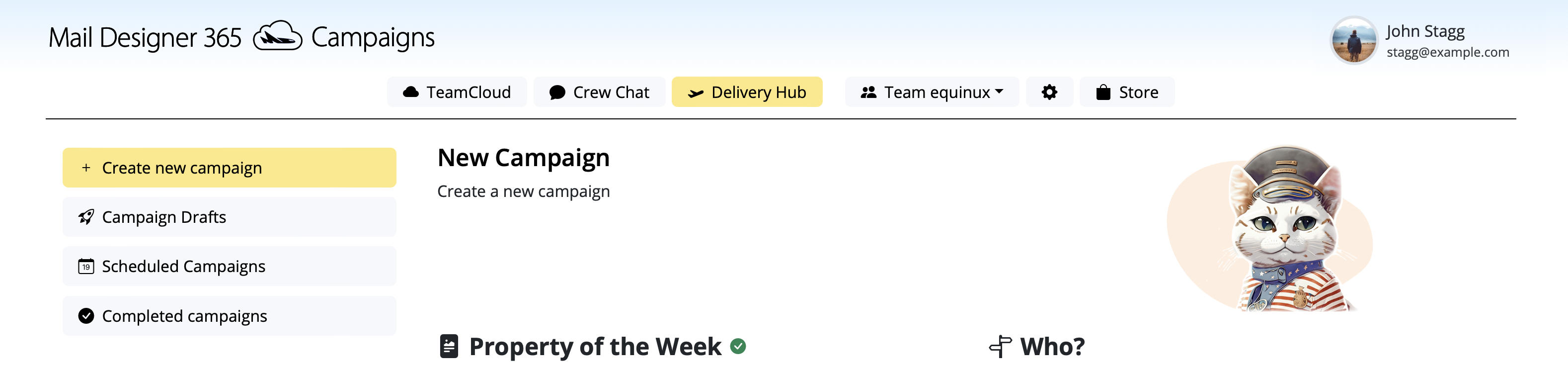
Your design is ready, now it's time to kickstart your campaign! Bring your team on board to discuss designs in Crew Chat and schedule and send campaigns in Delivery Hub. Discover Mail Designer 365 Campaigns →
More Email Resources for Bloggers
Get started with Mail Designer 365 today
Start your 7 day free trial and use your Mac to create stylish email newsletters for your blog.
No credit card required
Compatible from macOS 10.13