Personalized emails in FileMaker: How it works
Looking for a convenient transactional email solution to use with your FileMaker database? Mail Designer 365 perfectly complements your everyday FileMaker workflow, thanks to seamless integration and an easy to use API.
Our Get Started Guide provides a quick technical overview of how to connect Mail Designer 365 with Claris FileMaker in just a few steps.

1. Design your email template
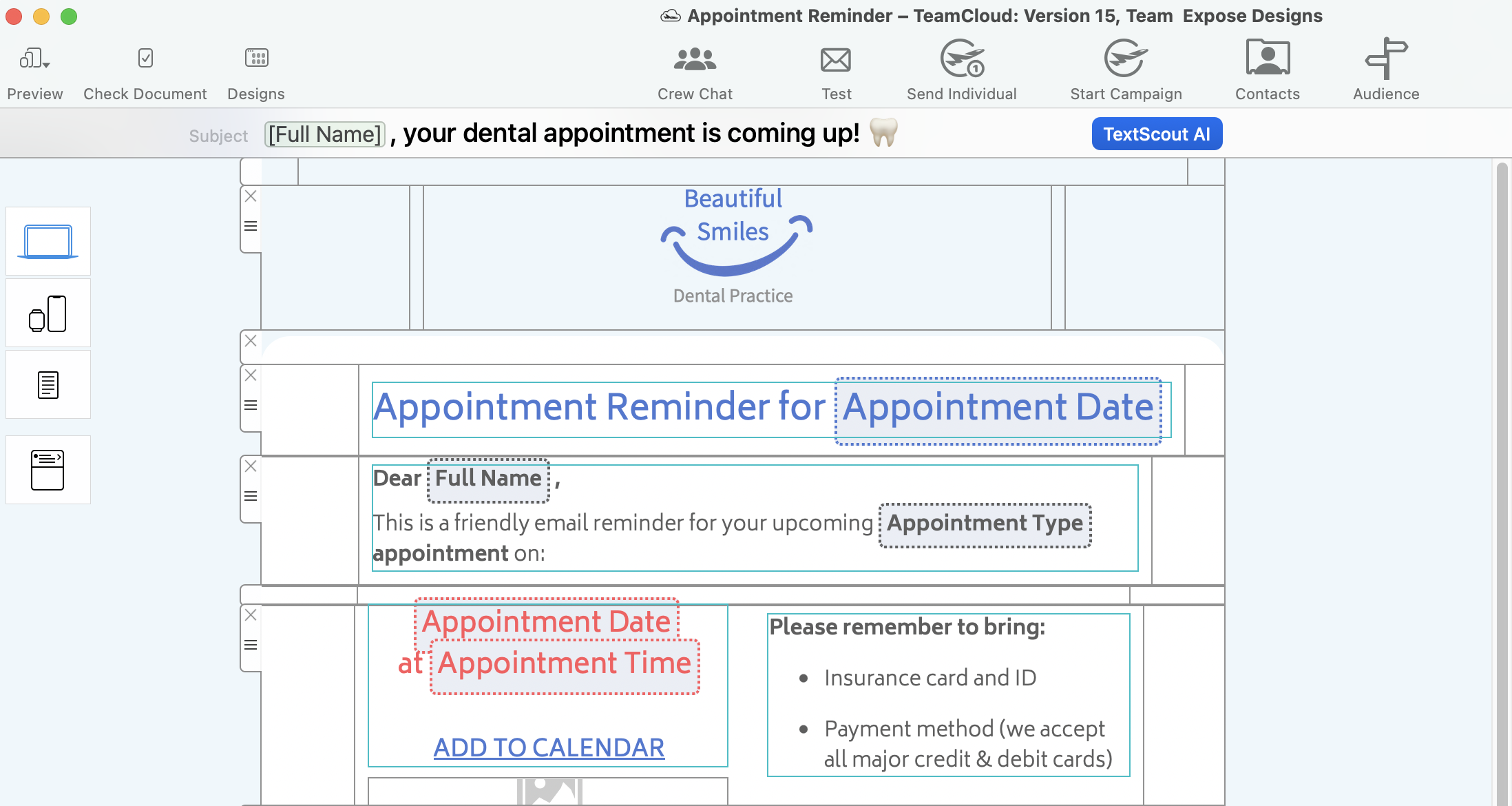
Use Mail Designer 365 for Mac to create stylish email templates that are true to your brand and look good on all devices.
Start from scratch or choose from one of many ready-to-send Design Ideas, then insert placeholders to correspond with the fields in your FileMaker database.
2. Prepare the send script
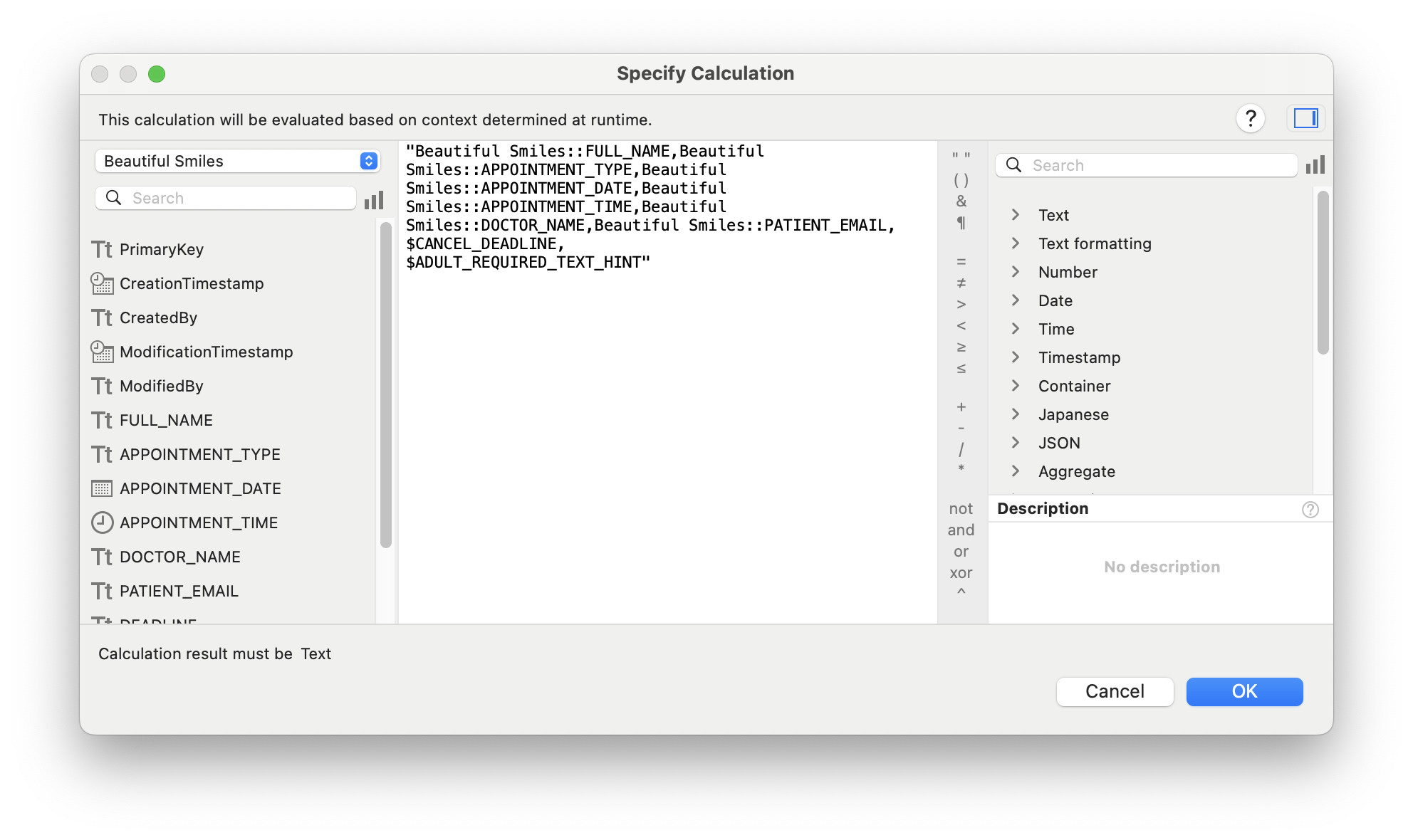
Template ready? You can now instruct FileMaker to send it on-demand – with a little help from the powerful Mail Designer 365 API:
  • Utilise your Mail Designer 365 Design Ideas to use with FileMaker
  • Autofill email placeholders with your existing FileMaker variables
  • Send emails via Mail Designer 365 Delivery Hub servers from your own email domain
Simply get started with our FileMaker Integration Demo File:
Filemaker Demo Datei Icon
3. Send emails on demand!
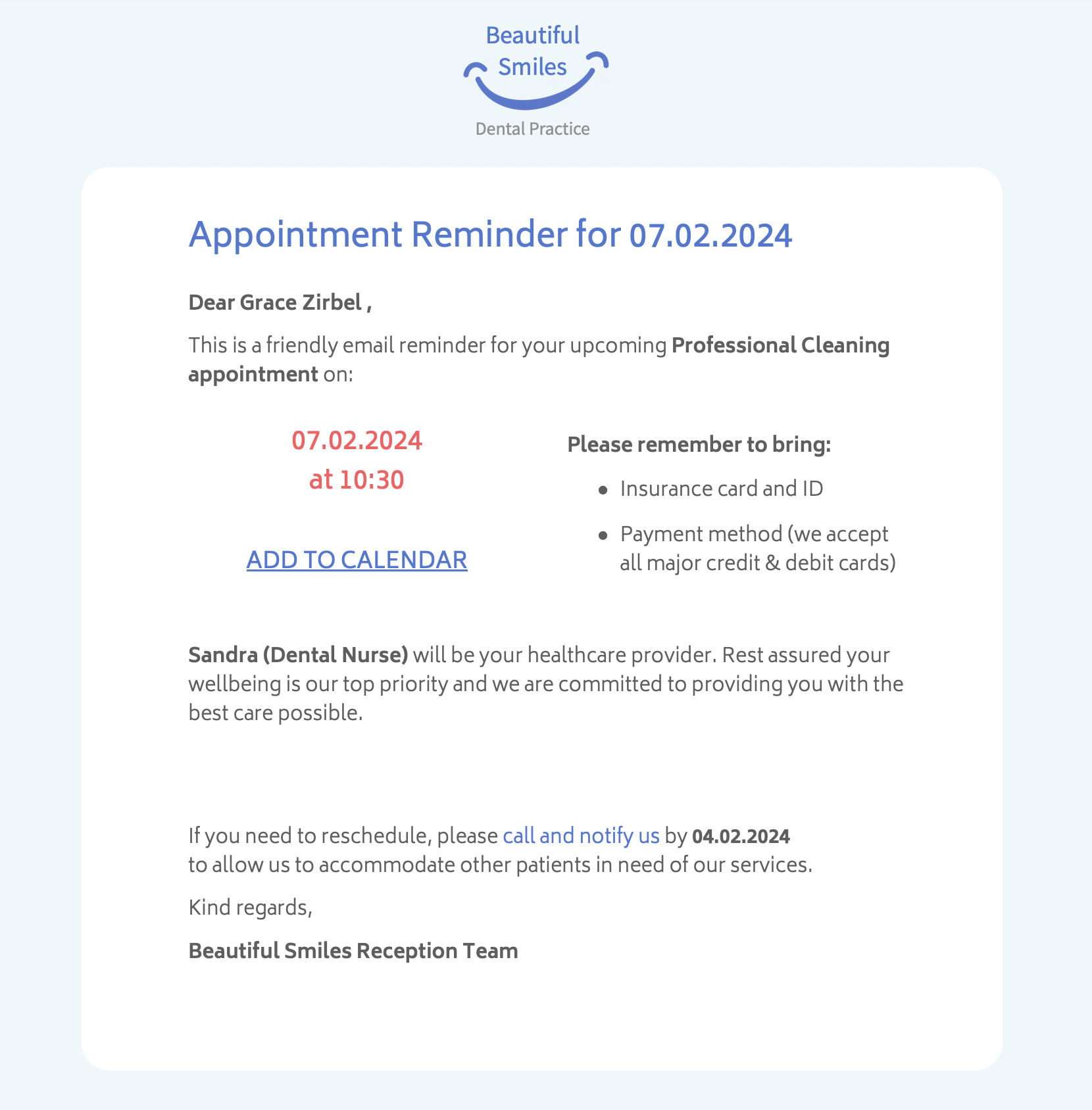
And just like that, everything is in place for you to begin sending personalized transactional emails to your customers using Mail Designer 365 and FileMaker.
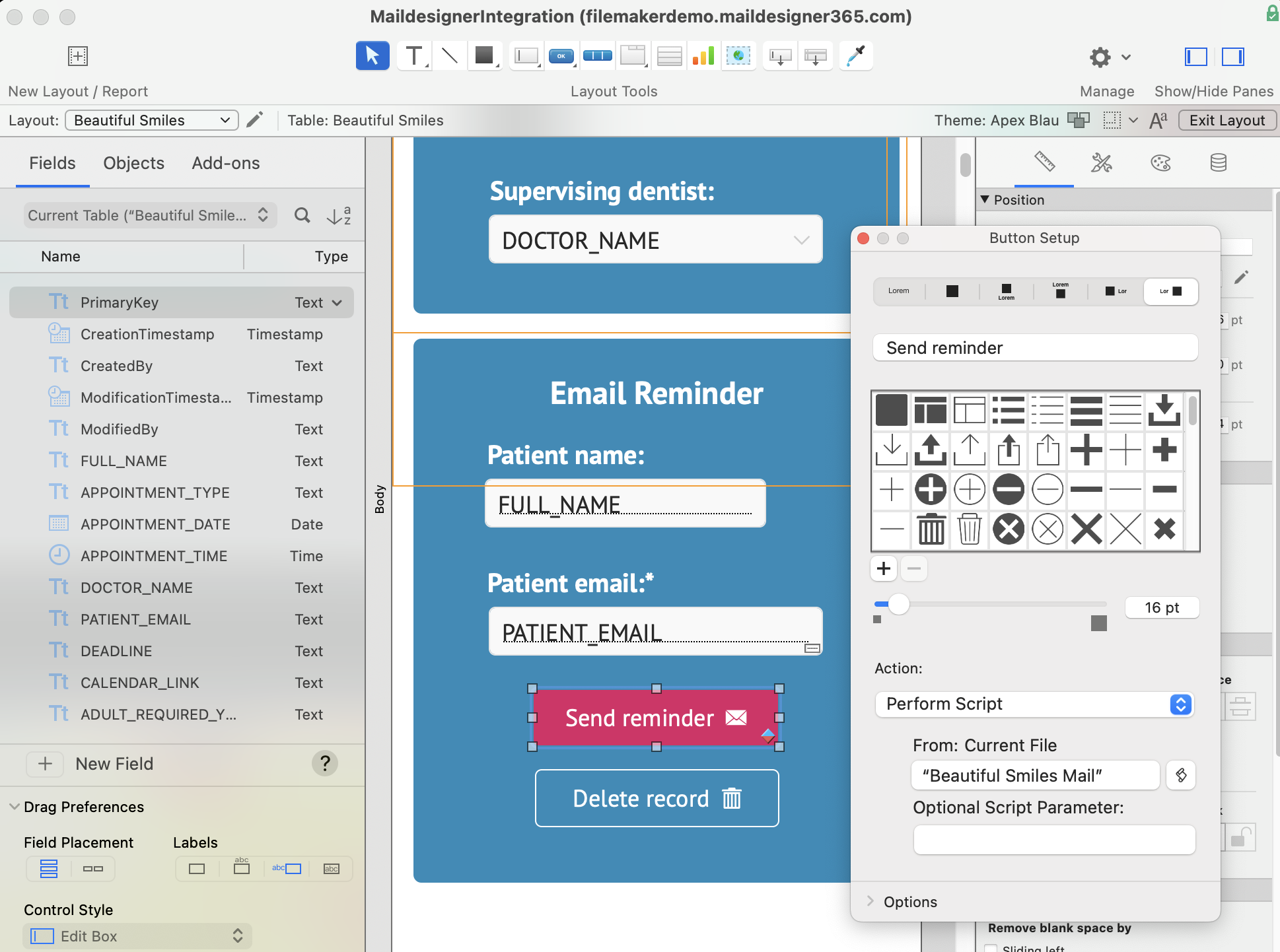
Add a send button to your FileMaker layout using the send script we set up in the previous step:
Now, each time you create a new record (e.g. a new client, booking, enquiry, etc.), you can also send out custom email content in just one click.

Who is it for?
Mail Designer 365's FileMaker integration lends itself to a wide range of use cases and is well suited to anyone who needs to regularly send on-demand, transactional style emails for their business.
Below are some real world industry examples of how Mail Designer can be fully integrated into your everyday FileMaker workflow.

Connect Mail Designer 365 with your FileMaker solution

Plans and Billing FAQs

Why Mail Designer 365?
  • Drag & drop to create: Powerful yet intuitive WYSIWYG editor
  • Explore a growing library of ready-to-send email design ideas
  • Responsive email designs that look great on all devices
  • Define custom placeholders that seamlessly integrate with your FileMaker database
  • Made for Mac lovers: Native Mac app, compatible with the latest macOS versions
Privacy Settings / Datenschutz-Einstellungen