
Google Analytics email campaign tracking shows which newsletter links bring readers to your website. Add UTM source, medium, and campaign parameters to create trackable links and compare campaign traffic.
Set Up Google Analytics Email Campaign Tracking
Google Analytics links for email campaign tracking are made up of three key elements which follow after your target link. The prefix to any tracking link is a "?" (i.e. www.yourwebsite/store?...........)
- The source "utm_source": This refers to the type of email the tracking refers to. The main purpose of the link is to help you identify what the email in question was about or which list it was sent to (e.g. abandoned cart, upgrade offer for existing customers, welcome for new customers.)
- The medium "utm_medium": This is straightforward. The medium refers to what type of marketing campaign this was (i.e. website, email, newsletter, etc .) When tracking your emails, you should write "utm_medium=email".
- The campaign "utm_campaign": The third and final element of this link refers to the name of your email campaign (e.g. Spring Newsletter 2018.)
Here is an example of a Google Analytics link after all elements have been put together:
www.yourwebsite.com/store?utm_source=existingcustomers&utm_medium=email&utm_campaign=spring2017
For help setting up your analytics tracking links, check out this useful tool.
Viewing your email stats in Google Analytics
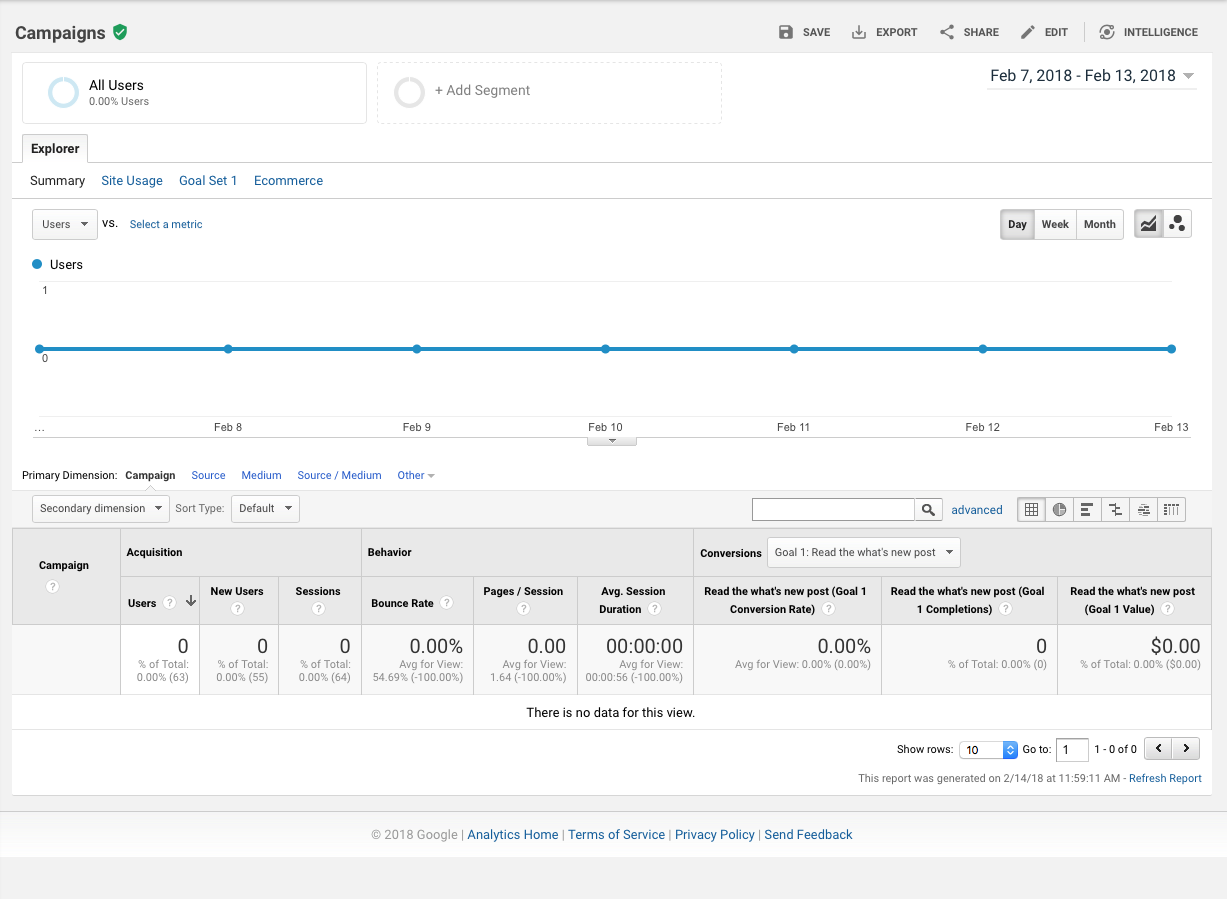
To verify your tracking links are working, go to the real-time view in Google Analytics, open the Traffic Sources report, and click on a link in your test email. You should see your click show up on the real time view. 24 hours after sending your newsletter, you will see your readers' clicks appear under Acquisition > Campaigns.
 Important: Please note, you can only track links in your emails to your own website (i.e. your buy/subscribe page) and not to other third-party platforms such as YouTube or Twitter.