
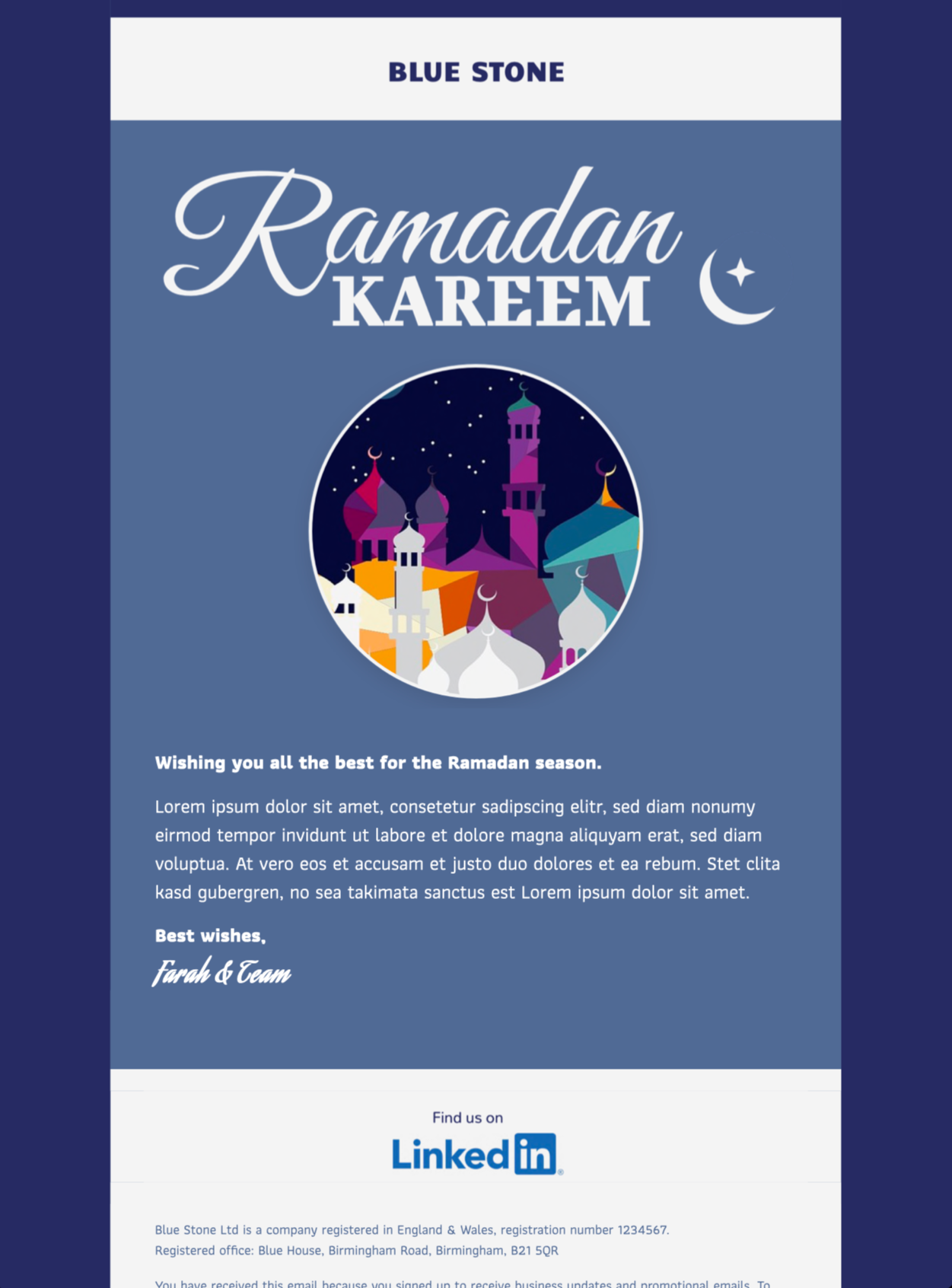
Exclusively available in Mail Designer 365, this Ramadan Kareem HTML Email Template helps you share a polished seasonal greeting with clients, customers, and community members.
Key Features:
- Create and customize on your Mac
- Seasonal greeting template
- Customize for your organization with the drag-and-drop editor
- Mobile responsive design
- Send to your audience via Mail Designer 365
- Cross-platform collaboration with Crew Chat
How to Customize This Ramadan Kareem HTML Email Template
Start by adapting the greeting to your audience and campaign goal. You can use the design for a simple Ramadan Kareem message, a community update, an event invitation, or a carefully framed seasonal offer. Replace the sample text with your own copy, keep the tone warm and respectful, and make sure the sender name clearly identifies your organization.
Build a Respectful Ramadan Email
Keep the message focused and avoid turning a meaningful religious season into an overly aggressive promotion. Use inclusive language, check dates for the locations you serve, and review the final wording with a knowledgeable colleague when possible. For more practical planning ideas, read our Ramadan email tips and examples.
Customize, Preview, and Test
Match the colors, logo, typography, and call to action to your brand while preserving the clear visual hierarchy of the template. Preview the email on desktop and mobile, verify every link, and send a test message before launching the campaign. A concise subject line and a recognizable preheader help recipients understand the purpose of the message before opening it.
Send at the Right Time
Plan the send around the purpose of your campaign. Greetings can arrive near the start of Ramadan, while event reminders and Eid messages should reflect the relevant local date. Segmenting by region and interest helps ensure that each recipient receives a timely, relevant version of your Ramadan Kareem HTML Email Template.
Plan the message for its audience
Decide whether the email is a community greeting, an event invitation, a schedule update, a charitable initiative, or a customer message. Write for the people receiving it and explain the purpose clearly. If the campaign includes an event or service, add the exact date, local time, location, participation details, and a reliable contact.
Check names, dates, and local context
Confirm the preferred wording, organization names, and all calendar details with the responsible team before sending. Ramadan timing and community practices can differ by location, so avoid assumptions and use information approved for the specific audience. Keep commercial content secondary when the main purpose is a respectful seasonal greeting.
Make the design accessible
Use readable type, sufficient contrast, descriptive link text, and concise alternative text for informative images. Leave decorative images without redundant descriptions. The W3C image decision tree can help you choose appropriate alt text. Make sure essential dates, instructions, and contact information remain available as text when images are blocked.
Complete a final delivery review
Send a delivered test and check the Ramadan Kareem HTML email template on desktop and mobile. Verify the sender name, subject line, preview text, personalization fallback, every link, required footer details, and unsubscribe path. Remove placeholder wording and confirm that the final message is accurate, respectful, and relevant to the intended recipients.