
Mail Designer 365 easily integrates with your FileMaker database.
Your Benefits with Mail Designer 365 & FileMaker
- No HTML required: Design emails using drag & drop.
- Easily customize designs: Edit templates directly via drag & drop.
- Seamless FileMaker integration: Insert data automatically and send with one click.
- Works everywhere: Also usable on the go with FileMaker Go.
- Quick to get started: Load the demo database, design your template, connect the API – done!
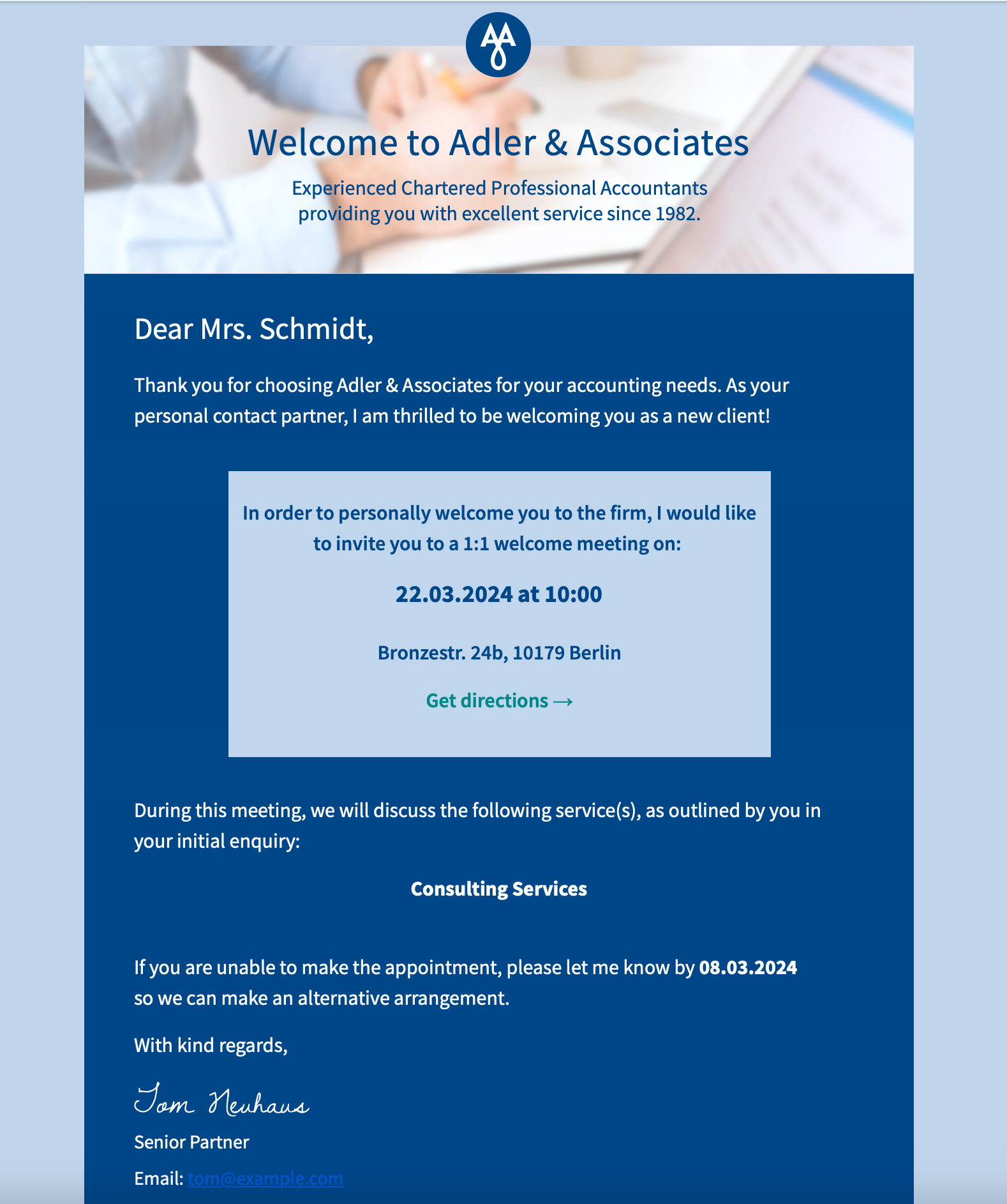
Browse some of our example database scenarios and see how you could start using the Mail Designer 365 FileMaker integration for your business.
To get started, launch the free interactive demo on your Mac in FileMaker Pro or on iOS in FileMaker Go.
Filemaker too complicated?
Mail Designer also supports sending professional direct mail campaigns right from your Mac—no extra tools needed.
Why Mail Designer 365?
- Drag & drop to create: Powerful yet intuitive WYSIWYG editor
- Explore a growing library of ready-to-send email design ideas
- Responsive email designs that look great on all devices
- Define custom placeholders that seamlessly integrate with your FileMaker database
- Made for Mac lovers: Native Mac app, compatible with the latest macOS versions