Start using this HTML email template today in Mail Designer 365
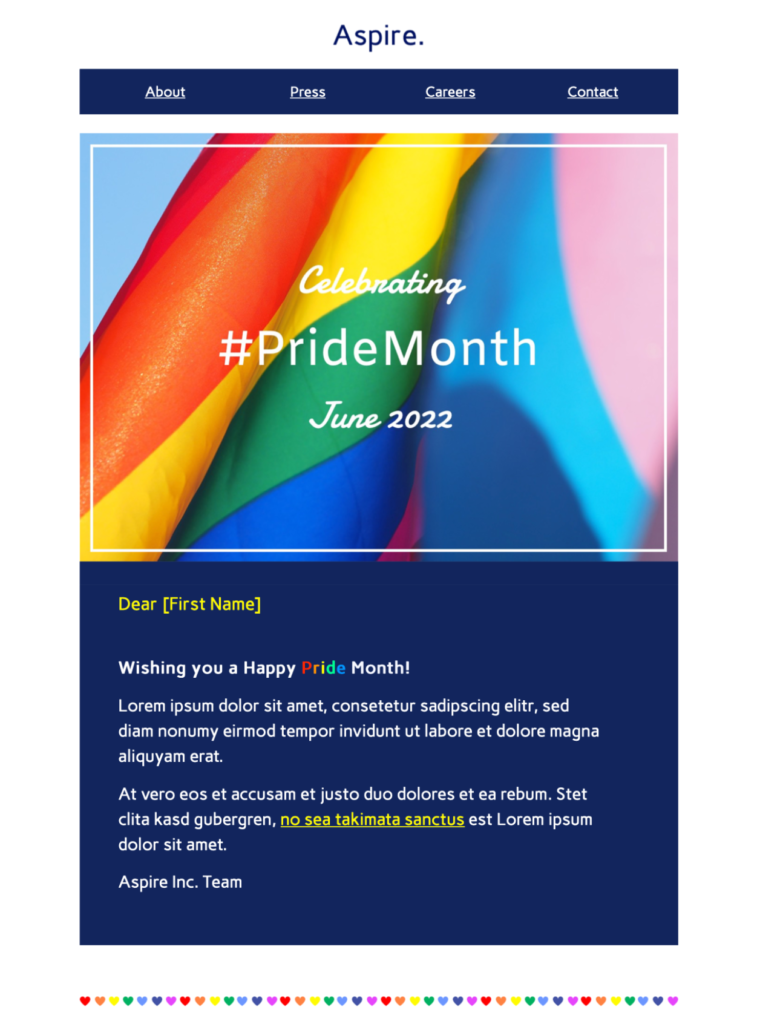
This Pride Month newsletter template helps organizations create a colorful, responsive LGBTQ+ campaign with a clear purpose. Customize the design in Mail Designer 365 for an event, community update, resource campaign, or meaningful business message.
Key Features - Celebrate Gay Pride Email Template:
Ready to send?
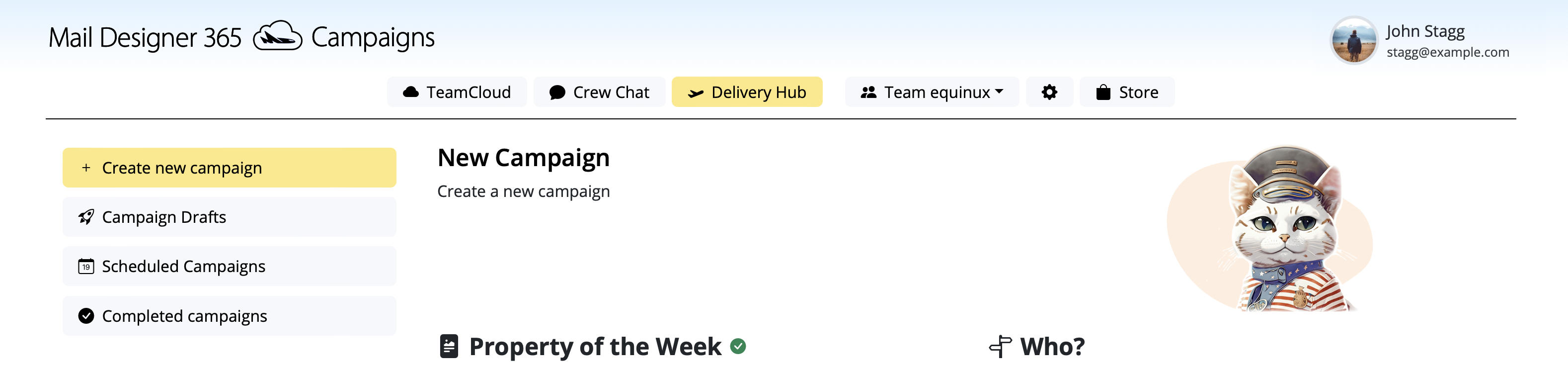
You've got your email template, now it's time to send! Schedule and send emails in Delivery Hub.
Create a Respectful Pride Month Newsletter
This Pride Month newsletter template provides a colorful starting point for a business message, community update, event invitation, or fundraising campaign. Begin by deciding why your organization is writing and what useful action readers can take. Keep the message specific and avoid treating Pride as decoration without meaningful context.
Customize the Visible Rainbow Design
Replace sample copy with your organization’s voice and use approved brand assets alongside the Pride palette. Keep essential information as live text, follow the W3C guidance when writing descriptive alternative text for meaningful imagery, and check color contrast carefully. If you feature employees, partners, or community groups, obtain permission and represent them accurately.
Choose Content That Matches Your Commitment
Share concrete information such as an event schedule, resource list, donation program, employee initiative, or year-round policy. If a campaign supports an LGBTQ+ organization, name the partner and explain how funds or participation help. Avoid claims that cannot be verified and make dates, locations, and eligibility requirements easy to find.
Build a Clear Subscriber Path
Use one primary call to action for the main purpose, such as viewing event details, reading resources, or supporting a partner. Button labels should describe the destination. Link to a landing page that uses the same wording and current information, and provide accessible alternatives for any details shown in images.
Pride Newsletter Checklist
- Confirm the message has a clear, authentic purpose.
- Verify names, pronouns, dates, links, and partner details.
- Check contrast, alternative text, and mobile layout.
- Review the campaign with relevant internal or community stakeholders.
- Send a real inbox test before scheduling.