
Frequently Asked Questions
No images showing in iOS Mail
If you’re not seeing images in your emails on iOS, this may be caused by a privacy setting in the Mail app called Mail Privacy Protection. When it’s turned on, Apple loads all images through its own proxy servers to hide your IP address and protect your privacy.
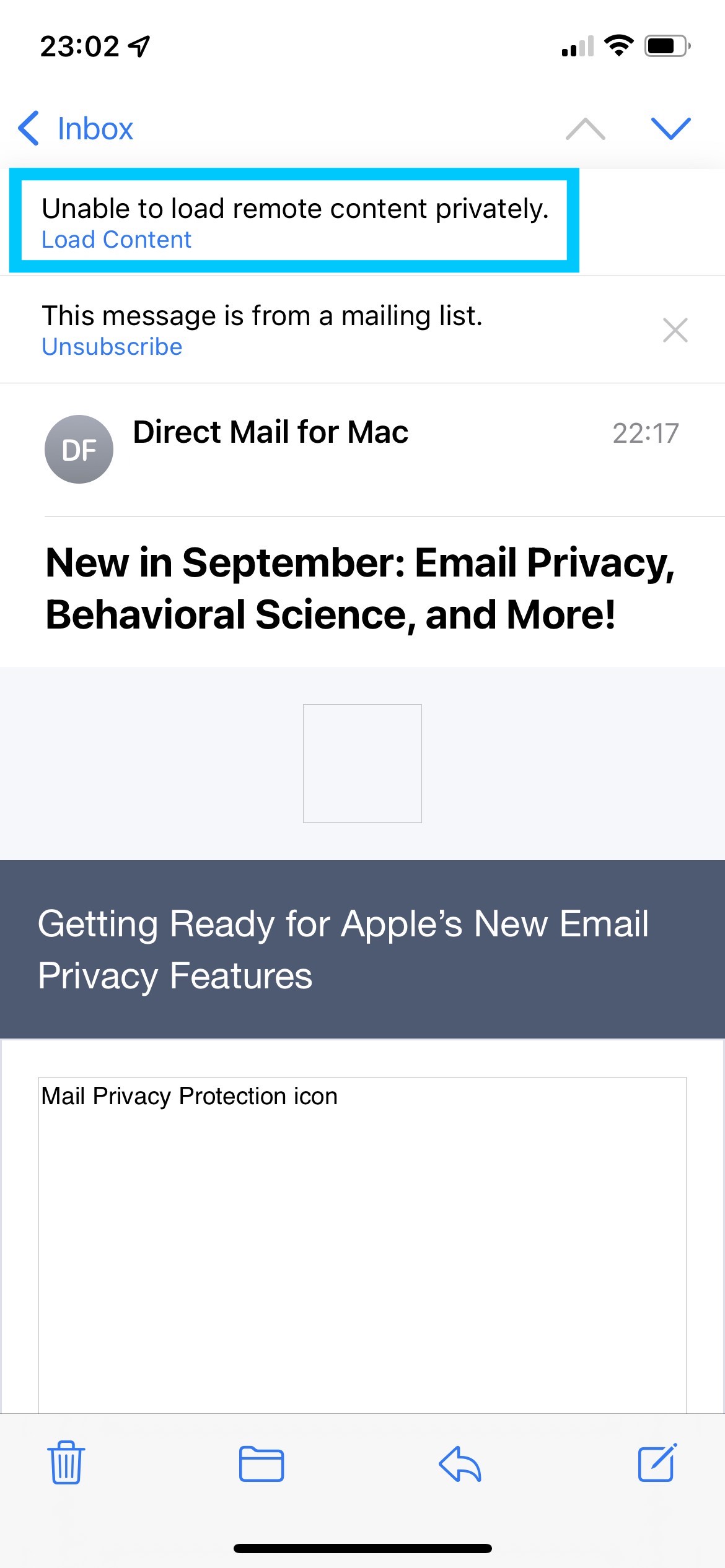
Sometimes, this setting can prevent certain email images from displaying correctly. When that happens, you’ll see a message at the top of the Mail app saying "Unable to load remote content privately":
If your email images aren’t loading, try turning off this privacy feature and reopening or resending the email to see if the images appear correctly.
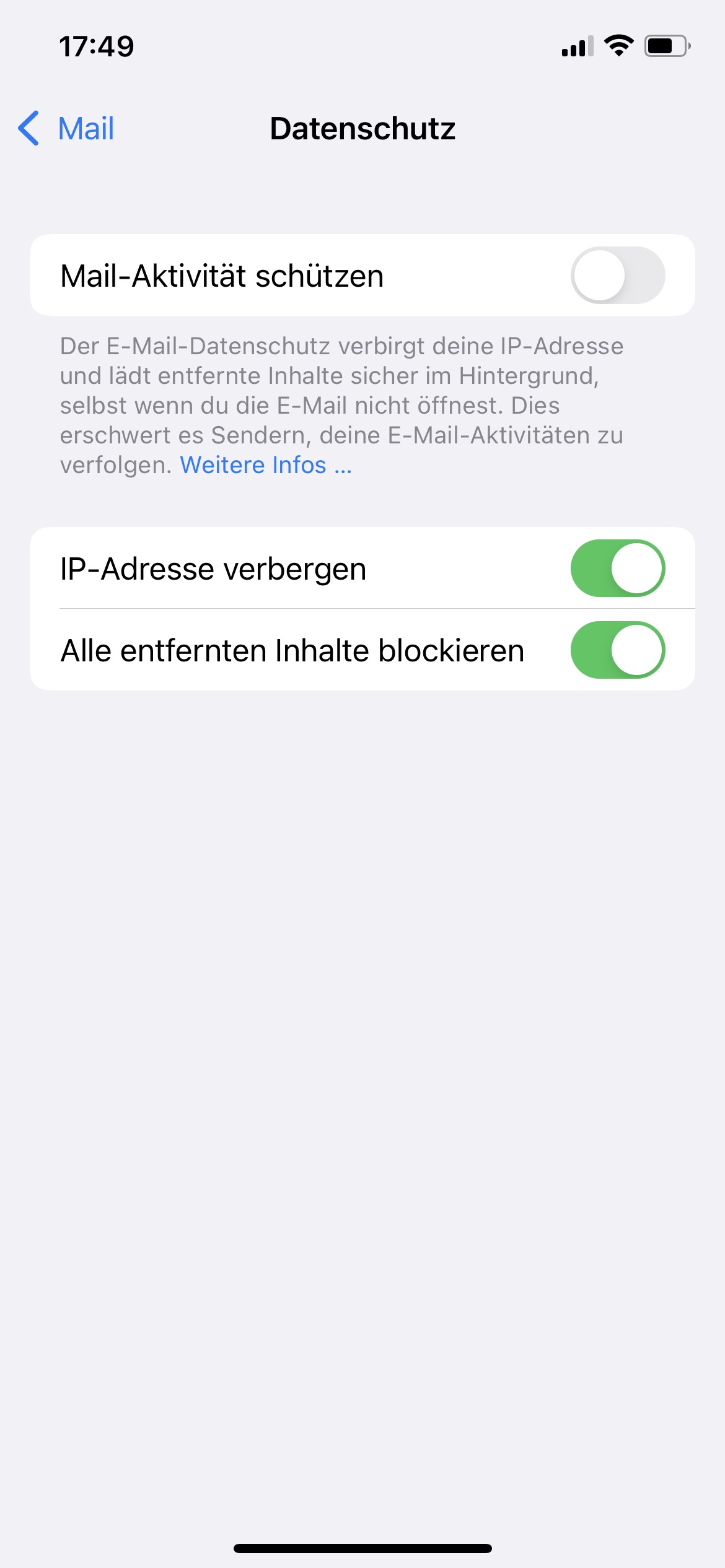
To turn off Mail Privacy Protection, open the Settings app on your iPhone and go to:
Mail > Privacy Protection > Protect Mail Activity