
Frequently Asked Questions
How do I remove my Favorites and Downloads?
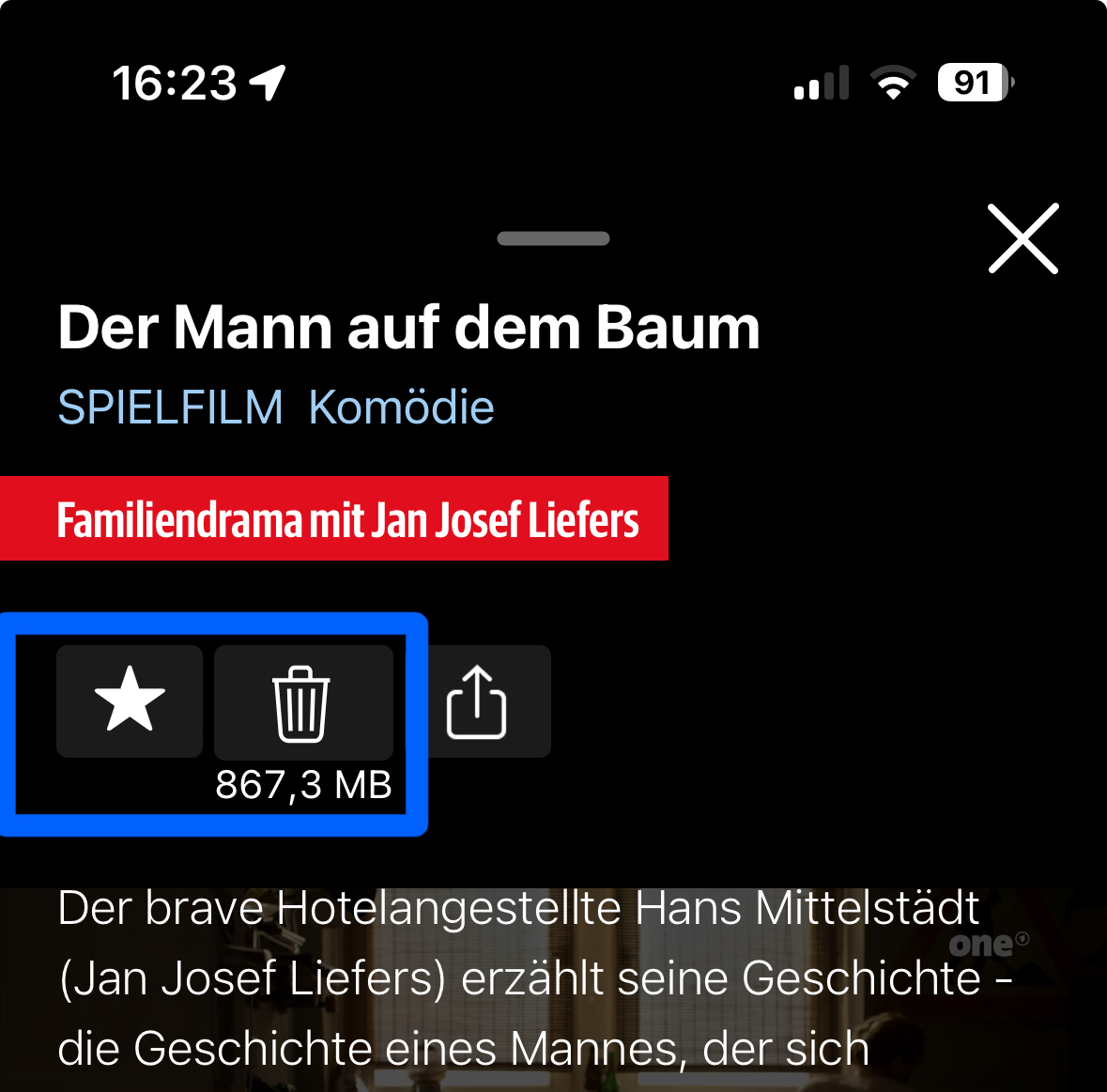
Go to the favorites view of TV Pro Mediathek and tap the program you want to remove. Now tap the star so that it no longer appears filled.
If you have downloaded the program to your device (you can tell by the trash can), you must also tap the trash can to remove the download and thus the program from your favorites.
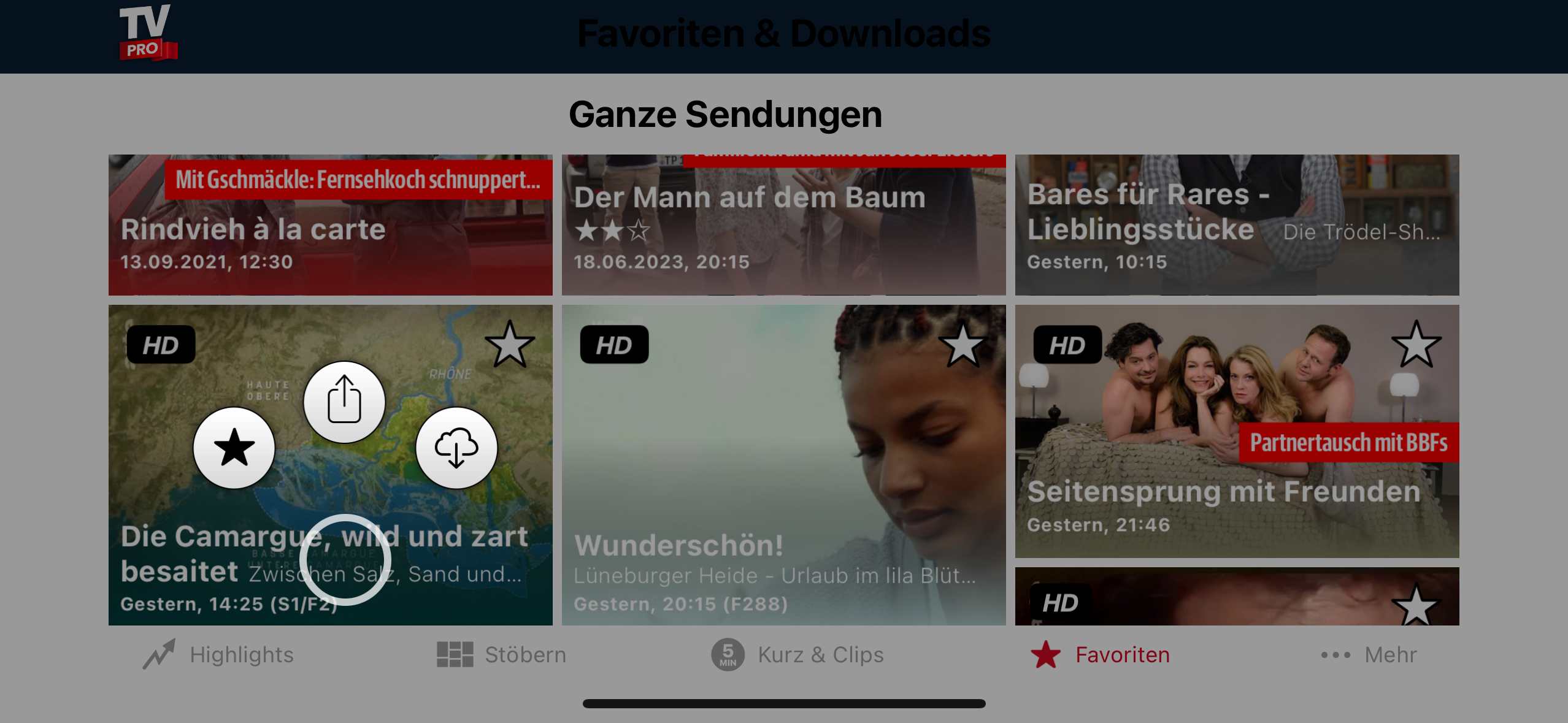
 Alternatively, you can long press a preview image in the favorites view until a selection of options appears and then move your finger to the corresponding option:
 If the favorites still cannot be removed or reappear, go to the settings of TV Pro Mediathek and select "Data". There you can delete your favorites from iCloud with "Delete iCloud data". After that, they should also disappear from your favorites view.
Alternatively, you can long press a preview image in the favorites view until a selection of options appears and then move your finger to the corresponding option:
If the favorites still cannot be removed or reappear, go to the settings of TV Pro Mediathek and select "Data". There you can delete your favorites from iCloud with "Delete iCloud data". After that, they should also disappear from your favorites view.