Frequently Asked Questions
Can I adjust the opacity of my photos with Mail Designer 365?
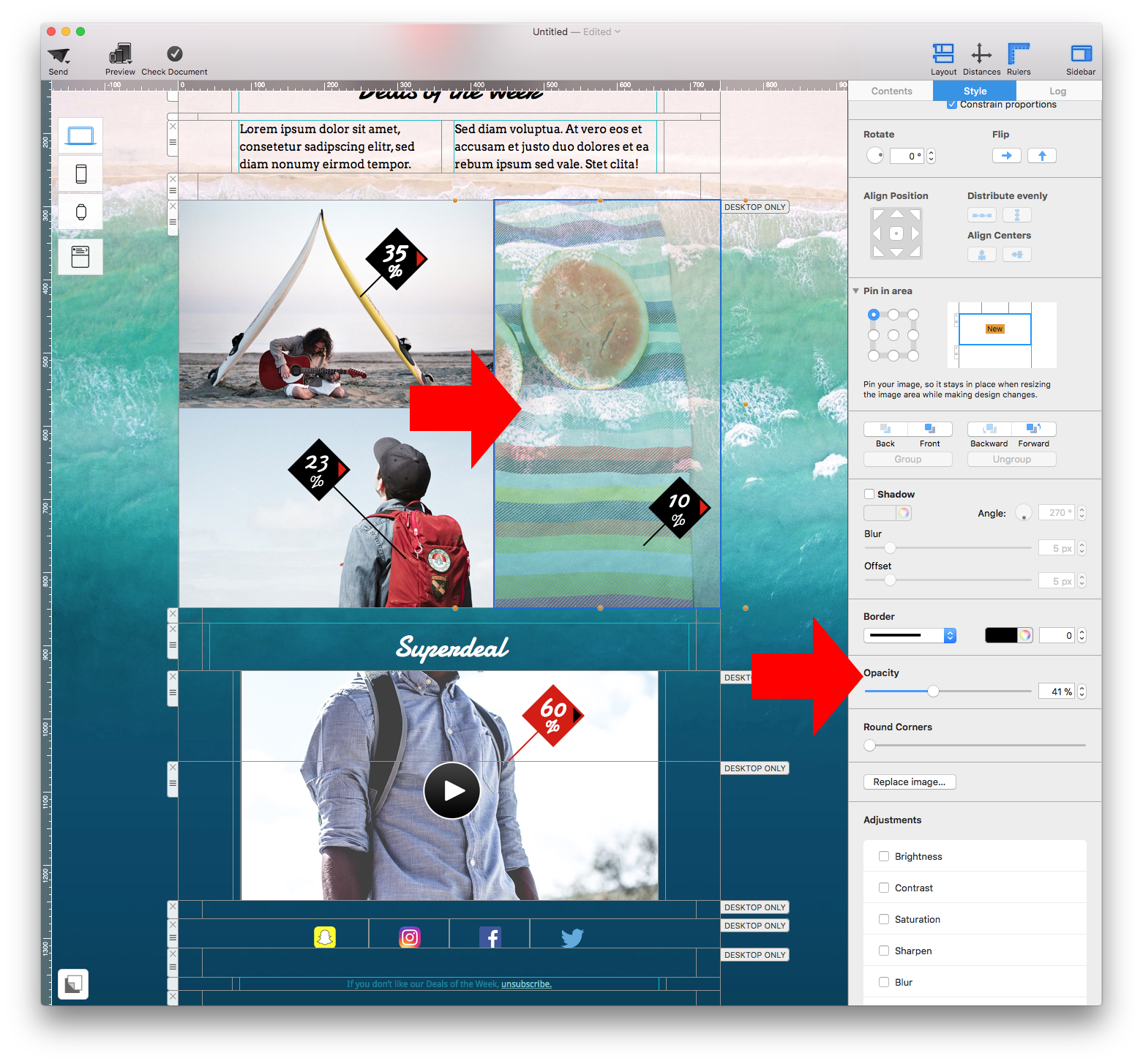
Yes, you can easily adjust the opacity of any photo in your newsletter.
‣ Select the photo that you want to turn semi-transparent
‣ This will prompt Mail Designer 365 to open the "Style" section on the right side
‣ At the bottom, you will find the "Opacity" section
‣ Adjust the opacity slider to adjust the opacity of the photo you selected