
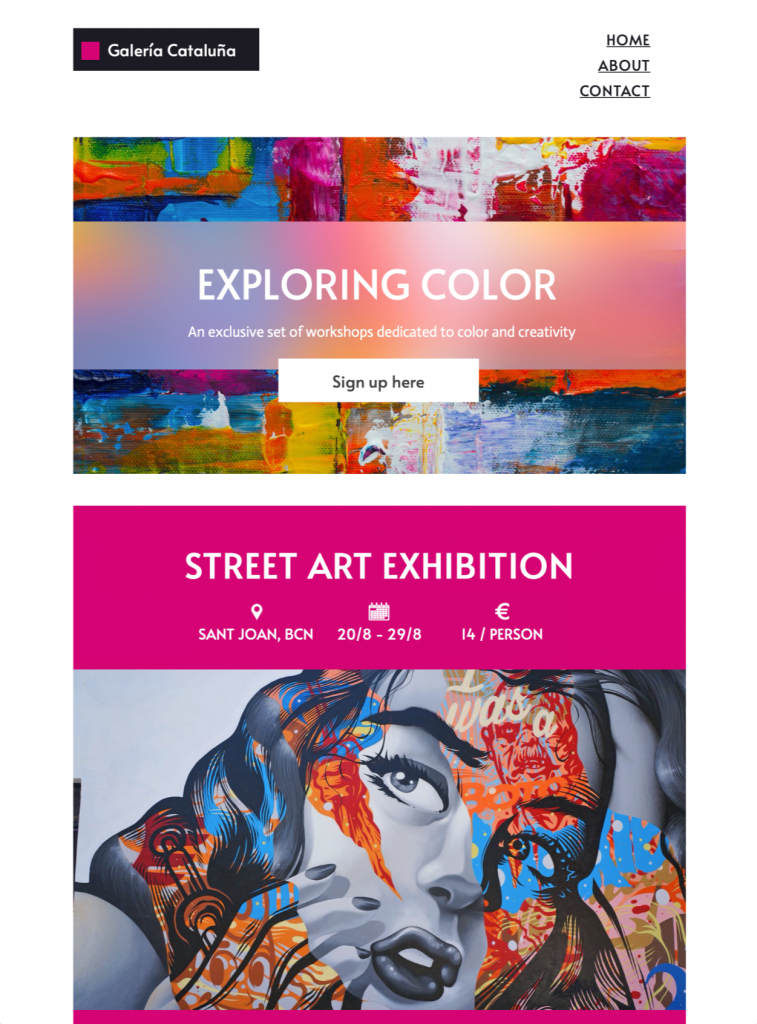
Use this colorful art event email template to promote an exhibition, opening, artist talk, workshop, or studio event. Customize the approved artwork and verified visitor details in Mail Designer 365, then test every registration, ticket, map, and calendar link before sending.
Ready to send?
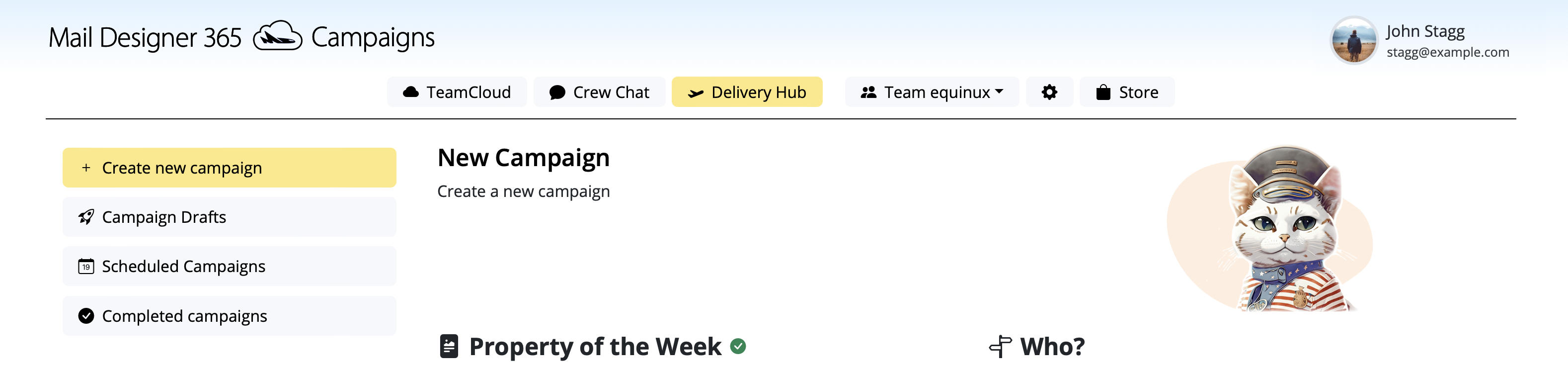
You've got your email template, now it's time to send! Schedule and send emails in Delivery Hub.
Customize this art event email template
This bold art event email template gives galleries, museums, independent artists, studios, schools, cultural organizations, and community groups a polished way to announce an exhibition or creative event. The visual layout is designed to give artwork room to stand out while supporting the practical information visitors need before they decide to attend, register, or learn more.
Choose one event and one primary action
Start with the event objective. An opening reception may prioritize the date and RSVP, while a ticketed exhibition needs clear pricing and booking information. Artist talks, workshops, studio tours, school shows, and community projects each require different details. Put the most important action near the top of the design and use a specific button label such as “Reserve a place,” “Buy tickets,” or “View exhibition details.”
If the email covers several dates, establish a clear hierarchy instead of presenting every item with equal weight. Lead with the main event, then use a concise secondary section for related sessions. Confirm the venue, opening hours, accessibility information, age guidance, capacity, registration deadline, and cancellation terms before the campaign is approved.
Adapt the design to the artwork
Replace the sample images with approved artwork or event photography in Mail Designer 365. Check usage permissions, artist credits, crop requirements, and color reproduction before publishing. Let one strong visual establish the mood, then keep surrounding text concise so the design does not compete with the work. If the artwork contains text, repeat essential details as live email copy.
Use descriptive alt text for meaningful images and provide sufficient contrast for headings, body text, and buttons. Avoid using filenames, “image,” or “artwork” alone as alt text. A useful description can identify the artist, work, medium, or event role without trying to reproduce every visual detail. Decorative images can use empty alt text when they do not add information.
Campaign ideas for an art event
- Announce an exhibition opening or closing-weekend program.
- Invite subscribers to an artist talk, workshop, or guided tour.
- Promote a student show, open studio, or community art event.
- Share a ticket release, member preview, or limited-capacity RSVP.
- Introduce the featured artist and link to a longer curatorial text.
Write concise event copy
Use the headline to name the event or its central idea, then let the opening paragraph explain why it matters. Include the date, time, venue, and primary action in live text. The subject line should identify the event, and the preheader can add the opening date, featured artist, or booking deadline. Avoid vague urgency and make sure the inbox promise matches the first visible section of the email.
Artist names, artwork titles, institutions, sponsors, and partner organizations should be checked carefully. Use the preferred spelling, capitalization, punctuation, and credit format. When the campaign links to ticketing or registration, make sure the destination page repeats the same event details.
Test the art event email before sending
Preview the art event email template at desktop and mobile widths, then send test messages to the email clients your audience uses most. Check image crops, headline wrapping, button size, color contrast, map and calendar links, ticket or RSVP destinations, and the visibility of credits. Verify the sender name, reply address, subject line, preheader, contact information, unsubscribe link, and tracking parameters.
Ask another person to review the event facts shortly before scheduling. A second pass can catch an incorrect date, time zone, address, ticket price, accessibility note, or artist credit. If details change, update both the email and its landing page so recipients see consistent information after clicking.
A distinct art-event template intent
This landing page is for readers who want to customize a specific art event email template. Broader art newsletter searches, general HTML email design, and unrelated EDM-template queries represent different needs and should not become duplicate primary targets. The product-specific event wording keeps this page aligned with the design shown here.
Ready to announce the event? Edit the template in Mail Designer 365, add your approved artwork and verified event details, and send a tested campaign to your audience.