
Spring email design works best when seasonal color, useful content, and one clear call to action come together. These four Mail Designer Design Ideas offer practical starting points for a promotion, seasonal sale, Easter greeting, or simple new-season update.
Each example below uses a different visual direction, so you can choose a layout that fits the campaign instead of forcing every spring message into the same floral style.
Spring email design principles
Use fresh color selectively, keep important text readable, and let the offer or message remain the focal point. A successful spring email design should still look like your brand, even when you introduce lighter colors, botanical details, or seasonal photography.
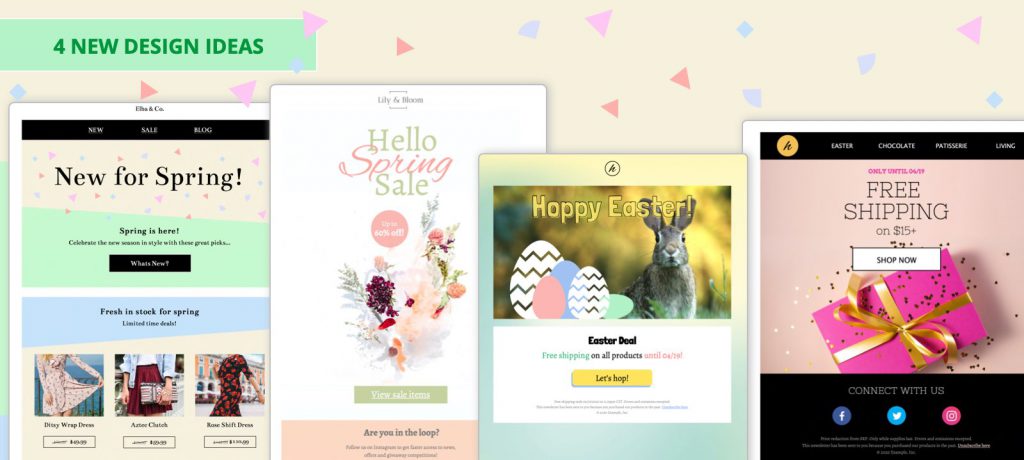
Spring Sale
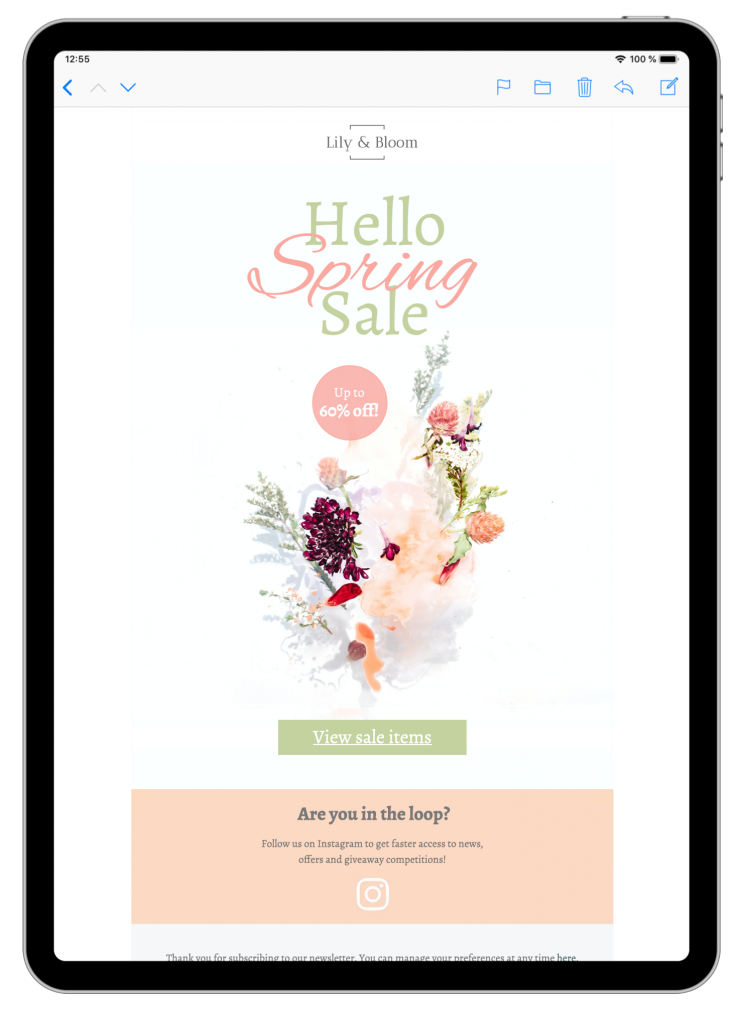
- Neutral color palette and floral motif fit nicely with the spring theme.
- Contrasting CTA button and eye-catcher to help draw attention to your promotion.
- Ready-to-use social media CTA: Link directly to your Instagram account and share your Instagram profile with your subscribers.
- Exclusively available in Business and Business Premium plans.
Happy Easter
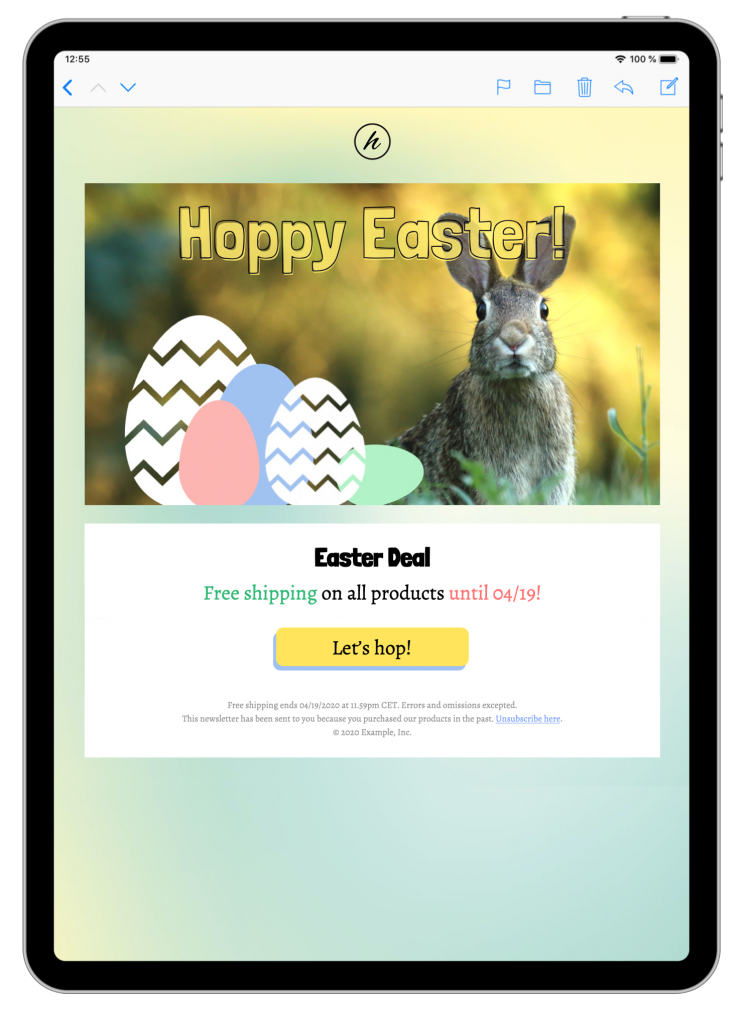
- Bold Easter graphic makes the template eye-catching and inviting.
- Pastel color scheme on trend for the Easter celebration.
- Flexible: CTA (call-to-action) and centered headline work for a sales-based template and can also be adapted for a simple greeting.
- Exclusively available in Business and Business Premium plans.
Spring Colors
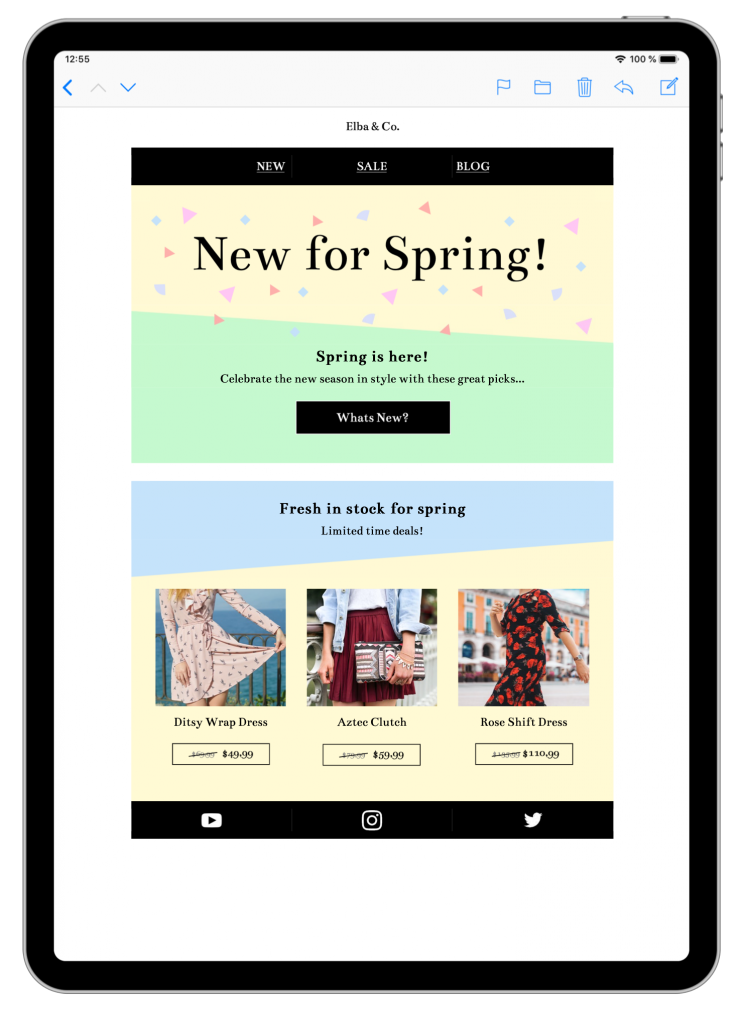
- Adventurous color-clashing background gives your email a special edge.
- Fun, confetti-style headline gets your customers in the shopping mood.
- Showcase your star items and latest offers with catalogue-style layout blocks.
- Exclusively available in Business and Business Premium plans.
Easter Shopping
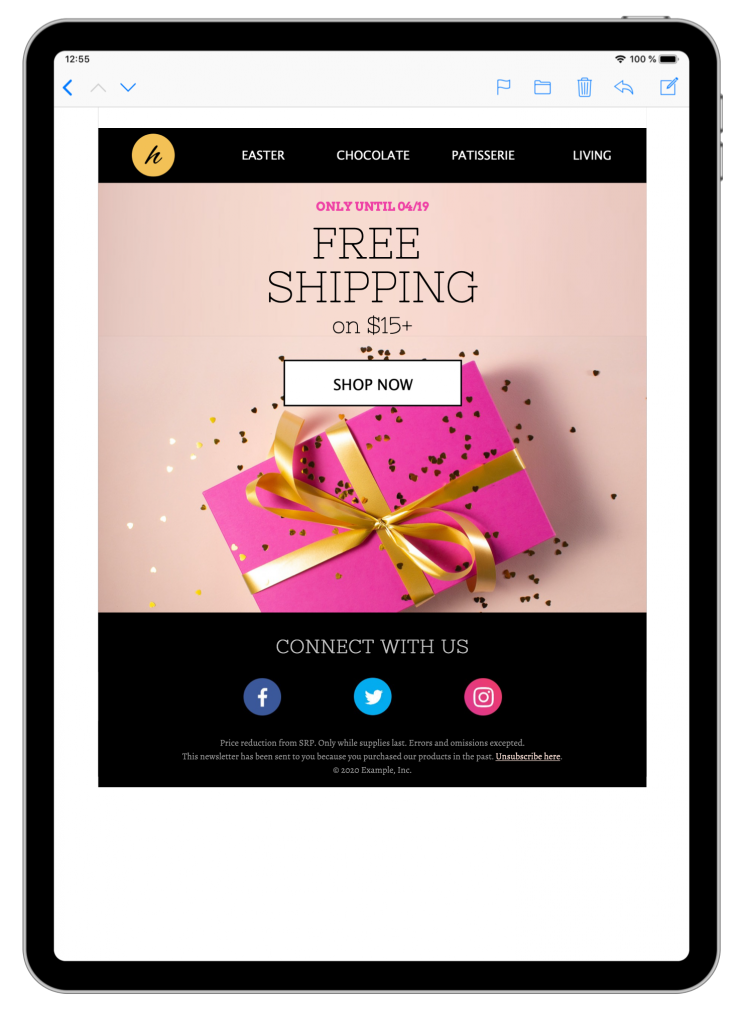
- Great for gift retailers or chocolate stores looking to advertise exclusive Easter promotions.
- Bold CTA button helps get customers ready to shop your Easter deals.
- Pre-formatted social media footer to help build up your following on other platforms.
- Exclusively available in Business and Business Premium plans.
Want to get started with your spring email design? These new Design Ideas are now exclusively available in Mail Designer 365 in the Design Chooser.
Don't have a Mail Designer 365 plan yet? Sign up today for free to start testing all the Mail Designer 365 features and the new spring Design Ideas!
Until next time,
Your Mail Designer 365 Team
Get started with the Mail Designer 365 service today for free...
Sign up free today to see what you can achieve.

Prepare a spring campaign for sending
Before customizing a template, decide what the reader should do next. For timing and campaign planning inspiration, review our spring email marketing strategy. A sale email may need one prominent shopping button, while an event announcement needs the date, location, and registration action close together. Remove decorative sections that do not support that goal.
Preview the layout on mobile as you work. Large flower graphics, product grids, and wide headlines may need more spacing or a different crop on a narrow screen. Check that text remains readable over colored backgrounds and that buttons are easy to tap.
Keep the seasonal theme accessible
Pastel palettes can lose contrast quickly, especially for small copy. Pair pale backgrounds with dark text and avoid placing essential information inside images. Add concise alt text to meaningful graphics so the message remains understandable when images are blocked.
Finally, send a test email and verify the subject line, preview text, links, personalization, and unsubscribe behavior. Save the finished spring email design as a reusable starting point, but refresh the offer, images, and timing for the next campaign.