

Mail Designer 365 Blend Modes
Mail Designer 365 Blend Modes let you apply beautiful layering effects to images, shapes, and other design elements. Preview 24 effects and build distinctive email graphics directly in the app. Blend Modes are exclusively available in Mail Designer 365 Business Premium plans.
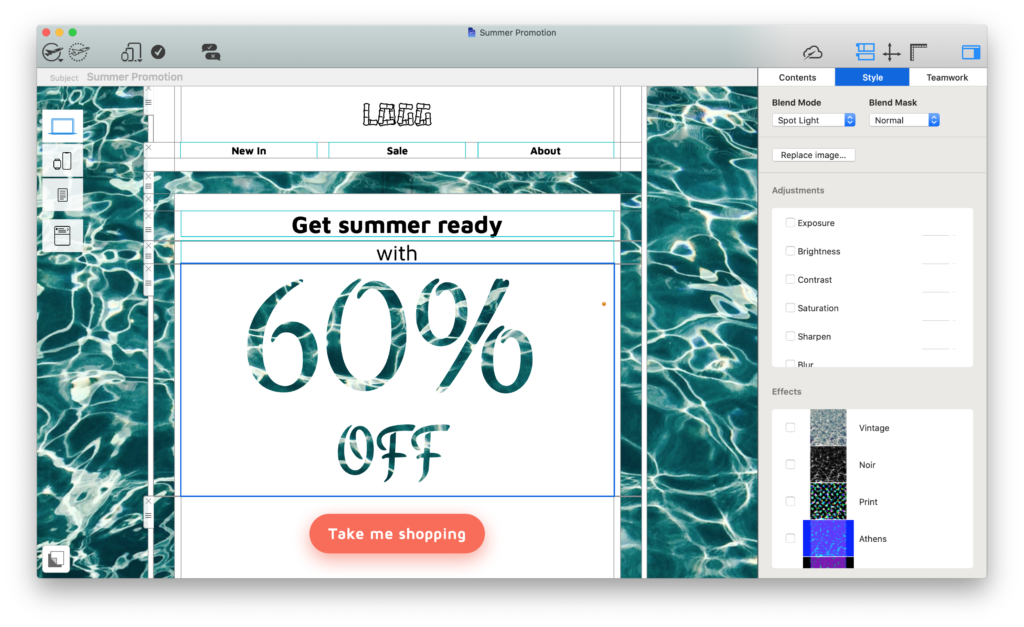
PRODUCE INCREDIBLE BLEND MODE EFFECTS
Apply unique layering effects to your designs
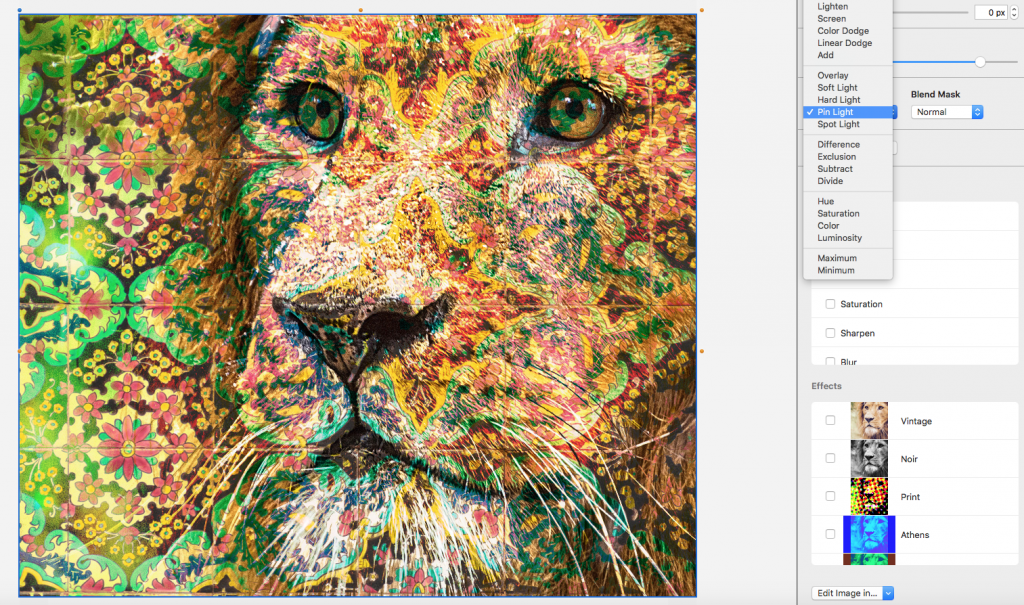
Give your design character
Blend Modes allow you to determine how multiple graphic elements behave when layered together..
Experiment with 24 different Blend Modes to create the perfect blend effect for your design. The practical hover preview allows you to compare all blend modes faster and decide on the ultimate effect.
Recreate Photoshop styles
No more swapping between apps - the Blend Modes feature gives you the creative freedom to apply complex graphic effects right here in Mail Designer 365. Play around with color, transparency, gradient and more for beautiful email designs.
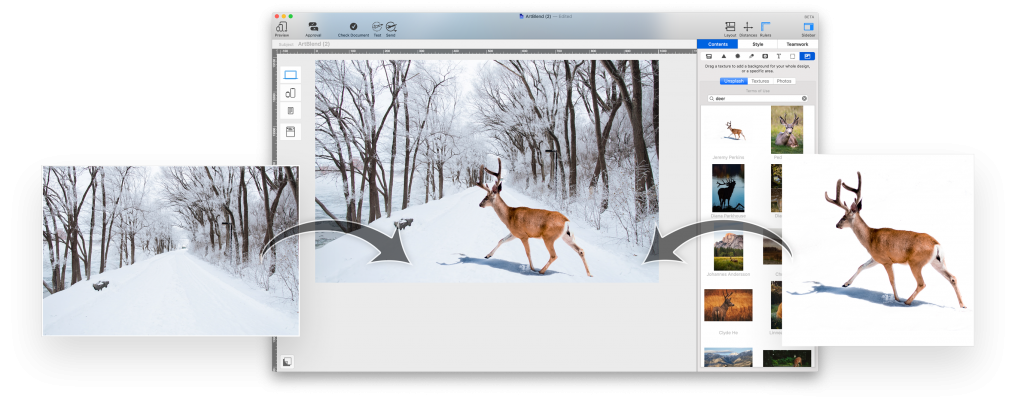

Make it your own
Access all the Blend Modes you know from Photoshop: Choose from lightening, darkening, color dodge and overlay effects- plus many more.
Tip: Not just for images. Apply Blend Modes to shapes and other graphic elements to create a unique partial filter effect.
Watch the video
GET BLEND MODES
Discover Business Premium
Upgrading to a Mail Designer 365 Business Premium plan gives you exclusive access to Blend Modes and other amazing design features. See all premium features here.
How to upgrade
Carry out the following steps to cross-upgrade to a Business Premium plan:
- Go to your my.maildesigner365.com portal. We have already preselected a yearly Mail Designer 365 Business Premium plan.
- Review your payment interval, and the number of licenses you wish to purchase.
- Select your payment method and complete your purchase.
- Your new plan is now available for you to use in your team!
P.S. Don't have a team plan? Here's how to convert your plan.