Frequently Asked Questions
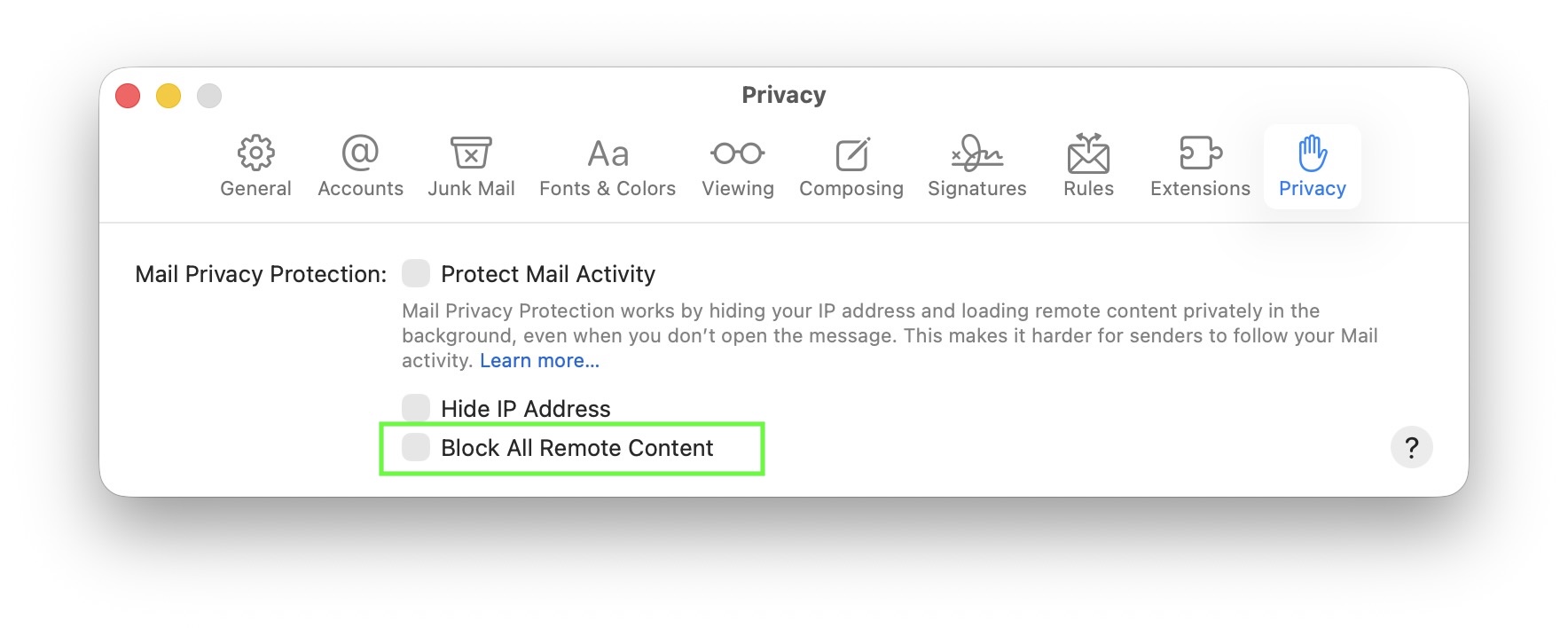
On macOS, the Mail app includes privacy options that let you block all remote content from loading. When “Block All Remote Content” is enabled, Mail won’t load any images or other external resources in emails. This can improve privacy, but it also prevents email images from displaying automatically.
Normally, this setting is off by default, so most users won’t see this issue. It only occurs if you’ve manually turned on the option to block remote content.
When remote content is blocked, you’ll see a notice at the top of your email saying “This message contains remote content” with a button to Load Remote Content:

To allow images to load automatically again, open Mail, go to Mail > Settings > Privacy, and make sure “Block All Remote Content” is not selected: