
Frequently Asked Questions
Why are the pictures in my email not showing in Outlook?
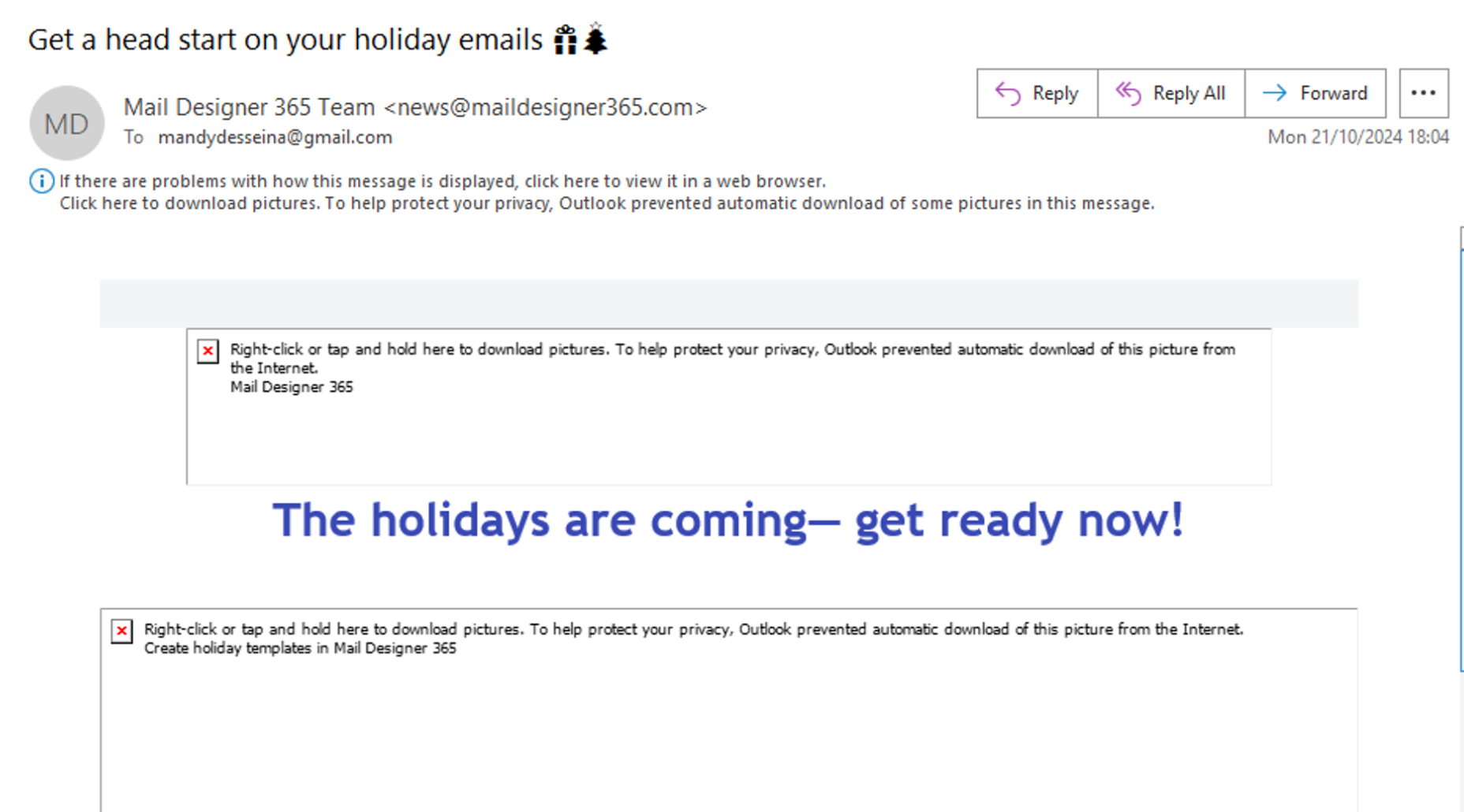
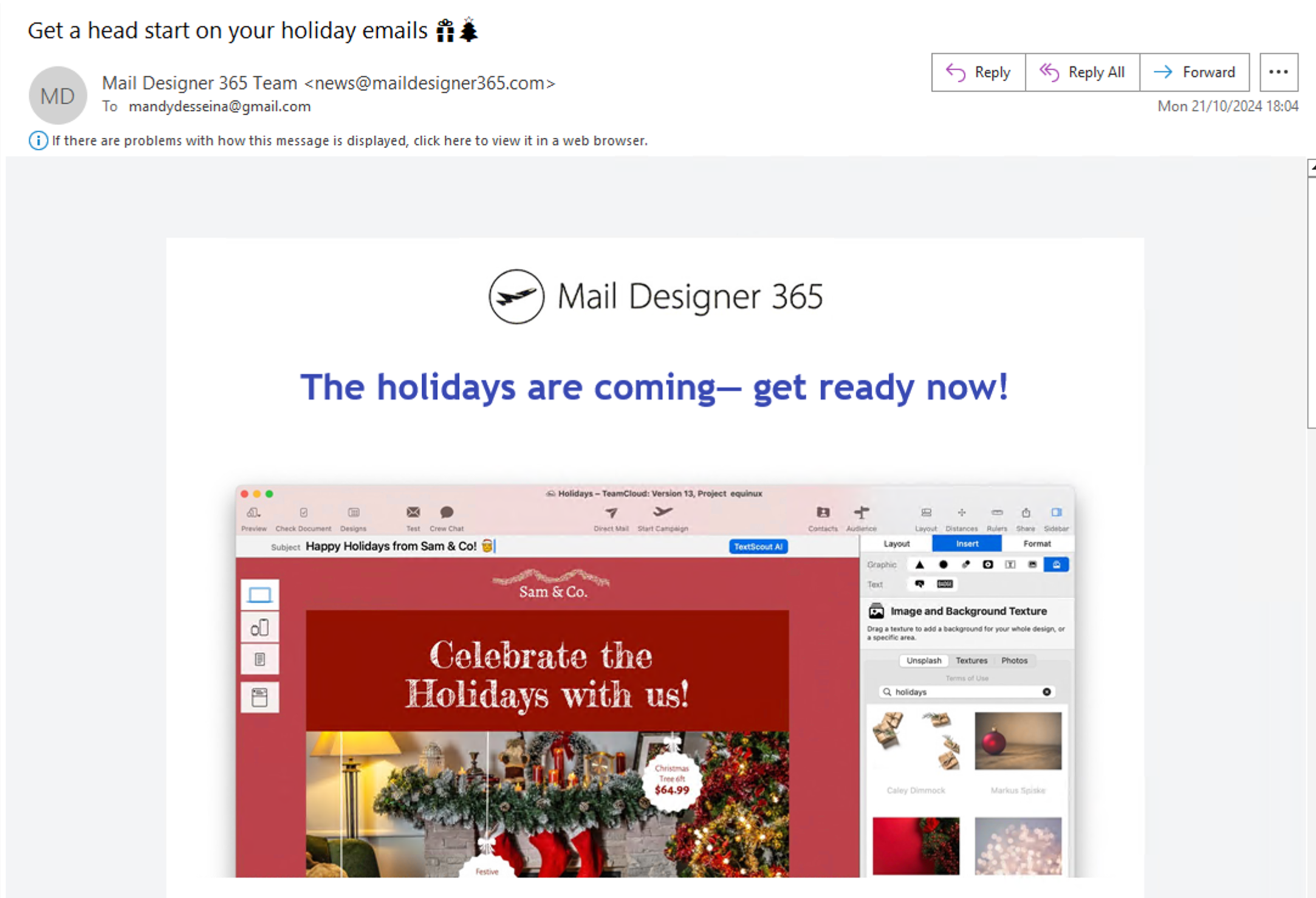
If your email images aren’t showing and you see empty boxes with red Xs, Outlook has blocked automatic image downloads. This is a built-in privacy setting that affects all incoming emails — not just yours.
Outlook does this to protect your privacy, especially when images are hosted on external servers. This setting is common and can be changed by the user.
Tip:
If you're using Mail Designer 365, make use of styled text buttons instead of image buttons. These always appear, even if images are blocked, and help your recipients interact with your email. Learn more about text buttons and badges in Mail Designer.
Want to show images in Outlook? Click here for step-by-step instructions on how to enable image downloads in Outlook.