
Frequently Asked Questions
Yes, with Mail Designer 365 you can track whether an email was opened. The built-in Mail Designer Delivery email tracking features give you detailed statistics for every email and campaign you send.
Whether you're using Direct Send or sending a newsletter campaign: If you send your email using the built-in delivery service in Mail Designer 365, you'll get access to detailed analytics – including open rate, click rate, and many other important metrics.
You can view analytics for your newsletter campaigns here:
https://my.maildesigner365.com/team/deliveries/campaigns/finished
Detailed tracking is also available for Direct Send emails. You can find the relevant statistics here:
https://my.maildesigner365.com/team/deliveries/direct/finished
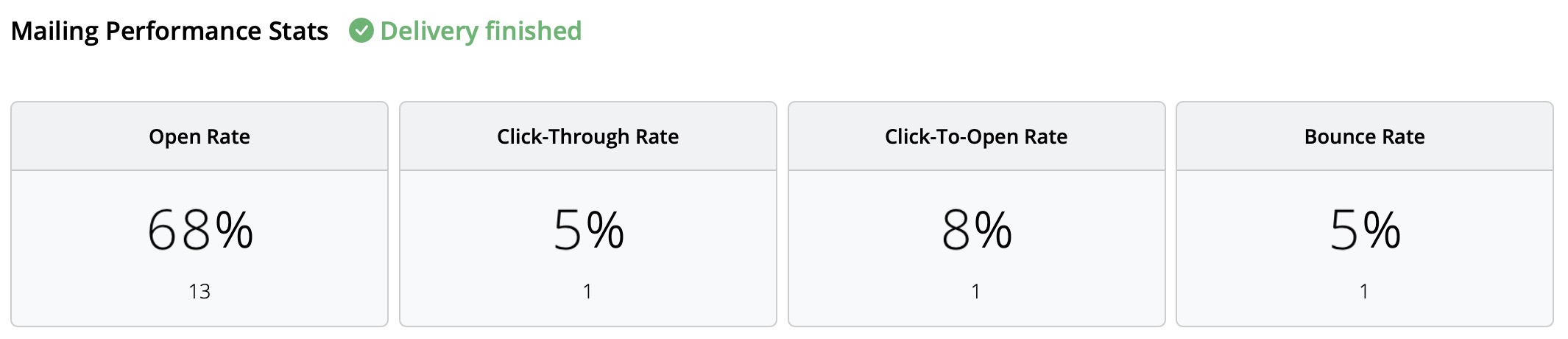
No matter which sending method you choose, Mail Designer 365 provides the following analytics:
- Open rate and total opens
- Click rate and total clicks
- Delivery status and bounces
- Unsubscribes (unsubscribe rate)
- Detailed link click tracking
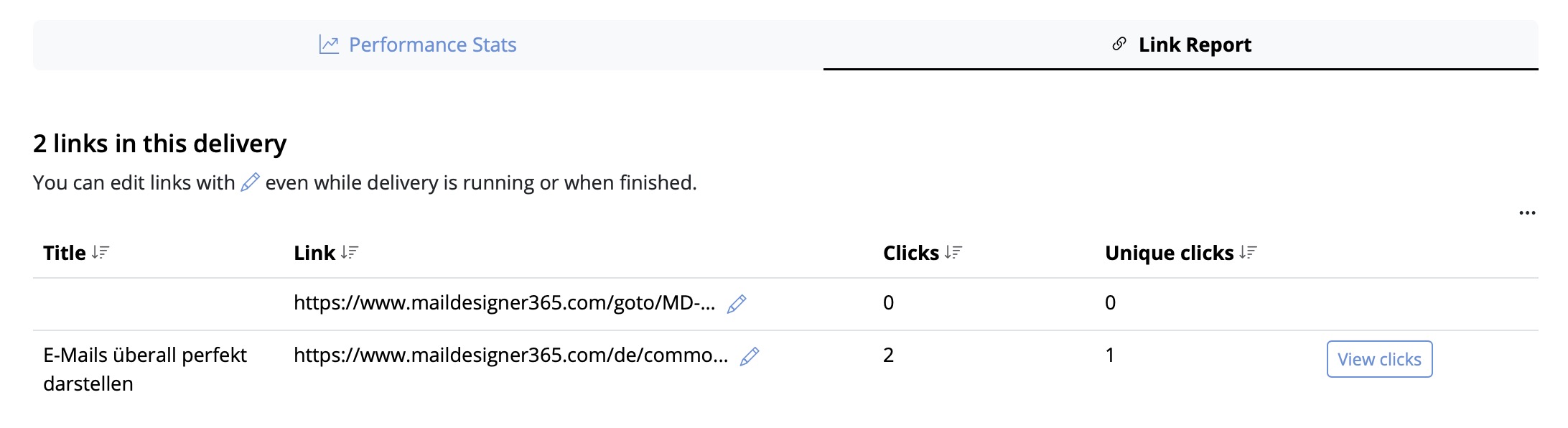
- Recipient-level statistics
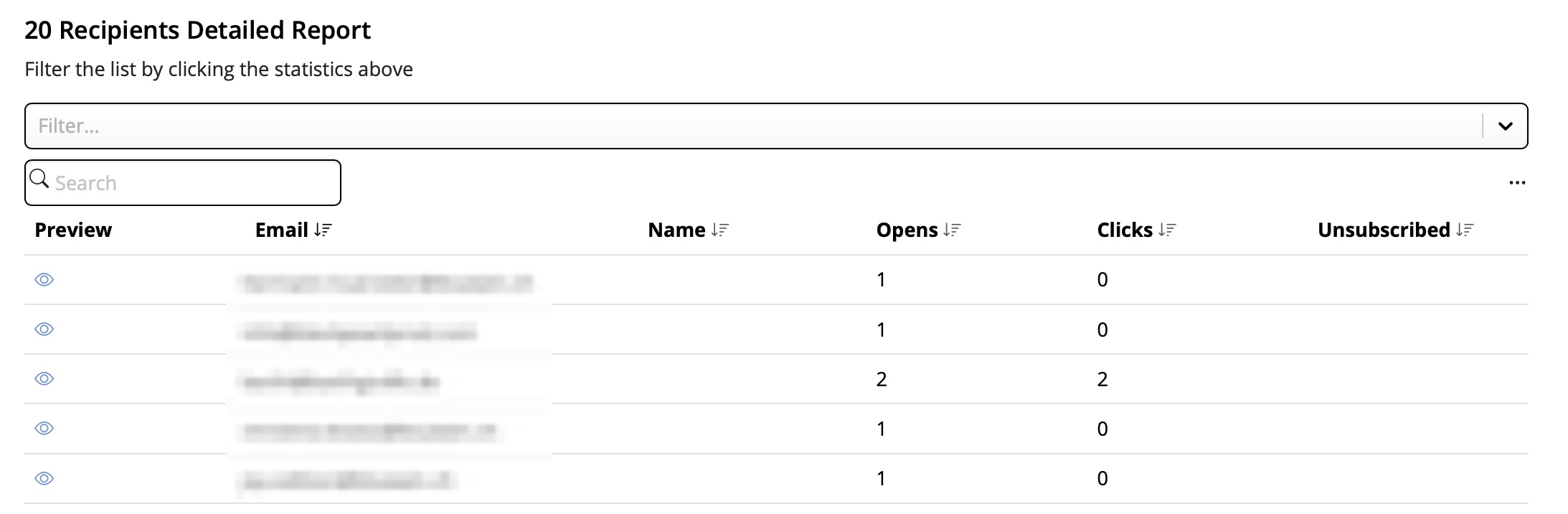
This performance analysis helps you better understand the success of your email campaigns and improve your content accordingly.
Tip: For accurate results, we recommend checking your statistics at least 24 hours after sending. This ensures your recipients had enough time to open and engage with your email.