Frequently Asked Questions
How do I change my Team Name?
To change the name of your VPN Tracker Team follow these steps:
- Log in to your my.vpntracker.com account
- Select your team in the top left corner
- On the left side choose "Team Cloud"
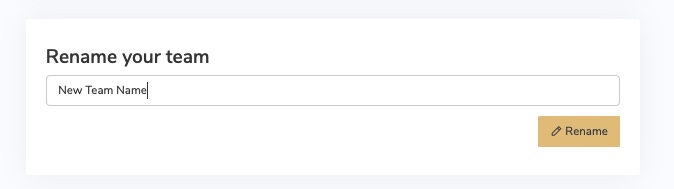
- Scroll down to the section "Rename your team"
- Enter your new Team Name and press "Rename"