
Frequently Asked Questions
My regular AOL password isn't working when I set up my email account
Like many other email clients today, AOL require app-specific passwords when setting up your AOL email address in another app or service.
If you want to use your AOL email account to send email designs via Mail Designer 365, you will need to generate a special password. Here's how:
 This password you have just created is the password you will need to use to set up your AOL account in Mail Designer 365.
- Log in to your AOL account and go to your account settings
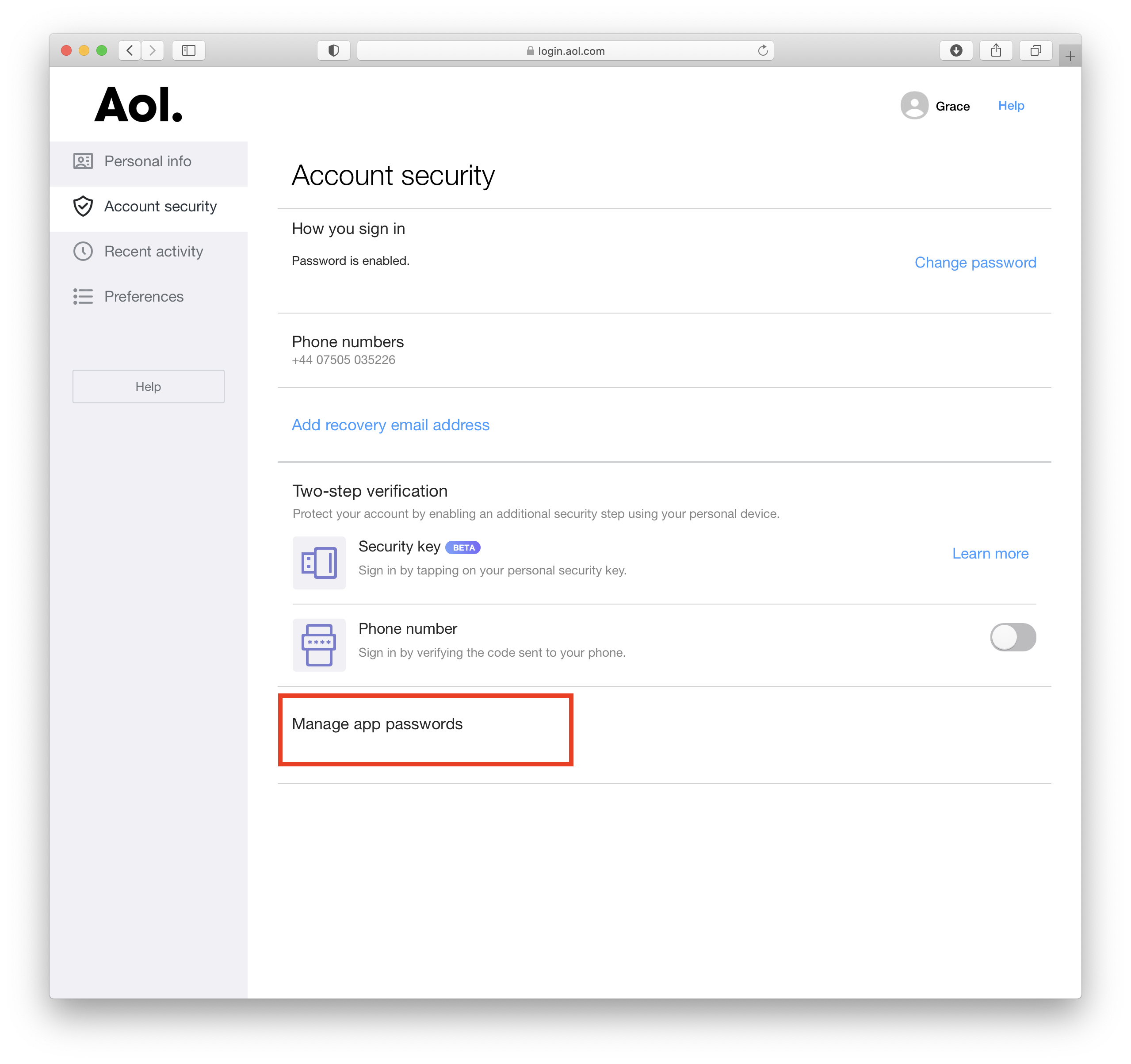
- Go to the "Account Security" tab and choose "Manage app passwords."
- From the dropdown menu, select "Other" and give the app a name (i.e. Mail Designer 365)
- Click "Generate" to create a new password. This will appear on your screen
This password you have just created is the password you will need to use to set up your AOL account in Mail Designer 365.