
Frequently Asked Questions
Where are my images hosted?
The way Mail Designer 365 handles your images varies depending on how you choose to send your finished email design.
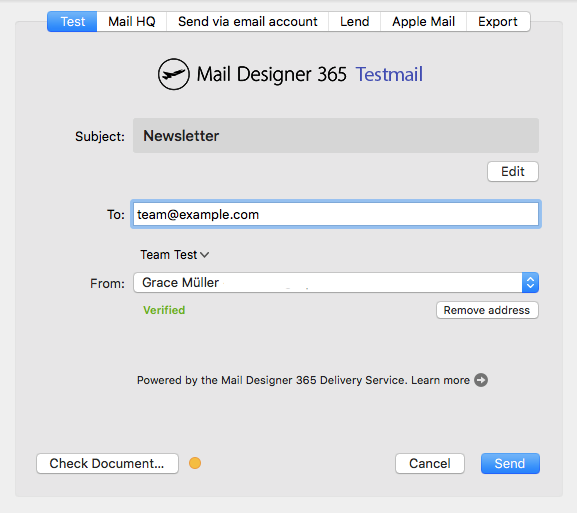
Sending via our Testmail service:
When you send a test email using our Testmail service, the images in your email are hosted on our secure servers.
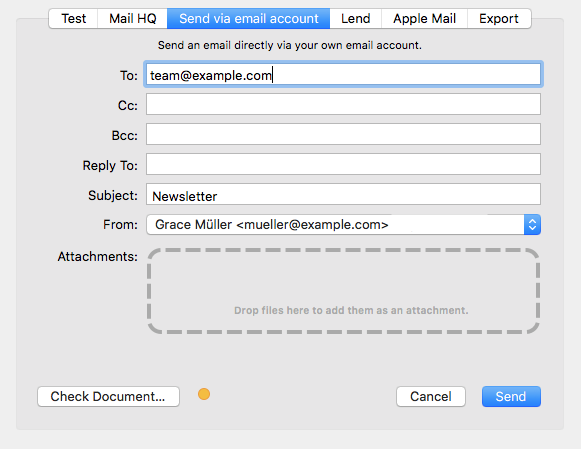 Sending via Delivery Hub:
When you send your email design via Delivery Hub, Mail Designer 365 behaves the same way as all other email clients and embeds your images in the email. In this case, your image will not need to be hosted elsewhere.
Sending via Delivery Hub:
When you send your email design via Delivery Hub, Mail Designer 365 behaves the same way as all other email clients and embeds your images in the email. In this case, your image will not need to be hosted elsewhere.
 Exporting to Mailchimp, Campaign Monitor or Direct Mail
When you use one of Mail Designer 365's direct integrations, your images will be exported together with the email design and hosted by the respective platform.
Sending via another external service:
The way images are handled by external services such as email service providers varies based on the provider. Some providers will host your images for you; however, many others will require you to host your images yourself.
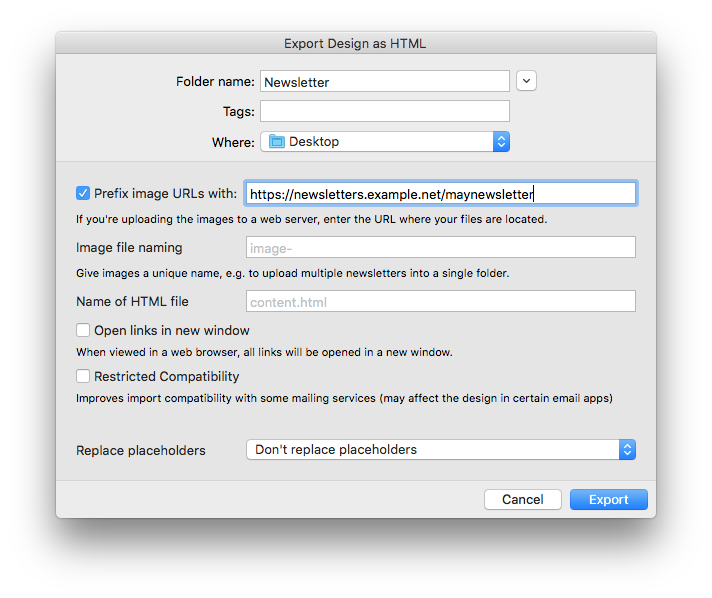
Mail Designer 365 has an option to enter your web server's URL during HTML export that lets you reference images that way. Learn more.
Exporting to Mailchimp, Campaign Monitor or Direct Mail
When you use one of Mail Designer 365's direct integrations, your images will be exported together with the email design and hosted by the respective platform.
Sending via another external service:
The way images are handled by external services such as email service providers varies based on the provider. Some providers will host your images for you; however, many others will require you to host your images yourself.
Mail Designer 365 has an option to enter your web server's URL during HTML export that lets you reference images that way. Learn more.
 Refer to the documentation provided by your ESP for more information on what is required.
Sending via Delivery Hub:
When you send your email design via Delivery Hub, Mail Designer 365 behaves the same way as all other email clients and embeds your images in the email. In this case, your image will not need to be hosted elsewhere.
Exporting to Mailchimp, Campaign Monitor or Direct Mail
When you use one of Mail Designer 365's direct integrations, your images will be exported together with the email design and hosted by the respective platform.
Sending via another external service:
The way images are handled by external services such as email service providers varies based on the provider. Some providers will host your images for you; however, many others will require you to host your images yourself.
Mail Designer 365 has an option to enter your web server's URL during HTML export that lets you reference images that way. Learn more.
Refer to the documentation provided by your ESP for more information on what is required.