
Frequently Asked Questions
My Campaign Monitor API key is not working
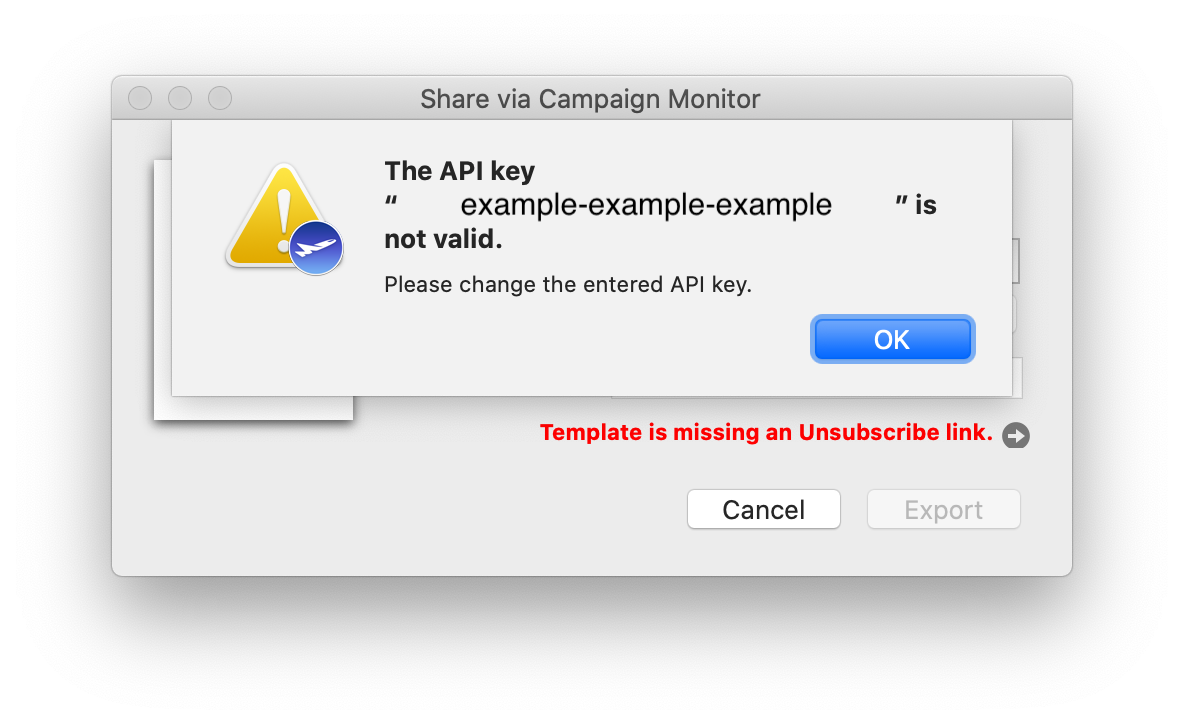
If you have received the following error message when trying to export your design from Mail Designer 365, you will need to ask Campaign Monitor for a new API key.
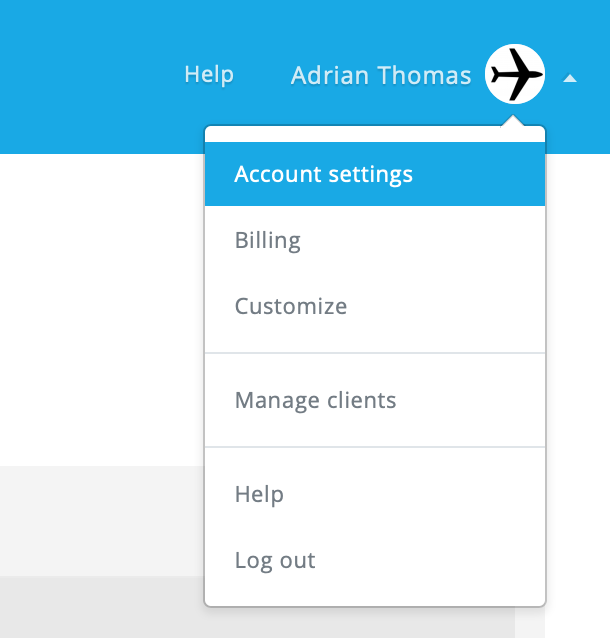
 In order to generate a new API key and carry on exporting designs from the app as usual, log in to your Campaign Monitor account and head to "Account settings":
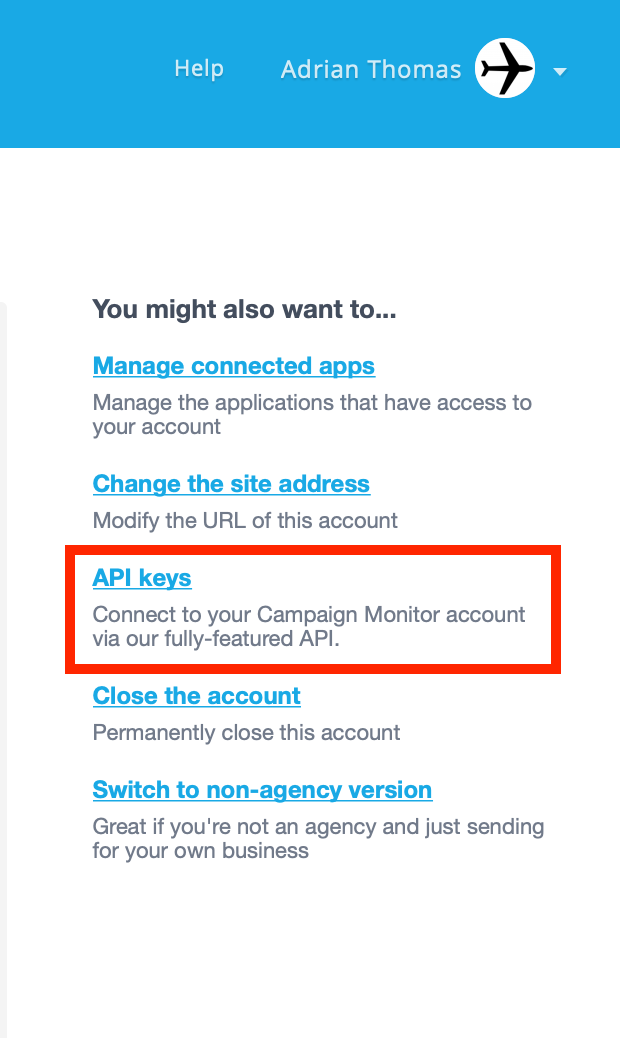
 Then, go to "API keys", where you can generate a new API key:
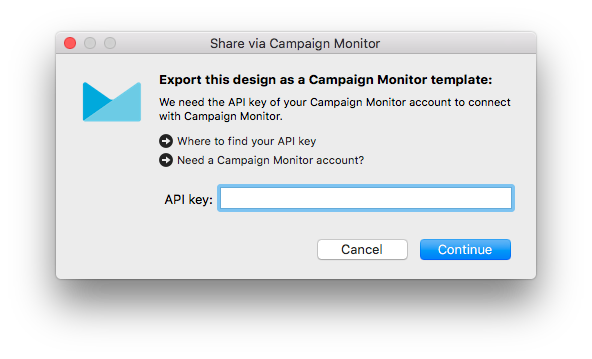
 Once you have done this, update your new API key in the app and try your export again.
In order to generate a new API key and carry on exporting designs from the app as usual, log in to your Campaign Monitor account and head to "Account settings":
Then, go to "API keys", where you can generate a new API key:
Once you have done this, update your new API key in the app and try your export again.