Frequently Asked Questions
How do I create a list in my Mail Designer 365 email newsletter?
Mail Designer 365 allows you to add lists within your text areas.
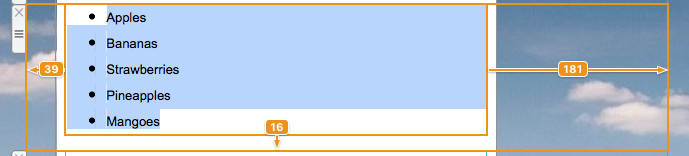
‣ Drag and drop a text area into your email template. ‣ Double-click on the text area. ‣ Type your list. Highlight the text where you want the list to appear.Please refer to the following page for further information on how to create a list:‣ On the right side of the screen, you will find a side bar in which you can choose the list style under "Lists." ‣ Choose the list style you want.
‣ It will automatically transform your words into a list with your chosen bullet point.